Hello,
Please follow the instructions in this documentation to activate debug in your site to see any PHP errors recorded that can provide insight on to whats going on. Please reply with a link to debug.log file. If you are not able to do this please send us FTP access to your site so we can do this for you.
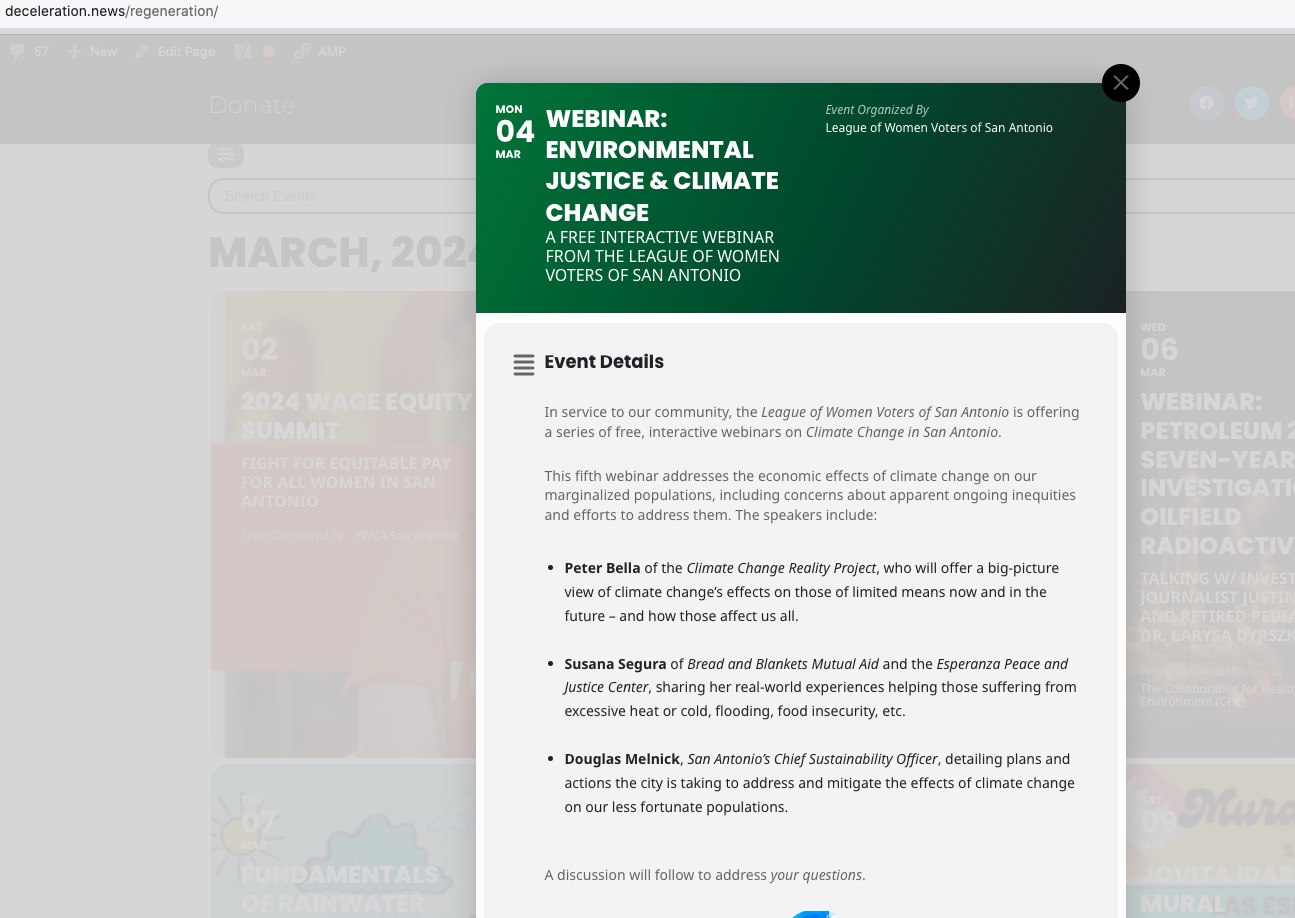
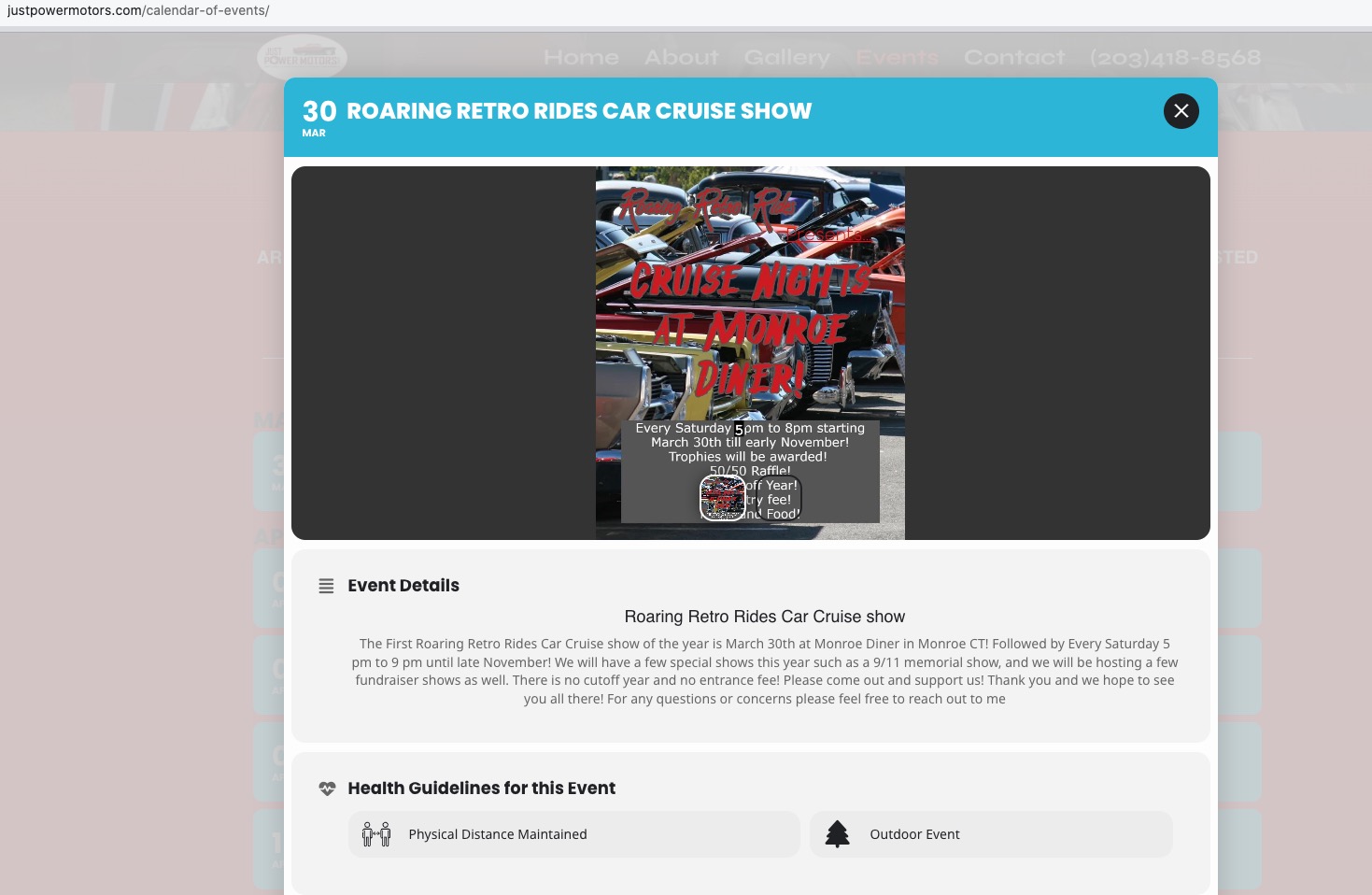
Could you send us a screenshot? On my side:
You are trying to open events as Lightbox popup window, correct?
On my side:

Hello,
Thank you for your messages, I am going to assign this ticket to Ashan and he will be able to take it from here and find you a solution. Please allow some time for him to get back to you, we greatly appreciate your patience and thank you for being a eventon customer!
Could you try updating Tickets add-on?
To update eventon addons: You can download latest eventon addons from myeventon > my account. Then you can go to your website, deactivate old addon and install new one and activate then delete the old addon. This link will further explain the process. Also you can follow us on twitter to get real-time announcements on updates!
I did some tests and not sure what the issue is at the moment, so please try updating.
On the staging site, I enabled the “Disable CSV export event formatting” option and exported. The download file still only contains 1,396 events vs the 2,127 in the Events dashboard.
Is that also what you are seeing when you download the events from the staging site and compare them to the events shown in the dashboard?
You can use this CSS to make it non-clickable:
.evo_card_organizer_name_t.marb5 a { pointer-events: none; }
Please try and let me know.
We are sorry for the delay. I did some tests and could you go to EventON > enable “Disable CSV export event formatting.” and then try to export?
Ah ok, I am going to close this one.
Ashan,
The page: https://dev2.myeventon.com/53406-2/