Thank you for letting us know we will implement these in the upcoming updates as lot of users are already relying on those secondary header tags we have to use careful methods for changing those.
Archives: Replies
Replies for tickets on suppota
Reply to: tickets(344425)
Glad to hear this!
Reply to: tickets(346193)
I have gone ahead and refundd your order and cancelled the subscription. If you have more questions, kindly send us a new ticket and we would be more than happy to help you resolve your issues!
Reply to: tickets(346051)
Brian would you mind sharing the order ID for this?
Reply to: tickets(347403)
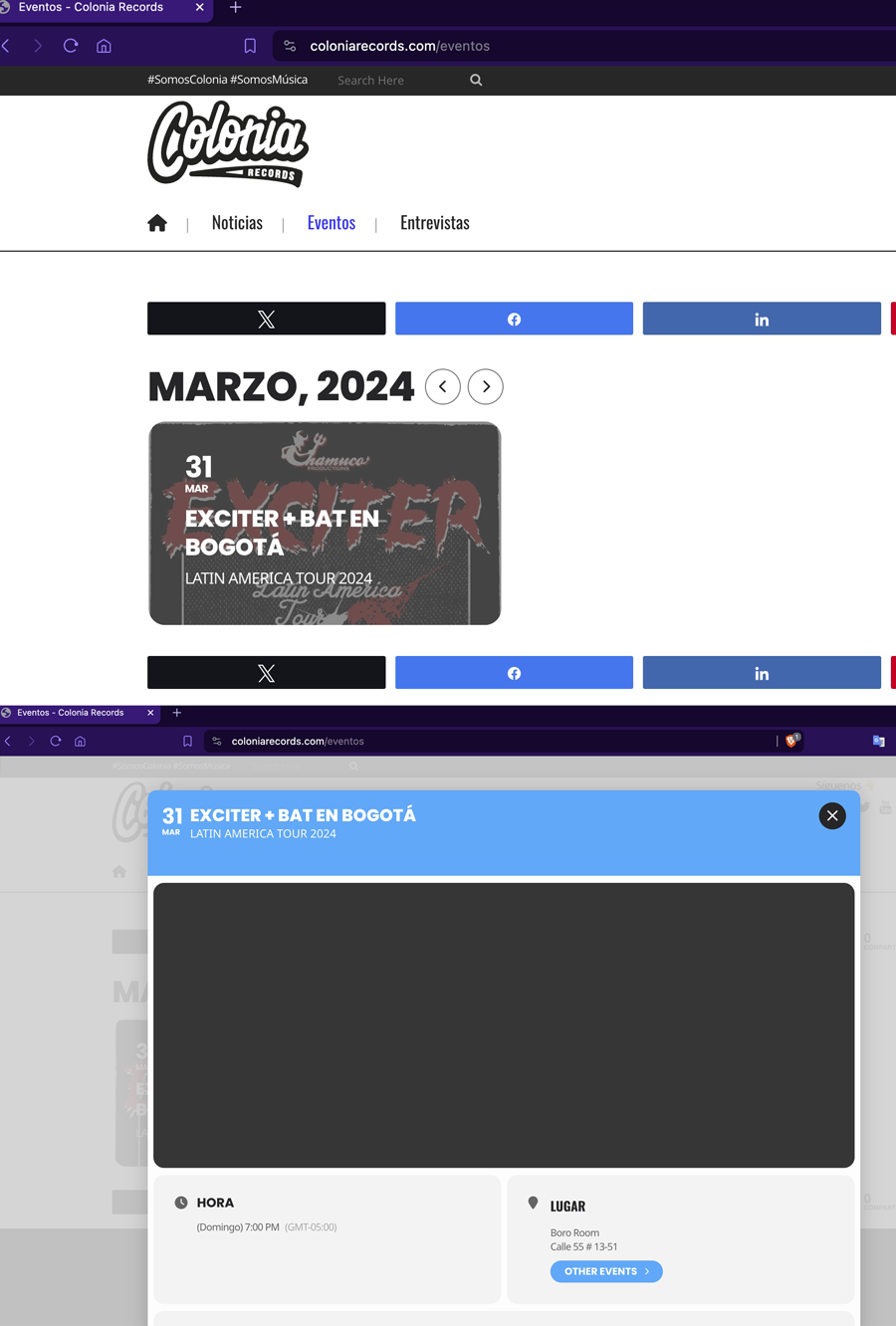
I have added the value you mentioned, but the functionality does not seem to be the same as before. It is not essential that the image appears as a lightbox. Before, when clicking on the event, the image was displayed in its entirety with the information underneath. is it possible to restore that setting? I really appreciate your help and need to resolve this, please. If it is not possible, could you please tell me how I can revert it or install a previous version? The current display does not meet my expectations. Thank you.
You can see an example of how it loads in the link below: https://coloniarecords.com/eventos
In previous versions, I did not experience this problem. I greatly appreciate your help in advance.
Reply to: tickets(346388)
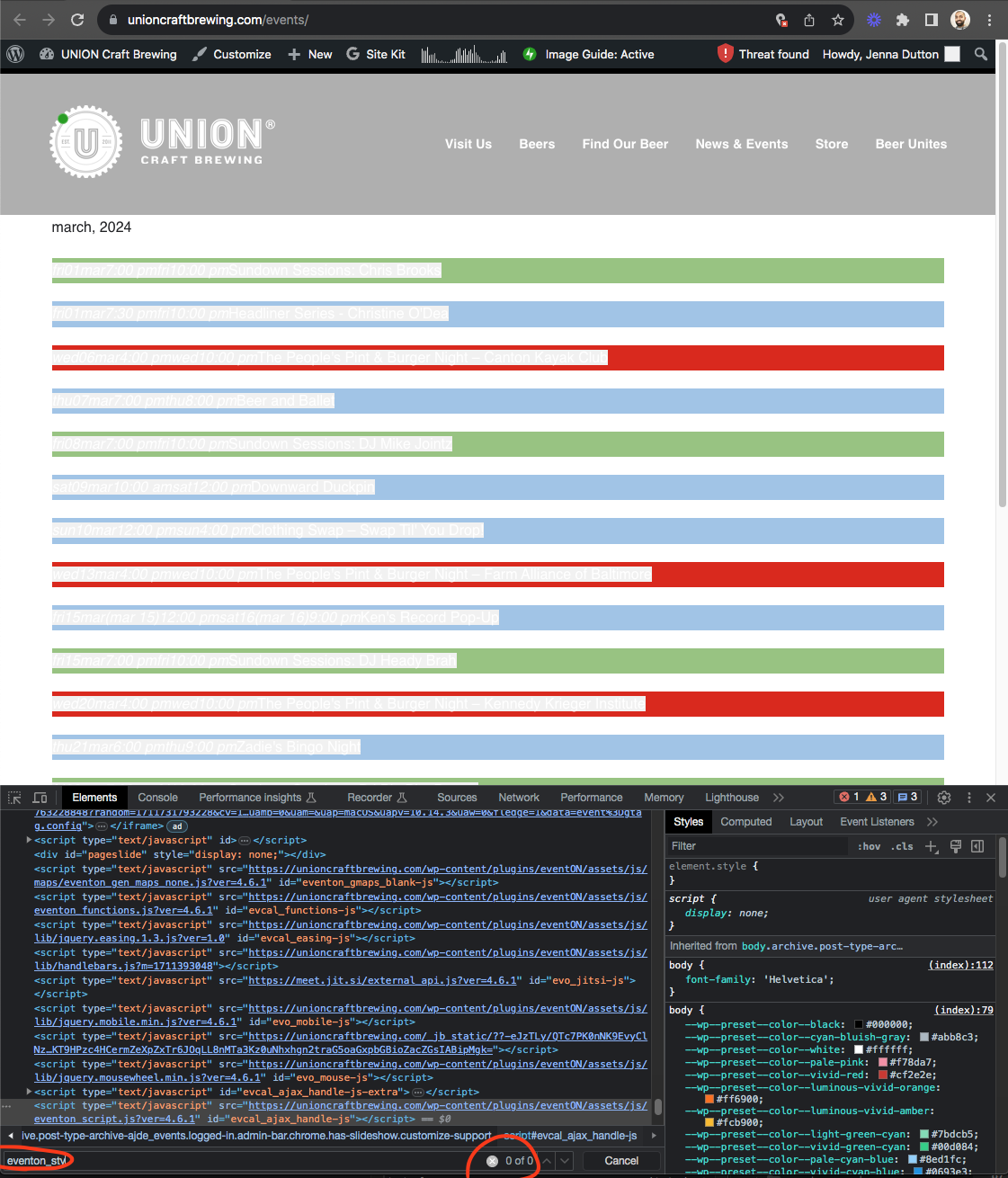
I see the problem with your site is it is not loading eventon_styles.css file into the webpage.
Perhaps check your website theme to make sure header styles are allowed?
Reply to: tickets(347508)
I should also add that in a non-full calendar, clicking on the event top does open the event card. See this page for reference: https://www.acplwy.org/events
Reply to: tickets(347430)
Perfect ! Thank you
Reply to: tickets(344835)
Hi Artem –
This is the shortcode I have in the Upcoming Events section on the homepage:
[add_eventon_slider slider_type=”mini” cal_id=”event_slider” slides_visible=”3″ slide_nav_dots=”yes” pec=”cd”]
This is the shortcode I have on the main calendar page:
[add_eventon_fc grid_ux=”2″ hover=”numname” style=”names” ]
Reply to: tickets(344065)
Checking back in. Can you please provide an update on the status of the troubleshooting?
Thank you!