I have gone ahead and refundd your order and cancelled the subscription. If you have more questions, kindly send us a new ticket and we would be more than happy to help you resolve your issues!
Archives: Replies
Replies for tickets on suppota
Reply to: tickets(346051)
Brian would you mind sharing the order ID for this?
Reply to: tickets(347403)
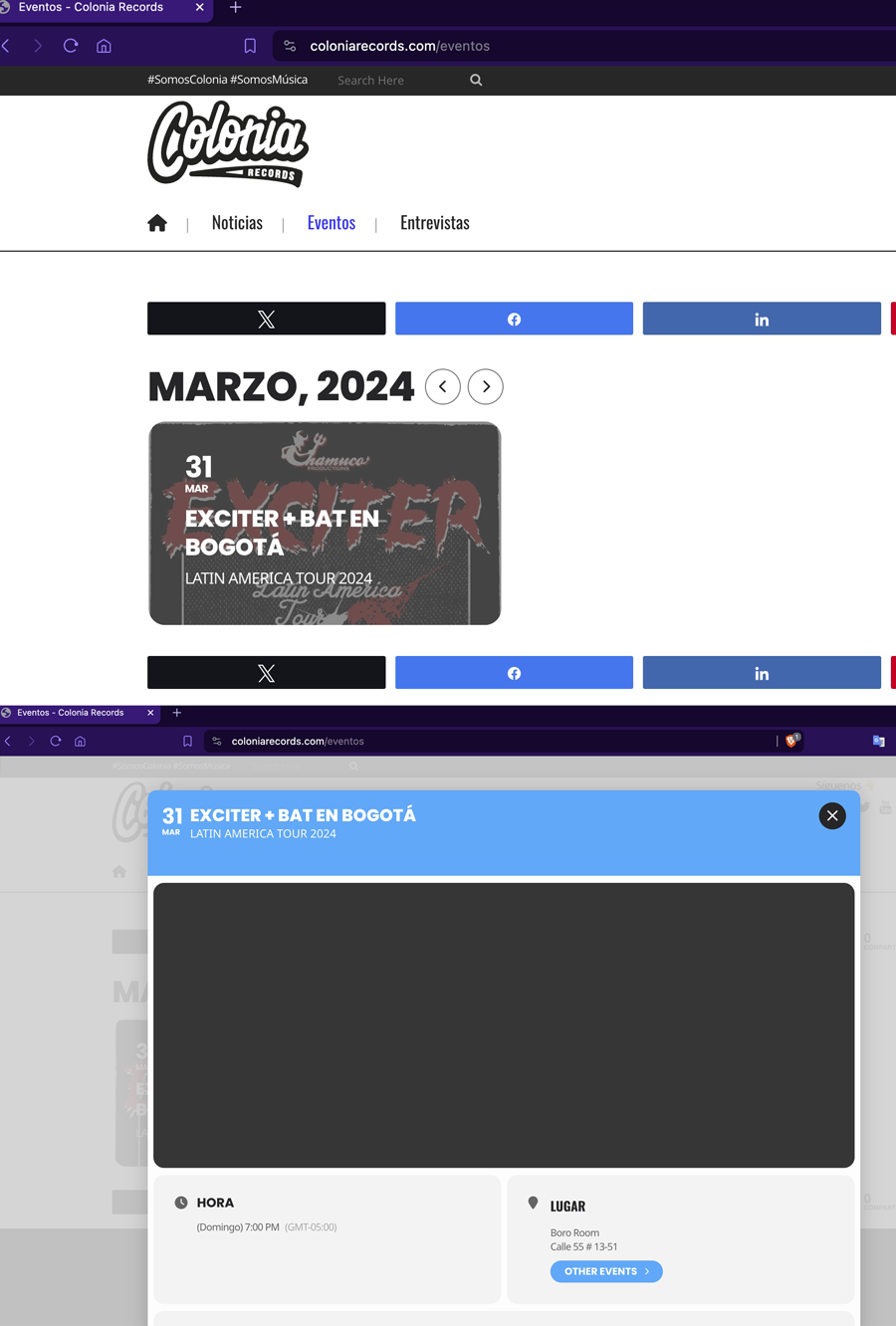
I have added the value you mentioned, but the functionality does not seem to be the same as before. It is not essential that the image appears as a lightbox. Before, when clicking on the event, the image was displayed in its entirety with the information underneath. is it possible to restore that setting? I really appreciate your help and need to resolve this, please. If it is not possible, could you please tell me how I can revert it or install a previous version? The current display does not meet my expectations. Thank you.
You can see an example of how it loads in the link below: https://coloniarecords.com/eventos
In previous versions, I did not experience this problem. I greatly appreciate your help in advance.
Reply to: tickets(346388)
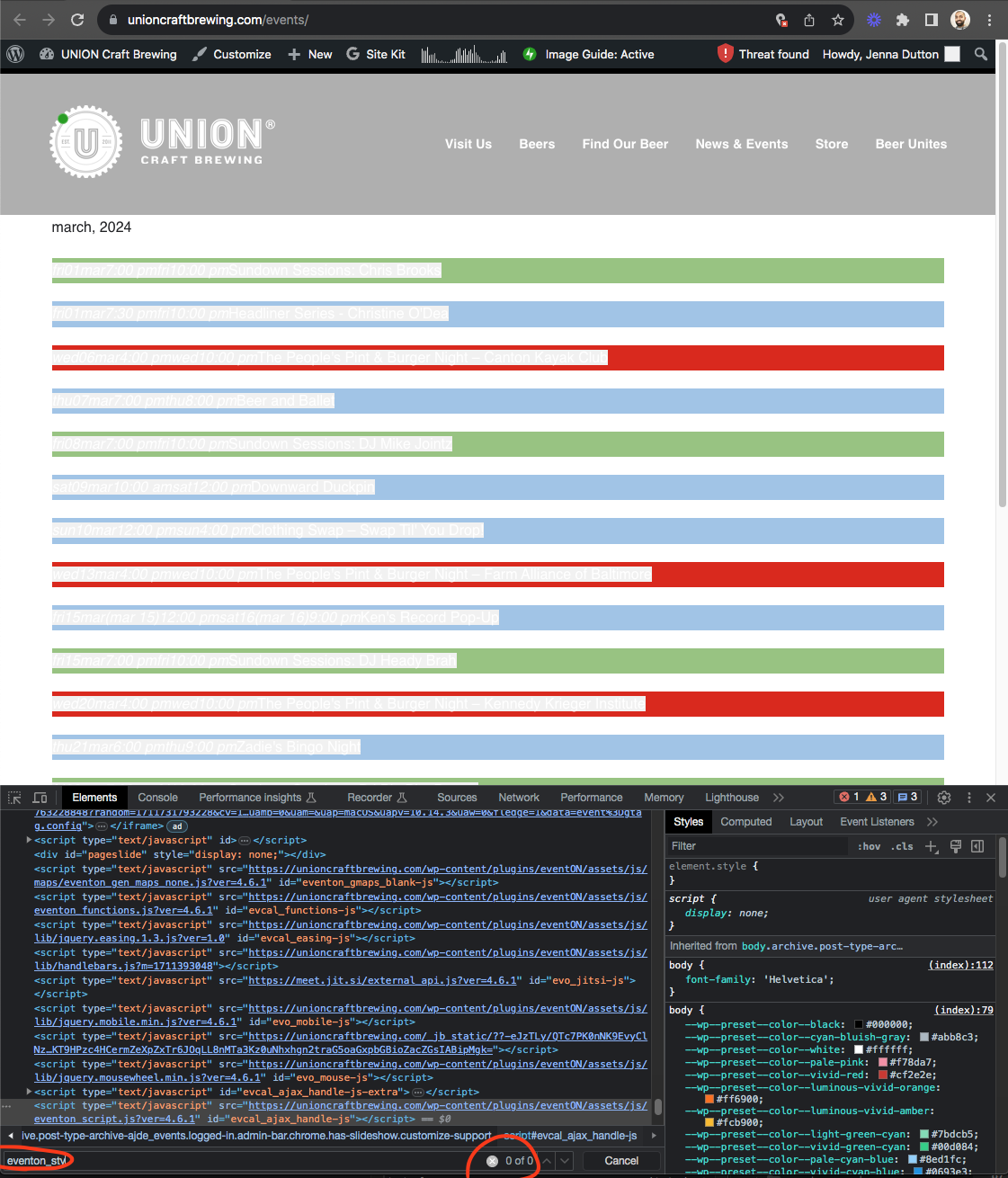
I see the problem with your site is it is not loading eventon_styles.css file into the webpage.
Perhaps check your website theme to make sure header styles are allowed?
Reply to: tickets(347508)
I should also add that in a non-full calendar, clicking on the event top does open the event card. See this page for reference: https://www.acplwy.org/events
Reply to: tickets(347430)
Perfect ! Thank you
Reply to: tickets(344835)
Hi Artem –
This is the shortcode I have in the Upcoming Events section on the homepage:
[add_eventon_slider slider_type=”mini” cal_id=”event_slider” slides_visible=”3″ slide_nav_dots=”yes” pec=”cd”]
This is the shortcode I have on the main calendar page:
[add_eventon_fc grid_ux=”2″ hover=”numname” style=”names” ]
Reply to: tickets(344065)
Checking back in. Can you please provide an update on the status of the troubleshooting?
Thank you!
Reply to: tickets(346961)
Now the lightbox is breaking frame and filling the whole page..again.
Reply to: tickets(346197)
Hi,
I have tried all the instructions in the link what you have send. but no luck