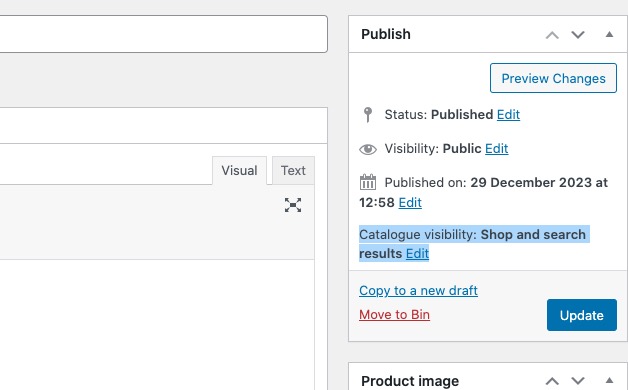
I went to EventON > Tickets > enabled Always redirect individual WC ticket Product page to event page on frontend. So all products that are associated with events should redirect to Single Event Page.
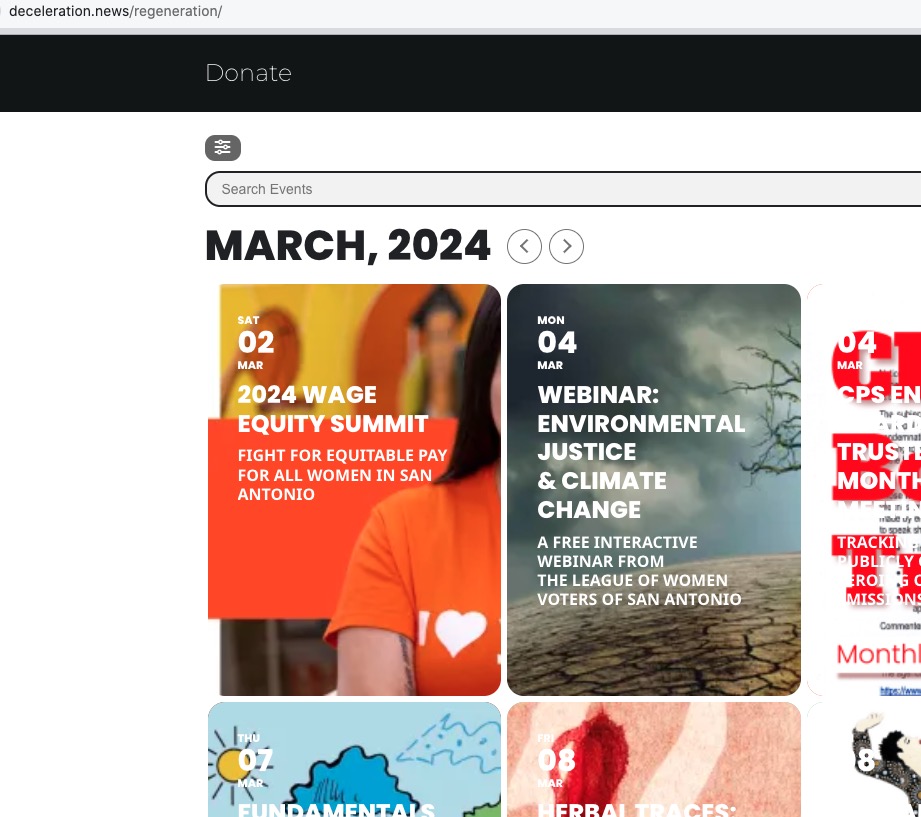
It seems that because products are visible and searchable, customers find and then purchase them:
Please take a look at this page:
https://www.avarus-berlin.de/en/test/
Your page is also need to be English, the shortcode must be L2.
Hello,
Could you try this code to change the organizer page:
.evotax_term_card .evotax_term_img img { height: 300px; width: auto; } .evotax_term_card .evotax_term_details, .evotax_term_card .evo_card_wrapper, .evotax_term_card { margin: auto 20px; }
Not possible to make it unclickable without changing the code, I am afraid.
Hello,
Could you elaborate more?
I created a new event named “Test” and then changed it’s date and time as well with no issues.
Please check and let me know.
Your version of EventON is 4.6, while the option is only available from 4.6.1. The thing is that 4.6.1 has some issues, so could you downgrade to 4.5.9?
https://helpdeskx.s3.amazonaws.com/wp-content/uploads/2024/03/28044059/eventON-4.5.9.zip
Downgrading also fixes the main issue with images.
The word is quite long, I am afraid. Please try
#evcal_list .eventon_list_event .evoet_cx span.evcal_event_title, .eventon_events_list .evcal_event_subtitle { font-size: 21px; }
You can change the appearance in EventON > Appearance > EventTop. If you don’t see any change, EventON > Scripts & Styling > turn off Write dynamic styles to header > save settings > turn on Write dynamic styles to header.
All white on my side:

Hello,
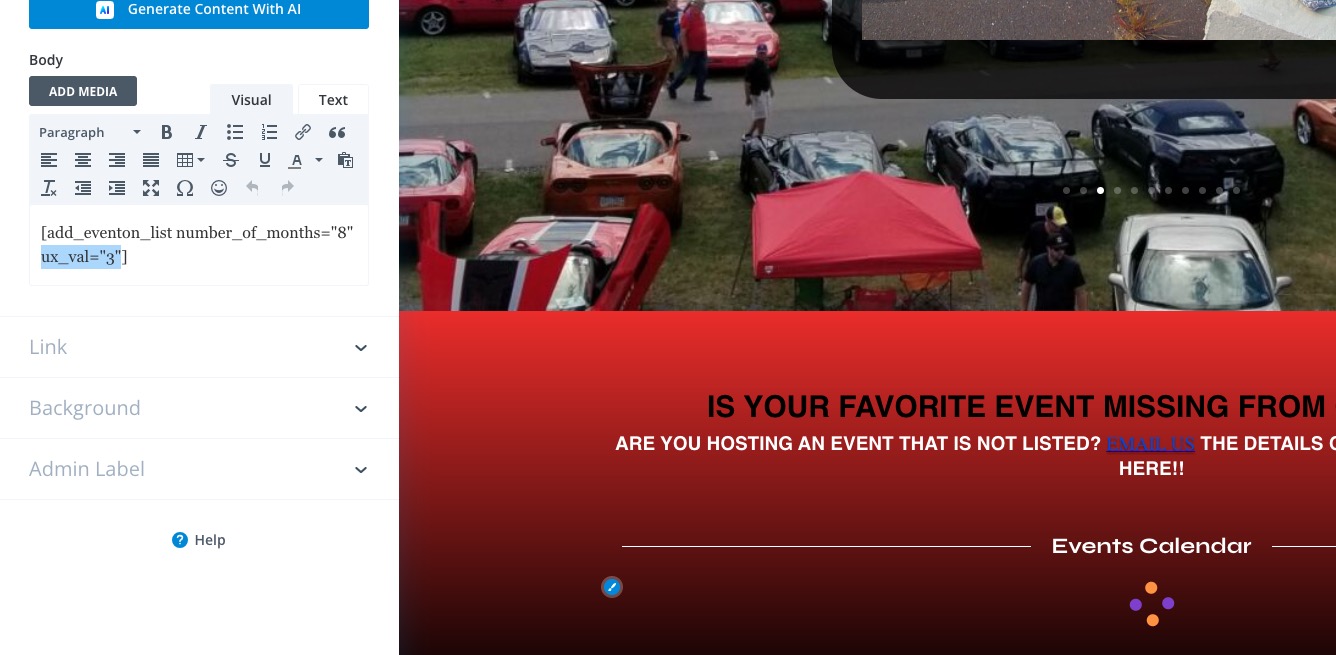
Please try adding ux_val to your shortcode. You can find it here:
https://pastebin.com/VECjaeHj
Right here:
I’ve made the change, so it should work now. Please check and let me know.