i haveadded it to appearance>>>>customize>>>>additional css
please check
Replies for tickets on suppota
i haveadded it to appearance>>>>customize>>>>additional css
please check
Here it was described how that should work with the link. It was long ago and, as I said, was deactivated for a long time until 4.6
https://helpdesk.ashanjay.com/ticket/organizer-link-in-eventcard/
I have added some css to appearance>>>>customize>>>>>additional css to give it a padding on the right hand side
I believe the siteground combined css is causing some issues
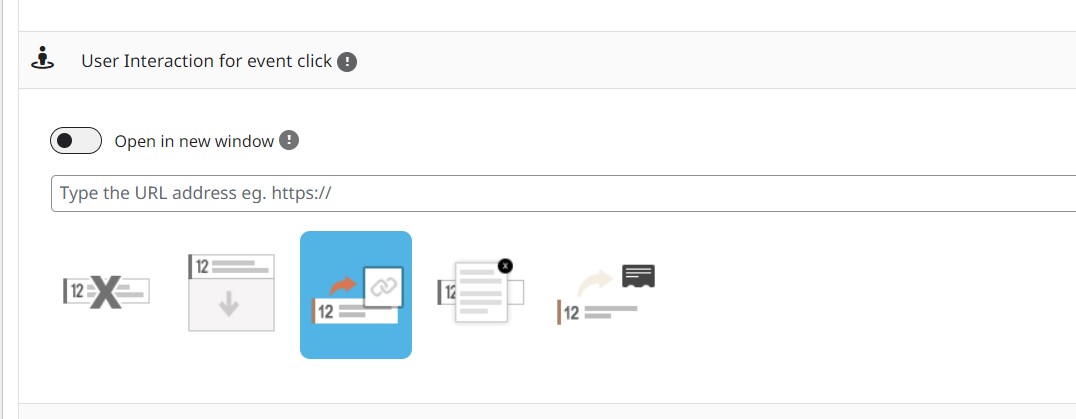
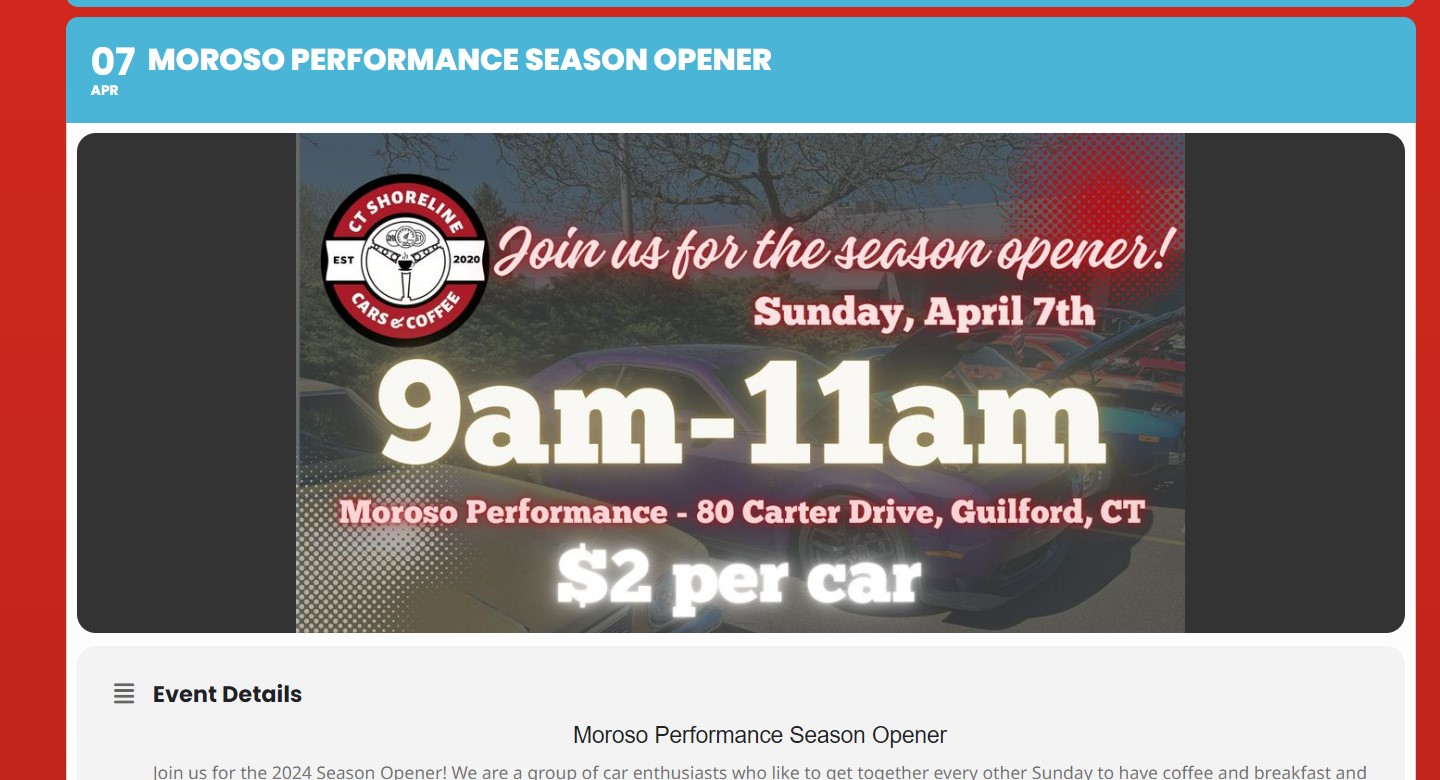
I’ve implemented this code but no effect.
I’ve tried to tuen off the dynamic style to header and again… no effect.
user: 1
password: NFIrJDlqj(IlAzL6@G4awf5H
url: https://www.tlvsparks.com/wp-admin/
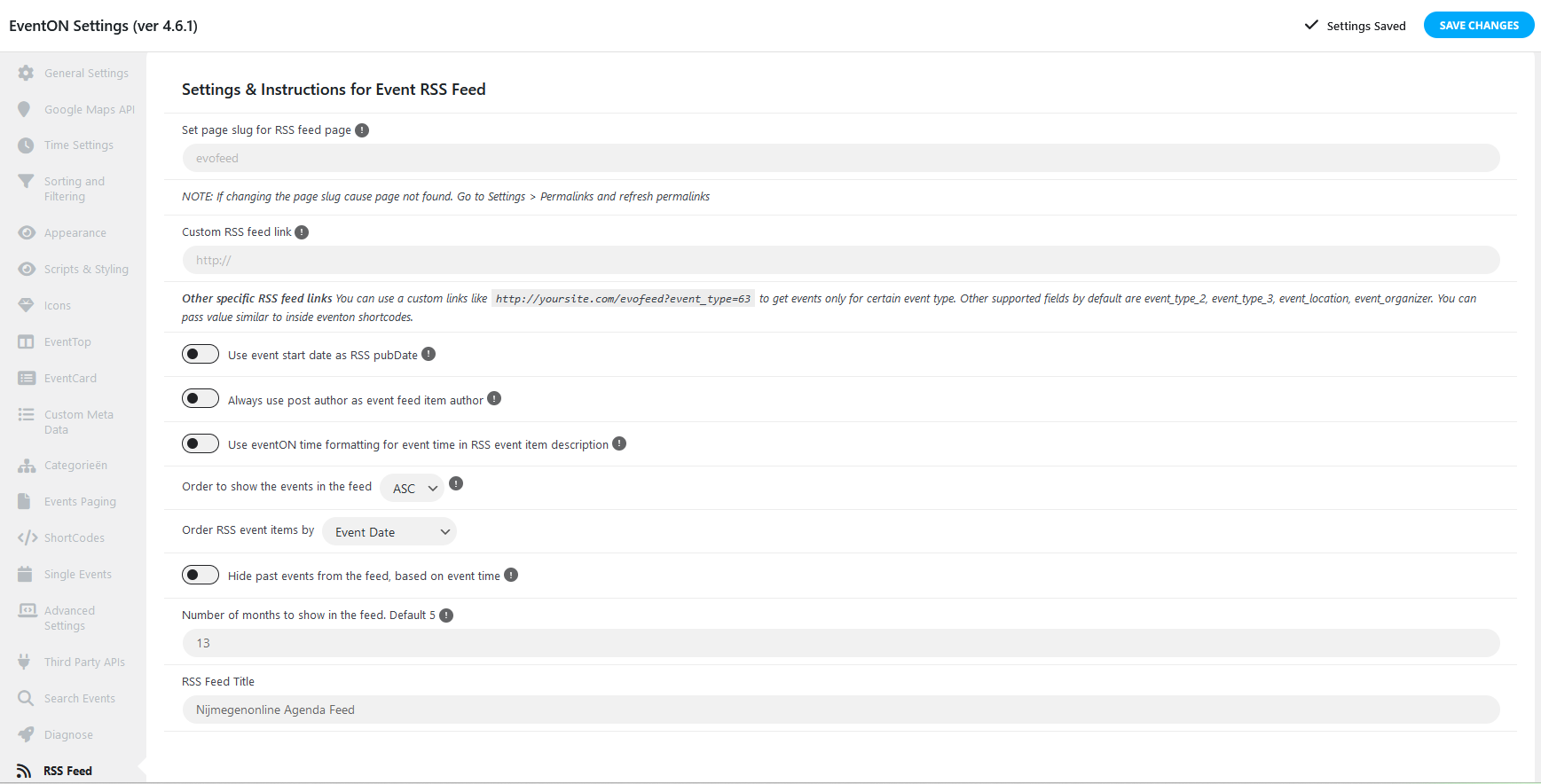
I have changed this setting to 12 and now on 13 but still no succes.
in Ticket #345903 you can find your username and password for the website. So that you can look for yourself.
Hi Artem,
many thanks! The PopUp works now fine.
Is there a way to let the organizer link run into nothing via Style-CSS? Similar to the # for WordPress links that should not be carried out? I had made the request a long time ago. Infotainerdave had somehow deactivated the links for me at the time. They only came back with the 4.6 update.
Are you still working on my site? It looks like the site’s been in Troubleshooting mode for a few hours.
Thanks, Greg
Hi Nick,
We are glad your issue is resolved. We are investigating the issue to determine its root cause, if you have any further questions or concerns please feel free to create a new ticket.