Perfect! Please keep us updated.
Archives: Replies
Replies for tickets on suppota
Reply to: tickets(346654)
Hello,
Please try adding ux_val to your shortcode. You can find it here:
https://pastebin.com/VECjaeHj
Reply to: tickets(346650)
Hello,
Please go to EventON > EventCard > try a different Feature image display style.
Reply to: tickets(346629)
Hello,
Please go to EventON > EventCard > try a different Feature image display style.
Reply to: tickets(344743)
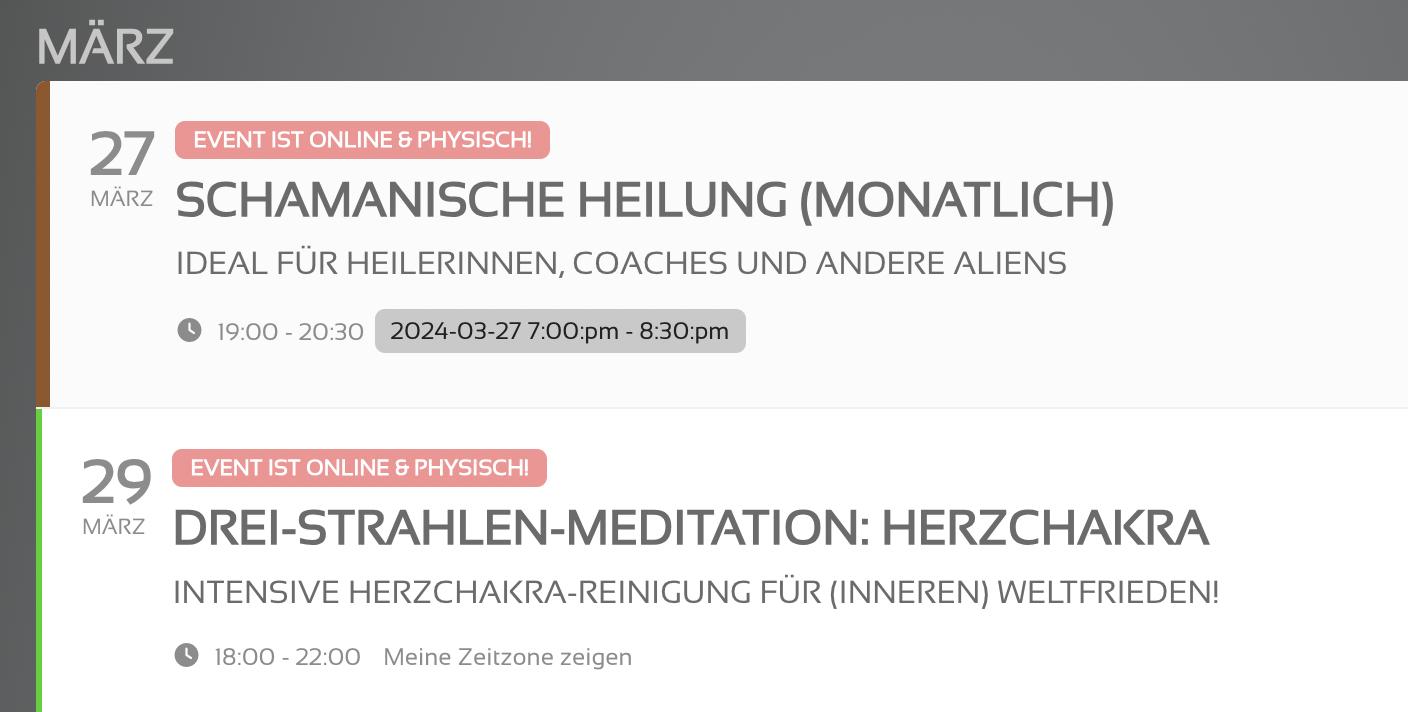
Thank you, works for me!
Where would I configure the event time / date format (screenshot)
for example to change the order of day and month and so on?
Reply to: tickets(346474)
Hello,
ICS Importer only support limited fields. You can find them by going to EventON > ICS Import > guide.
What you need is CSV Import add-on:
https://www.myeventon.com/addons/csv-event-importer/
Try on
https://dev.myeventon.com/wp-admin/
Reply to: tickets(346081)
I added ux_val to the main calendar on this page and it opens events as Lightbox:
https://www.litsalon.co.uk/literature-studies/
Did the same to the sidebar widget. So looks better now. Please check and let me know.
Future occurrences of events are showing but not correctly (see screenshot)
https://helpdeskx.s3.amazonaws.com/wp-content/uploads/2024/03/25160517/Screenshot-2024-03-25-at-22.59.36.png
Could you elaborate? Are you referring to the time format?
Reply to: tickets(346613)
Sorry for all the messages Artem.
I’m trying to figure out when I click on an event on the homepage under the image carousel, there isn’t any content. I’d actually like it to open in a lightbox but there doesn’t seem to be an option for that.
Thanks, Greg
Reply to: tickets(346197)
Could you go to EventON > RSS Feed > change “Number of months to show in the feed.” to 12 or more?
Reply to: tickets(346378)
Ashan,
There is the same ticket with the same issue from a different customer.
On dev2 the same.