so copy and paste into the html section (as to not paste extra code) – you may need to redo each ”
Archives: Replies
Replies for tickets on suppota
Reply to: tickets(346495)
try adding the following to the calendar shortcode
ux_val=”3″
and we will fix that for later versions
Reply to: tickets(346422)
try adding
.ajde_evcal_calendar.boxy.boxstyle0 #evcal_list .eventon_list_event .desc_trig {
padding: 10px;
}
to appearance>>>>>customize>>>>>additional css
you can play around with that 10px (the default is 30Px)
Reply to: tickets(346472)
could you update to 4.6.1
To update eventon to latest version: If you are unable to do autoupdate, you can go to codecanyon your account > download and get the latest eventon version as zip file. Then you can go to your website > make sure “Delete eventon settings & data when EventON is uninstalled” is Deslected from eventon settings, delete old eventon, install new one and activate. This link will further explain the process it. Also you can follow us on twitter to get real-time announcements on updates!
Reply to: tickets(345972)
if the issue isn’t fixed for you after update then yeah would be handy to have a look in the backend
also check if you are using an SMTP plugin to send- some of them send automated emails at a particular time (many don’t tho)
if you are not using an SMTP Pkugin to send then – look into getting one they make the email sending better
Reply to: tickets(346483)
or whats the shortcode you are using
Reply to: tickets(346483)
Please send us wp-admin access to your site as a private message for us to further assist your situation.
Reply to: tickets(344950)
Okay. I see that now. Thank you.
But I still do not get a QR code on the newly generated pdf attachment. I have also set the ticket to ‘Processing’ and then to ‘Completed’ and regenerated the PDF but still no QR code on older orders.
I do see that my WordPress dashboard is showing an update for EventOn to version 4.6.1 but this does not exist yet?
Thank you for you patience.
Nick
Reply to: tickets(346295)
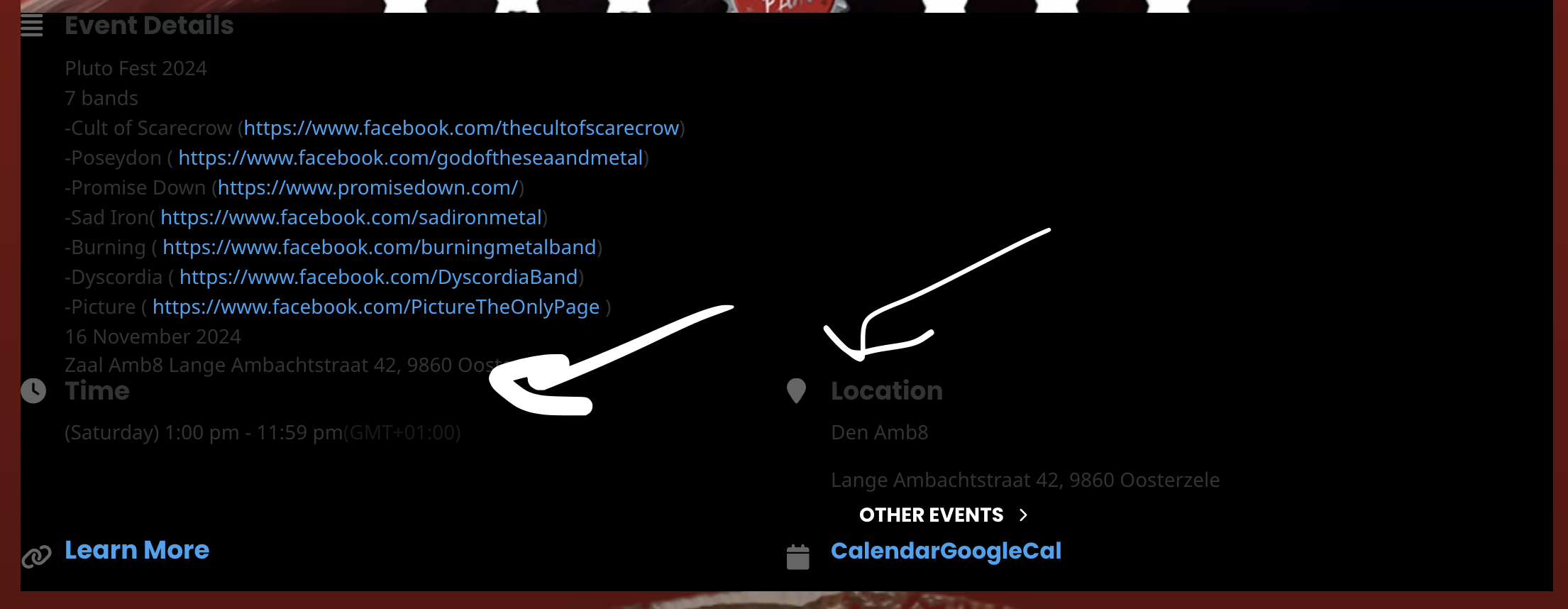
Please go to EventON > EventCard > try a different Feature image display style.
This doesn’t work at all, there is literally no scaling in the plugin for event featured image.
Month header color. Please go to EventON > Appearance > Calendar Header > Header Month/Year text color.
If you don’t see any change, EventON > Scripts & Styling > turn off Write dynamic styles to header > save settings > turn on Write dynamic styles to header.
Did that before and tried again, but didn’t work.
Saw that the CSS code you put in and it didn’t work as you said, but you said there is a style that affects EventON, which or what are you talking about, I can’t see it in the image.
Is there an option to get the following text white? (See image)
Reply to: tickets(346399)
could it be ux_val=”3a” ???