Hello,
Thank you for your messages, I am going to assign this ticket to Ashan and he will be able to take it from here and find you a solution. Please allow some time for him to get back to you, we greatly appreciate your patience and thank you for being a eventon customer! Also please disable any IP blocking on your site if there are any.
Can you take a look at this guide:
https://docs.myeventon.com/documentations/how-to-use-single-event-data-values/
Maybe you can use that?
I can also tell you how you can customize Single Event page of EventON:
https://docs.myeventon.com/documentations/customize-single-events-page/
Or maybe you can use:
https://docs.myeventon.com/documentations/hooks-actions-filters/
Unfortunately, I cannot help with the page builder.
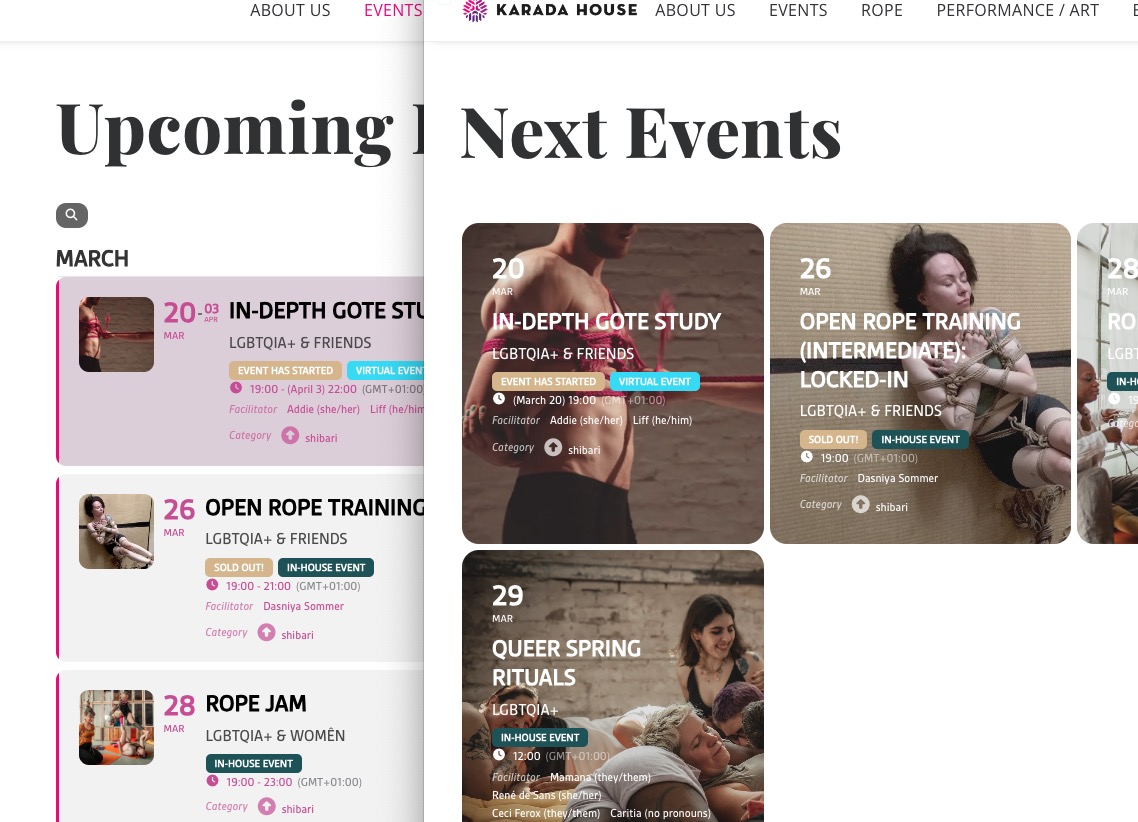
I solved the problem for full calendar by generate new shortcode but still have problem with daily option:
[add_eventon_dv cal_id=”daily” show_et_ft_img=”yes” etc_override=”yes” jumper=”yes” mo1st=”yes” wishlist=”yes”]
Ashan,
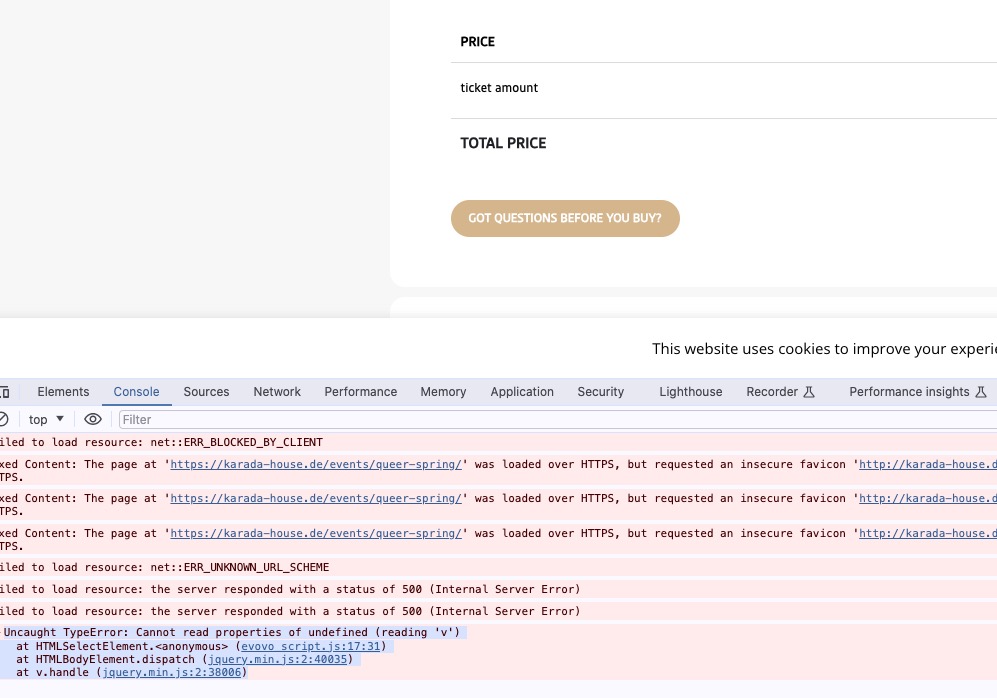
Please check 1. The error when I try to switch between variations:
https://karada-house.de/events/queer-spring/
On dev2 works fine, I checked their variation types and they just simply text.
1. Thank you for your messages, I am going to assign this ticket to Ashan and he will be able to take it from here and find you a solution. Please allow some time for him to get back to you, we greatly appreciate your patience and thank you for being a eventon customer! Also please disable any IP blocking on your site if there are any.
2. Nothing on these pages. Could you send us a link if still happening?
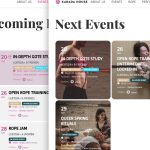
3. I went to https://karada-house.de/wp-admin/admin.php?page=eventon#evcal_004a and changed Feature image display style, so this seems to be working.
I’m gathering this info and will be in contact soon. Please don’t close this ticket.
Thanks.
Can we please have an update on this.
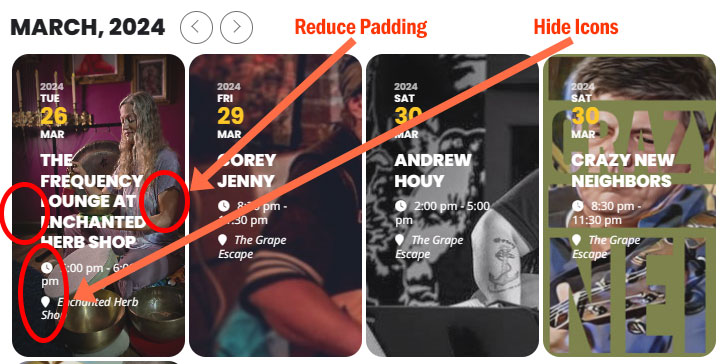
This is an image highlighting what I would like to modify.
Thanks! Craig
Please allow USA, Spain, Kenya, Australia. And can you also send us wp-admin access? Or it’s not allowed?
Is your version of Subscriber is 1.4?
Please let us know.
Also go to EventON > Time Settings > make sure Timezone is the same as your server’s and “Apply default timezone to all events” is enabled.
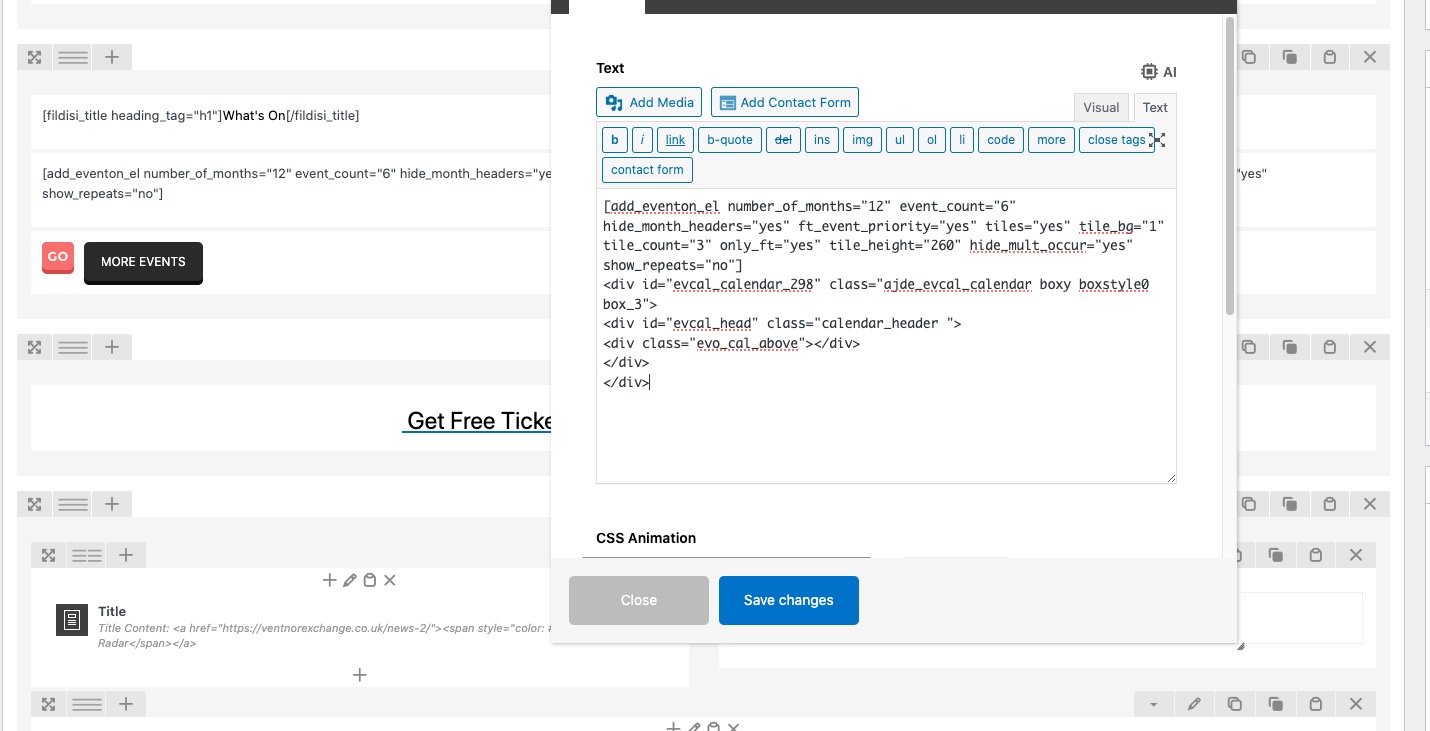
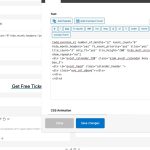
Go https://ventnorexchange.co.uk/wp-admin/post.php?post=5&action=edit > click on the shortcode to edit it > now switch to Text:
Also, on the test page I still cant open any of the listings, If i click on any it just zooms into the photograph.
Sorry. Please add ux_val=”3″ to the shortcode.