Hello,
Please take a look at this guide:
https://docs.myeventon.com/documentations/show-additional-custom-data-eventcard/
You can add what you need into Event Card through the code.
Replies for tickets on suppota
Hello,
Please take a look at this guide:
https://docs.myeventon.com/documentations/show-additional-custom-data-eventcard/
You can add what you need into Event Card through the code.
Please keep us updated.
Hello,
Could you check now:
https://www.nijmegenonline.nl/events/sem-jansen-leif-de-leeuw-bij-de-brauerij/
https://www.nijmegenonline.nl/event-location/cafe-t-haantje/
https://www.nijmegenonline.nl/events/
All the above work.
This one as well:
https://www.nijmegenonline.nl/events/eventon-test/
Could you check and let me know?
Hello,
What’s your version of Subscriber add-on? I also cannot access your website, because it redirects me to “Better Luck Next Time meme” google page.
Hello,
…c4bb9f…
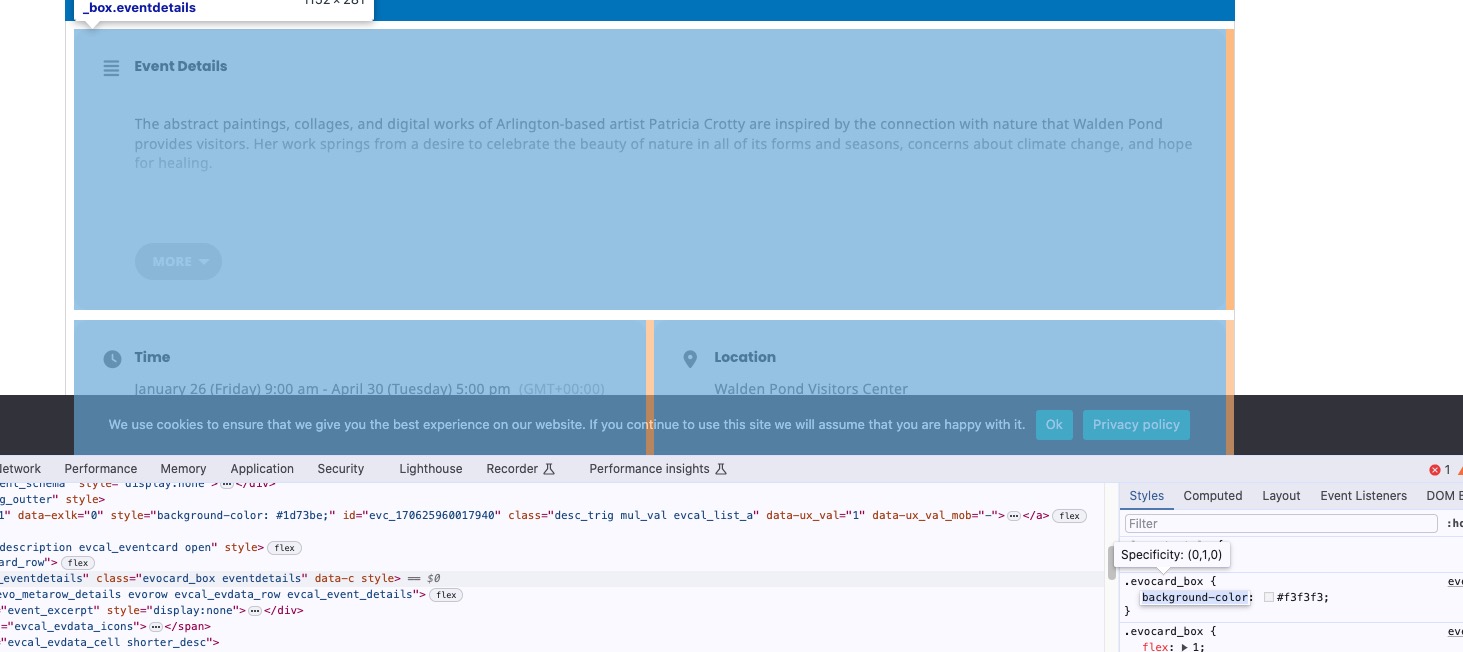
I am not which part you are referring to. Could you send us a screenshot?
Event Card color is f3f3f3:
Hello,
No issues on our test site:
https://dev2.myeventon.com/test-455/
Could you make sure there are no additional CSS codes?
Please send us wp-admin access to your site as a private message for us to further assist your situation.
Hello,
Seems to be working on our test site:
https://dev2.myeventon.com/events/pink-lake/
Please send us wp-admin access to your site as a private message for us to further assist your situation.
Hello,
Seems to be working on our site:
https://dev2.myeventon.com/test-454/
Work both ux_val=”3a” and ux_val=”3″.
Could you try clearing your browser cache? Also please send us the shortcode.
There is a different style that affects EventON. Please use this code to fix the issue:
.evo_org_details { color: #656565 !important; }
Hello,
Please update Tickets add-on to solve the issue with the incorrect time. Also update Variations add-on.
Performance. Please follow
https://docs.myeventon.com/documentations/why-my-site-and-eventon-page-loading-slow/
Also try EventON > Advanced > Select event calendar WP Query method.
Navigations. Please go to EventON > Sorting and Filtering > try disabling Globally Hide both Sort and Filter Icons and Bar on Calendar.
Memory limit error. Please follow
https://docs.myeventon.com/documentations/increasing-wordpress-memory-limit/
The event photos are not cropped anymore.
Could you send us a screenshot?