Hello,
There is a new version of Action User available. Please update to fix this.
To update eventon addons: You can download latest eventon addons from myeventon > my account. Then you can go to your website, deactivate old addon and install new one and activate then delete the old addon. This link will further explain the process. Also you can follow us on twitter to get real-time announcements on updates!
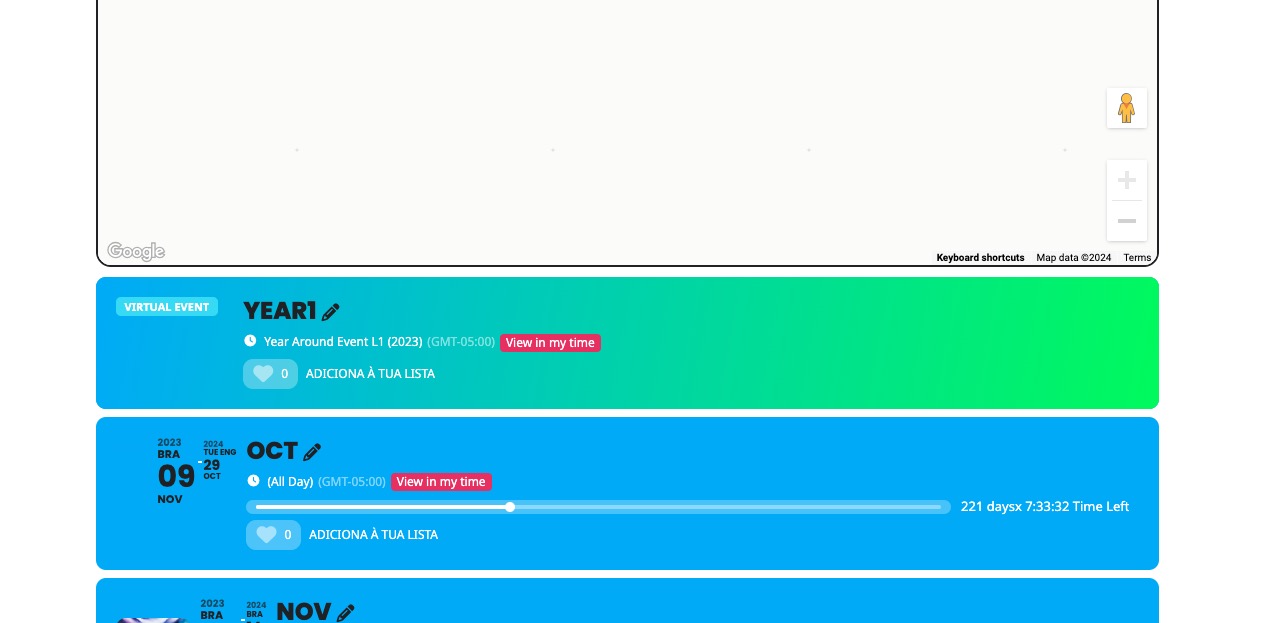
“second box” is part of the map calendar. Here’s how it looks on our test site:
https://dev2.myeventon.com/test-453/

So it’s not supposed to show Year or Month.
But “second box” on https://dev-slamin.pantheonsite.io/ is a different calendar that’s not connected to the map.
Hello,
Please follow
https://docs.myeventon.com/patch-fixes/4-6-ux_val3a-error/
Yes, in the next update we are going to re-add the option to change the image.
Hello,
I also removed cal_init_nonajax=”yes”, so it seems to be working now. Please check and let me know.
Login issue. Please manually try clearing your browser cache and cookies (not passwords or anything like that).
We should release the new version later today. Please for the update. It should be ready very soon.
Thank you for your messages, I am going to assign this ticket to Ashan and he will be able to take it from here and find you a solution. Please allow some time for him to get back to you, we greatly appreciate your patience and thank you for being a eventon customer! Also please disable any IP blocking on your site if there are any.
Ashan,
The error:
[22-Mar-2024 14:44:08 UTC] PHP Fatal error:  Uncaught Error: Call to a member function get_prop() on null in /data/d/6/d6a4f45f-050c-4325-bca1-f9c0ed47074a/kdklub.cz/web/wp-content/plugins/eventon-seats/includes/class-event_seats.php:51
Stack trace:
#0 /data/d/6/d6a4f45f-050c-4325-bca1-f9c0ed47074a/kdklub.cz/web/wp-content/plugins/eventon-seats/includes/class-event_seats.php(55): EVOST_Seats->_get_seat_data()
#1 /data/d/6/d6a4f45f-050c-4325-bca1-f9c0ed47074a/kdklub.cz/web/wp-content/plugins/eventon-seats/includes/class-event_seats.php(39): EVOST_Seats->set_seats_data()
#2 /data/d/6/d6a4f45f-050c-4325-bca1-f9c0ed47074a/kdklub.cz/web/wp-content/plugins/eventon-seats/includes/class-seat_expirations.php(14): EVOST_Seats->__construct(NULL, NULL, 0)
#3 /data/d/6/d6a4f45f-050c-4325-bca1-f9c0ed47074a/kdklub.cz/web/wp-content/plugins/eventon-seats/includes/class-event_seats_json.php(9): EVOST_Expirations->__construct(NULL, NULL, 0)
#4 /data/d/6/d6a4f45f-050c-4325-bca1-f9c0ed47074a/kdklub.cz/web/wp-content/plugins/eventon-seats/includes/admin/class-seat-map-editor.php(76): EVOST_Seats_Json->__construct(NULL, NULL)
#5 /data/d/6/d6a4f45f-050c-4325-bca1-f9c0ed47074a/kdklub.cz/web/wp-includes/class-wp-hook.php(324): EVOST_Seat_Map_Editor->save_uploaded_map_data('')
#6 /data/d/6/d6a4f45f-050c-4325-bca1-f9c0ed47074a/kdklub.cz/web/wp-includes/class-wp-hook.php(348): WP_Hook->apply_filters('', Array)
#7 /data/d/6/d6a4f45f-050c-4325-bca1-f9c0ed47074a/kdklub.cz/web/wp-includes/plugin.php(517): WP_Hook->do_action(Array)
#8 /data/d/6/d6a4f45f-050c-4325-bca1-f9c0ed47074a/kdklub.cz/web/wp-admin/admin-ajax.php(188): do_action('wp_ajax_evost_s...')
#9 {main}
  thrown in /data/d/6/d6a4f45f-050c-4325-bca1-f9c0ed47074a/kdklub.cz/web/wp-content/plugins/eventon-seats/includes/class-event_seats.php on line 51
Seat layout can be exported from here:
https://dev2.myeventon.com/wp-admin/post.php?post=53198&action=edit
PHP Fatal error: Allowed memory size of 536870912 bytes exhausted (tried to allocate 20480 bytes) in /nas/content/live/jewishcostage/wp-includes/meta.php on line 1194
Please try following this guide and increase the memory limit to 768MB:
https://docs.myeventon.com/documentations/increasing-wordpress-memory-limit/
The rest of errors can be resolved with this:
https://docs.myeventon.com/patch-fixes/4-6-get_supported_shortcode_atts-error/
…which seems to have disappeared in the new update.
You are correct. We removed the option in 4.6 but are going to reintroduce it in 4.6.1. It will be available very soon.
I’m not sure what I’m looking for on that page – – what issue is happening there? Please clarify.
Please check if the same white space appears on our website when you check our website with your devices. Unfortunately, I cannot re-create this on our test server.