Here’s the patch you need to apply to fix the issue:
https://docs.myeventon.com/patch-fixes/4-6-get_supported_shortcode_atts-error/
Could you try and let us know?
Replies for tickets on suppota
Here’s the patch you need to apply to fix the issue:
https://docs.myeventon.com/patch-fixes/4-6-get_supported_shortcode_atts-error/
Could you try and let us know?
Hello,
The only way is to customize the CSS style by following this guide:
https://docs.myeventon.com/documentations/change-css-calendar/
Hello,
Please follow this guide to fix the issue:
https://docs.myeventon.com/patch-fixes/4-6-get_supported_shortcode_atts-error/
Like this?
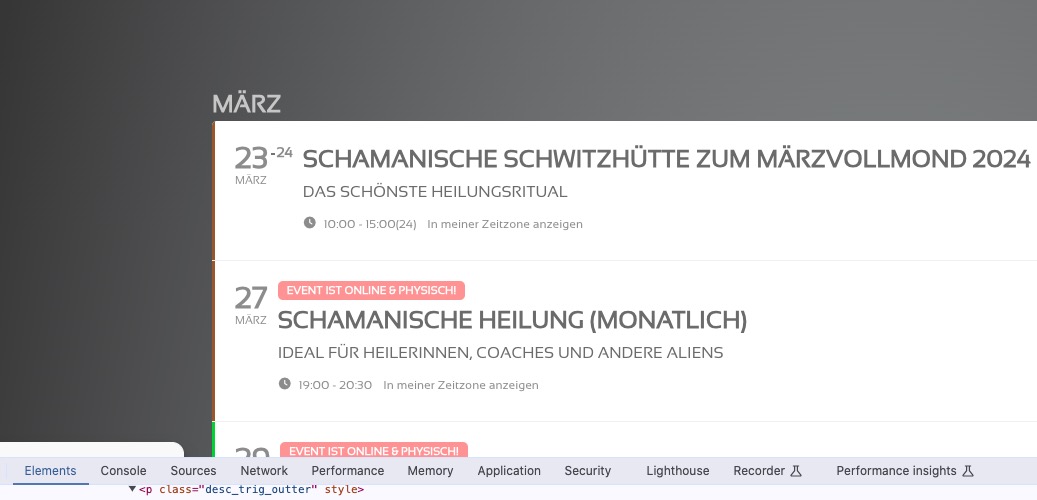
Please try this code then:
.eventon_list_event .evoet_cx em.evo_mytime.tzo_trig, .eventon_list_event .evcal_evdata_cell .evo_mytime.tzo_trig { color: #8c8c8c !important; background: none; } .eventon_list_event .evoet_cx em.evo_mytime, .eventon_list_event .evoet_cx em.evo_mytime.tzo_trig:hover, .eventon_list_event .evoet_cx em.evo_mytime, .eventon_list_event .evcal_evdata_cell .evo_mytime, .eventon_list_event .evcal_evdata_cell .evo_mytime.tzo_trig { color: white !important; }
Hello,
What’s you current version of EventON and RSVP add-on?
Also wp-admin access login info stopped working. Could you check?
Hello,
Please add this CSS code to EventON > Styles (If you don’t see any change, EventON > Scripts & Styling > turn off Write dynamic styles to header > save settings > turn on Write dynamic styles to header):
span.evo_btn_arr.evolb_trigger { display: none !important; }
The code will hide the button.
In the mobile view, the images are cut off on the left and right edges if they fit in height.
UPDATE:
I was able to remove the button, found it here in the forum and was able to help myself.
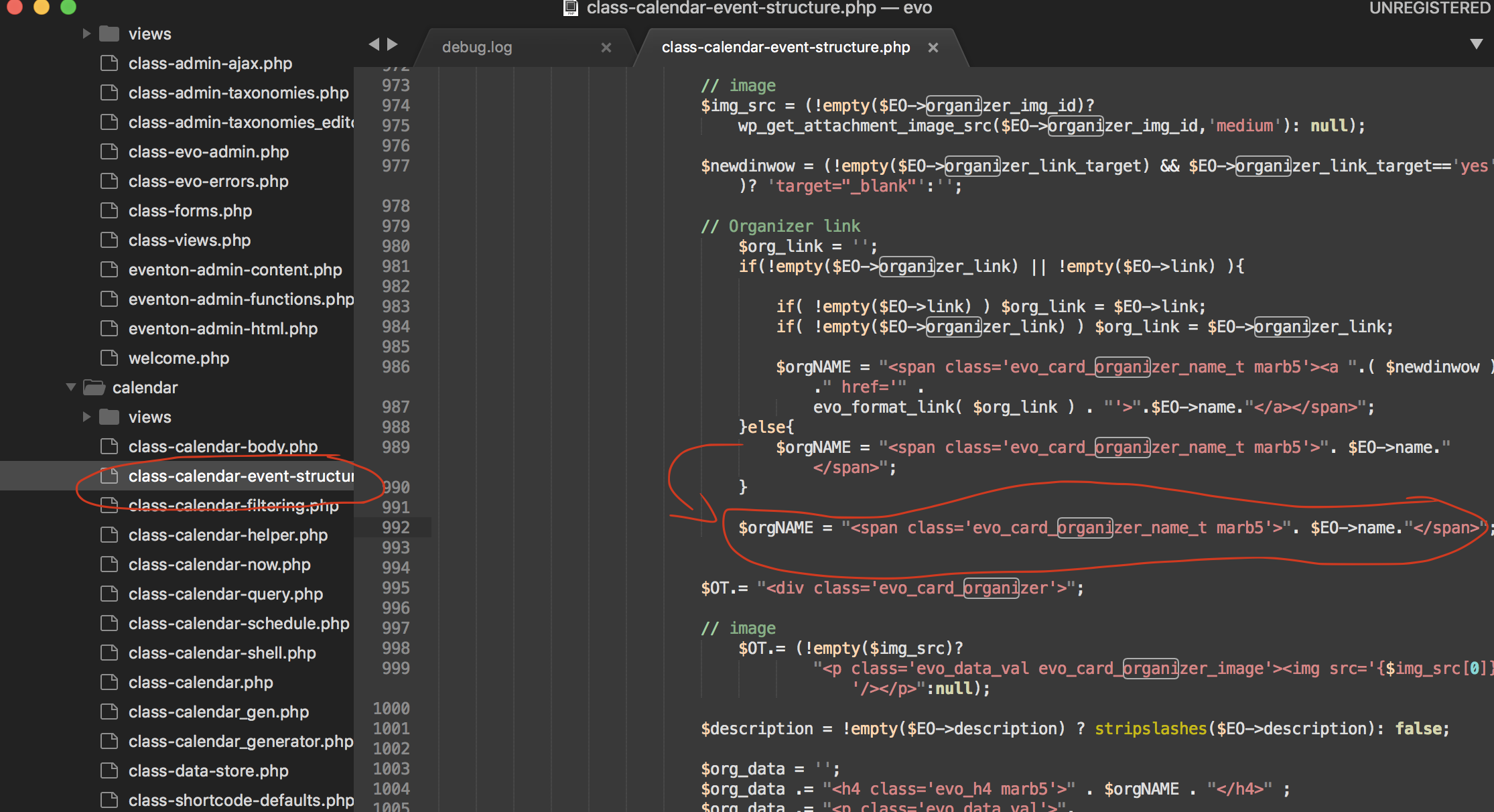
ORGANIZER LINK was once removed (someone of you did it), but it came back with the update. There was also a description in the form of a photo, but I don’t know what should be changed because the photo looks EXACTLY as it does in the php file. In addition, the function has apparently been moved to html-eventcard-organizer.php.
Hello Ashan, hope you’re doing good!
we are still experiencing problem with this function.
please see this event:
https://jhanaloft.com/wp-admin/post.php?post=10977&action=edit
Start time was 7pm and is setted not to allow changes 120min before starting (120 because of the timezone problem we were having).
two users managed to change their RSVP at 6.15 and 6.35.
please let me know when you can. This is causing us some issues with customers…
thanks!
Hi,
I used the following code, which is mentioned in the documentation you provided, but I still face the same issue: the translated events are not shown in the English calendar.
Code : [add_eventon_fc wpml_l2=”en” jumper=”yes” show_et_ft_img=”yes” evc_open=”no” style=”def” grid_ux=”0″ ft_event_priority=”yes” etc_override=”no” heat=”yes” hover=”numname” ]
Please advise,
Thank you