Hello,
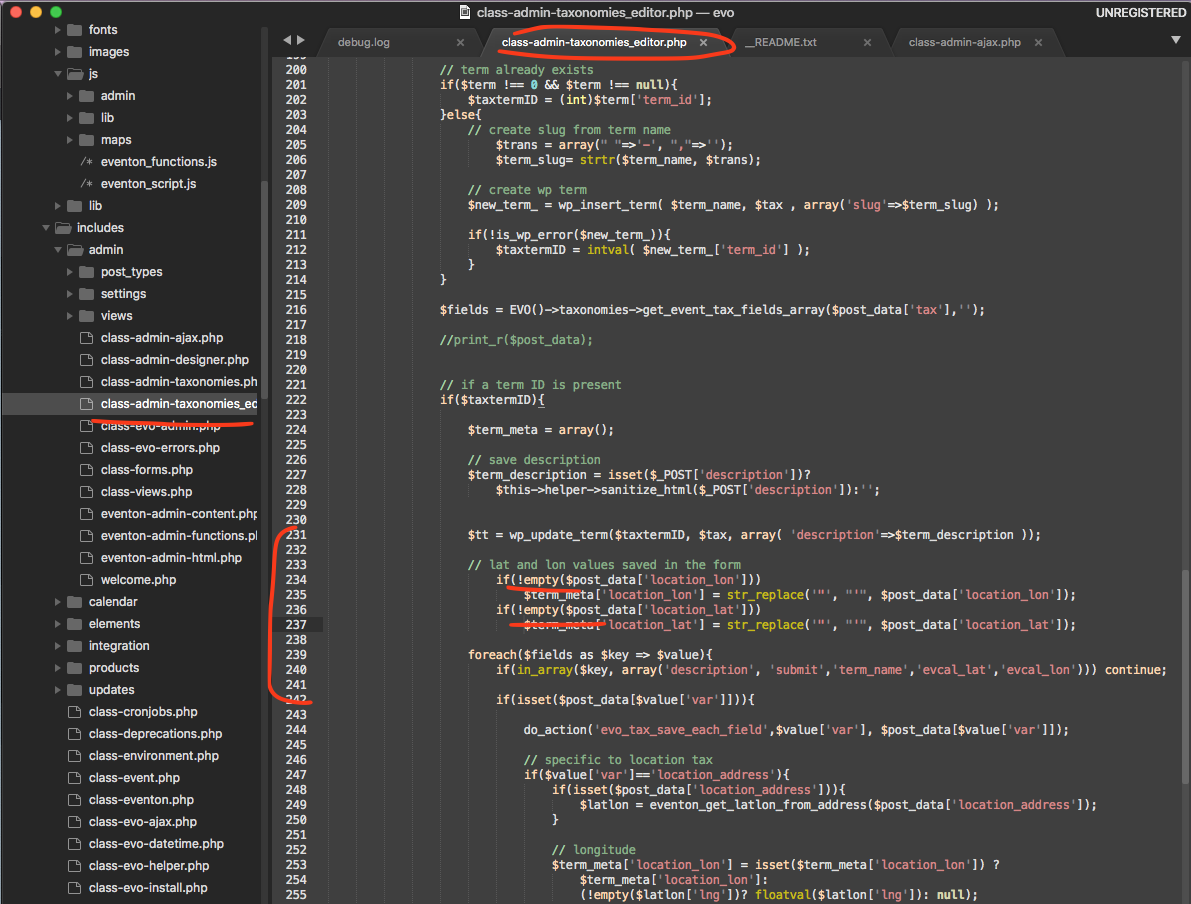
Could you try applying this patch?
Replies for tickets on suppota
Hello,
Could you try applying this patch?
Hello,
I checked your shortcode and since you are using WPML:
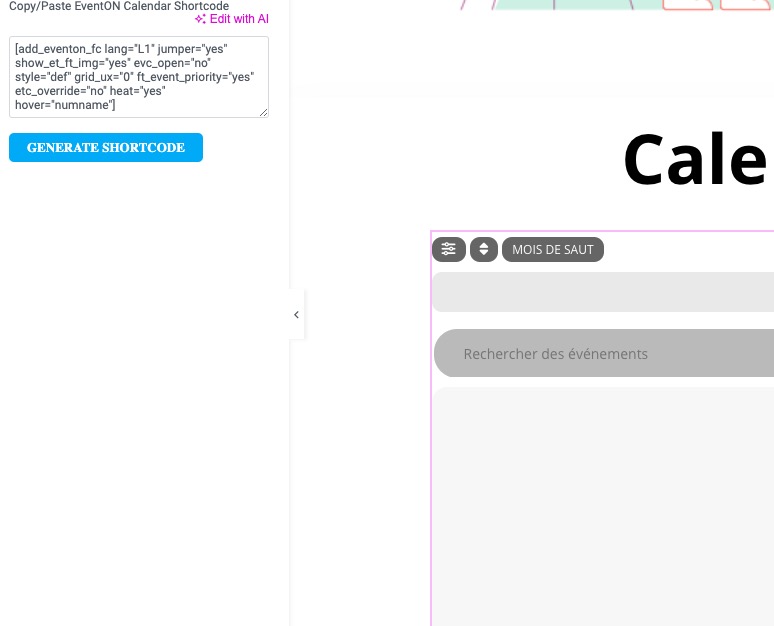
Please follow this guide to fully enable compatibility with WPML plugin:
https://docs.myeventon.com/documentations/wpml-eventon-front-end/
The color is white on my side: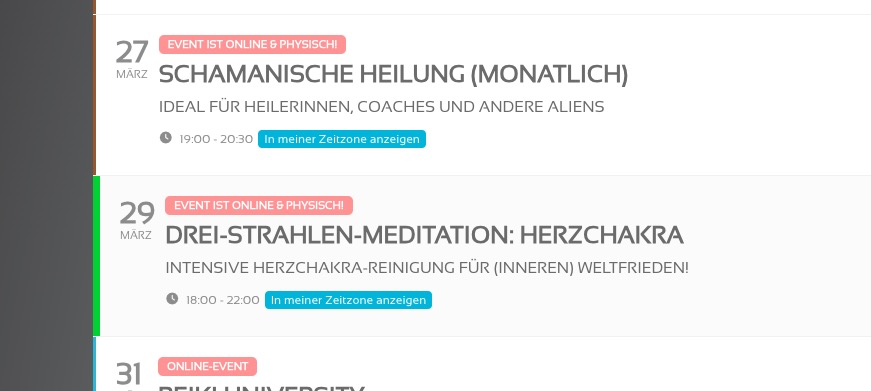
Could you check?
We cannot refund the main plugin from here. Please contact CodeCanyon.
What do you mean by “the second box doesn’t show the month”? Could you send us a screenshot? I am not sure which part you are referring to.
Hello,
Please also add this to the shortcode:
number_of_months=”12″ hide_empty_months=”yes”
Hello,
Could you try manually clearing your browser cache + cookies?
Login info to their staging site:
https://staging.tannwestlake.net/tinwoodestate/wp-admin/
dev@tannwestlake.com
S8UeYQKSPYVvHs#*r(B&@gK4
Ashan,
With added hide_cancels=”yes”:
https://staging.tannwestlake.net/tinwoodestate/wp-admin/post.php?post=108936&action=edit
And also enabled “Hide past events for default calendar(s)“, it still shows canceled events:
https://staging.tannwestlake.net/tinwoodestate/test/
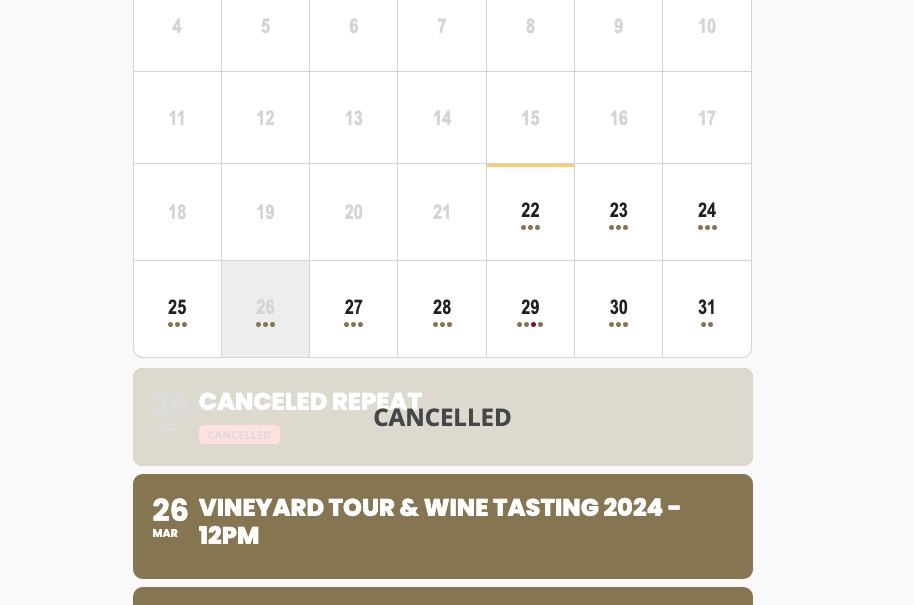
On dev2 works completely fine:
https://dev2.myeventon.com/test-450/
Event:
https://dev2.myeventon.com/wp-admin/post.php?post=53338&action=edit
Thank you for your messages! Ashan will check this ASAP.