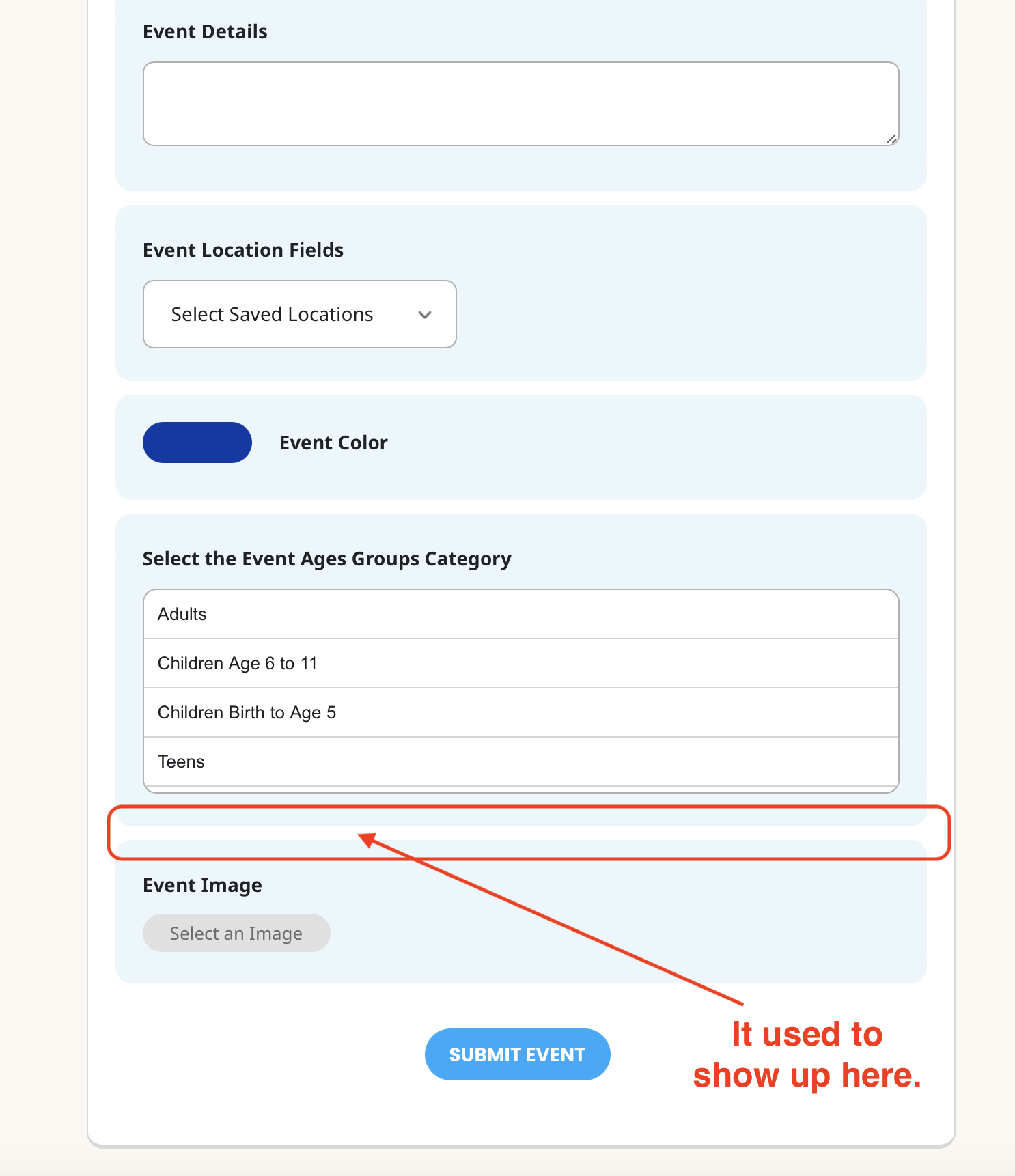
Ok, nevermind, it is not so important, i ll make it different way, by shortcode.
Thank you. Lukas
Replies for tickets on suppota
Ok, nevermind, it is not so important, i ll make it different way, by shortcode.
Thank you. Lukas
Thank you,
dear Artem,
but thanks but no. We don’t want to apply changes to our theme with the exception of genuine Avada patches. We found an alternative way to achieve our goals. May we please withdraw from the contract and get our money back?
Sunny regards
Oliver
I tried to add this:
@media only screen and (max-width: 475px) {
.eventon_events_list .eventon_list_event .evcal_list_a {
display: flex;
flex-wrap: wrap;
position: relative;
flex-direction: column;
}
}
but theres so many css changes its not working and it could very well be creating a conflict with some of the other custom css you got going on
thats because you got the image in myeventon>>>>settings>>>>event top
see video
i’ll keep playing with the css to see if I can get it working
the only issue is if I make changes to the single event- it will more than likely change the main calendar on desktop but i’ll see how we go
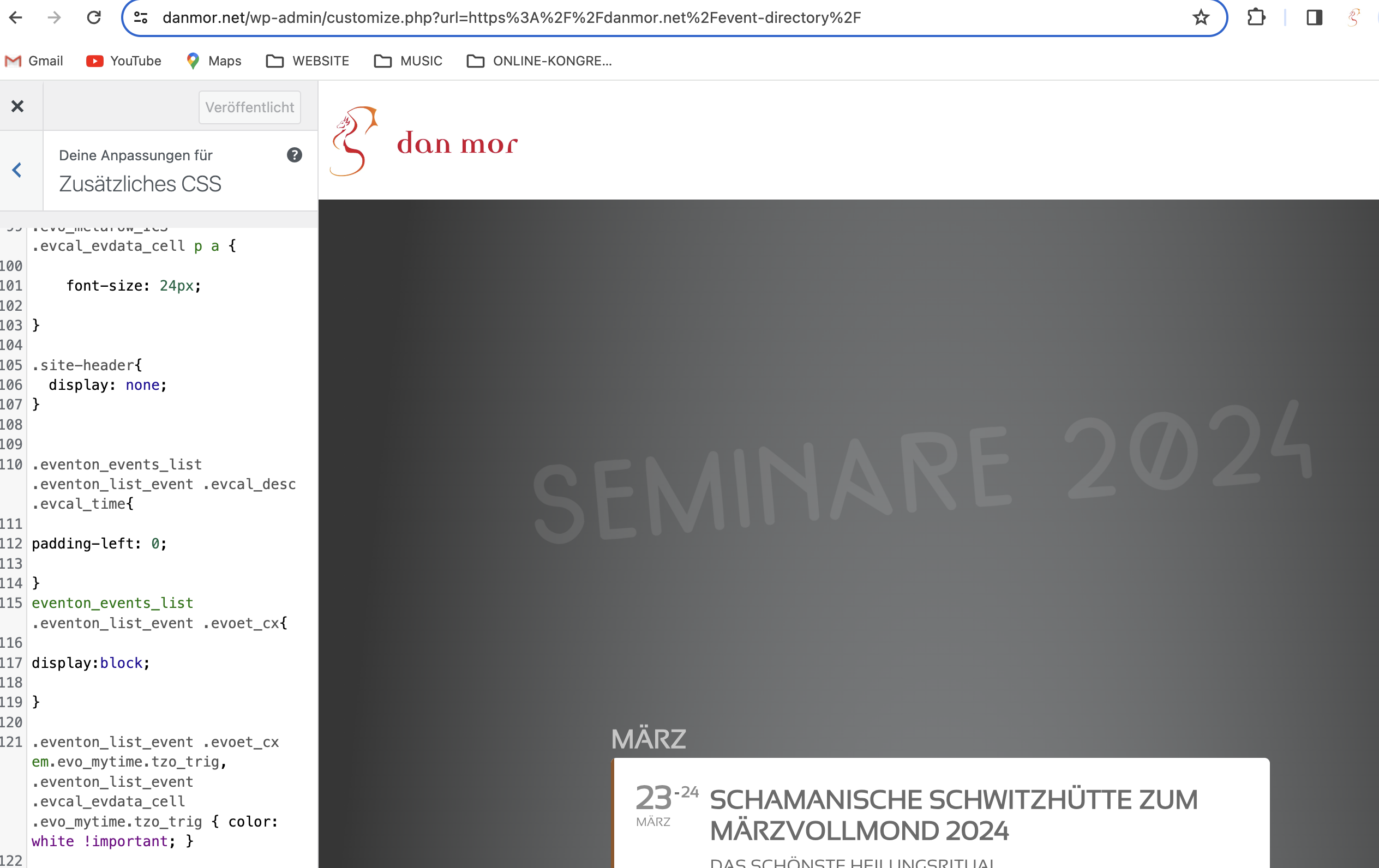
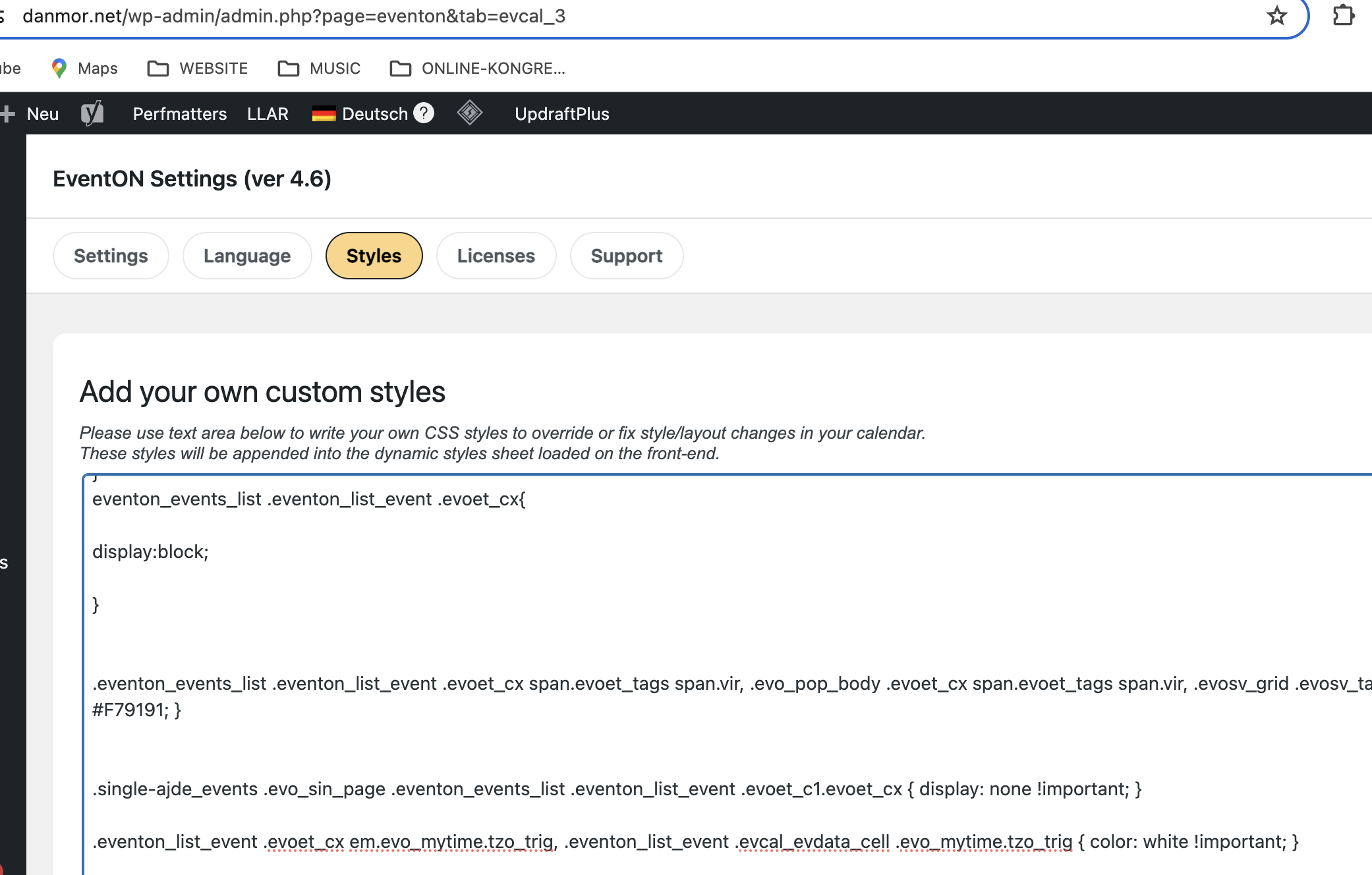
Hi, I tried inserting that code within eventon and with customizer.
I can see it on my end (screenshots)
Did I misunderstand you?
You also have admin access to my site, in case this exceeds my capabilities…
Thx, Dan
that along with the start date appearing twice is our fault – I’ll alert Ashan to this so we can get an update ASAP
Thanks. Will you notify us here when it’s done? And show us where to disable it in the settings?
Okay … so what do I do? I’m not touching code … can you send me a file that I can drop into my website?