You can change this with the latest version of Tickets add-on: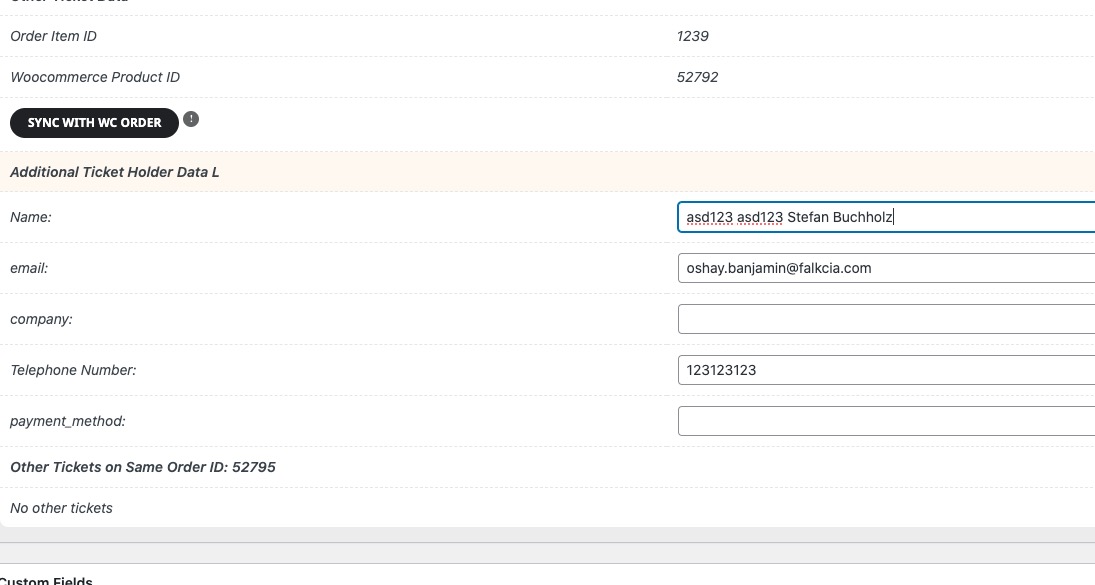
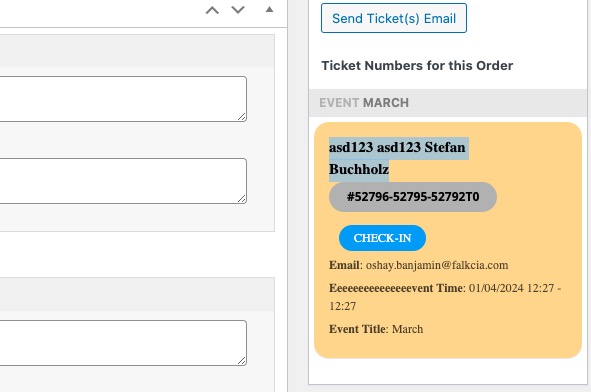
Please note that you need to update EventON and other add-ons as well to avoid issues.
Replies for tickets on suppota
You can change this with the latest version of Tickets add-on:
Please note that you need to update EventON and other add-ons as well to avoid issues.
I added this to the code and it seems to be working now:
The issue is that it also changes the title/subtitle color to black. Could you move the code from EventON > Styles to wp-admin > Appearance > Customize > Additional CSS?
I can’t find this one: Also go to EventON > Advanced > try a different Select event calendar WP Query method.
It was not a link – I tried searching the knowledge base, but didn’t find it.
I completed the order, so you should receive the ticket. Could you check if the time is correct?
We need to login to check this. Is it possible?
Or since the website is on WordPress, please go to wp-admin > Appearance > Customize > Additional CSS > add this code:
.ajde_evcal_calendar.evoapi #evcal_list .eventon_list_event .hasFtIMG .evcal_desc { padding-left: 0 !important; padding-right: 170px; } .ajde_evcal_calendar.evoapi .eventon_events_list .eventon_list_event .hasFtIMG .evcal_cblock { left: 0; right: 0; } .ajde_evcal_calendar.evoapi .eventon_events_list .eventon_list_event span.evoet_time_expand.level_3 { } .ajde_evcal_calendar.evoapi .eventon_events_list .eventon_list_event .ev_ftImg { margin-right: 10px; } .ajde_evcal_calendar.evoapi .eventon_events_list .eventon_list_event .hasFtIMG .evcal_cblock { left: 0; right: 90px; } .ajde_evcal_calendar.evoapi .eventon_events_list .evcal_time.evo_tz_time { padding-right: 165px; } .ajde_evcal_calendar.evoapi .eventon_events_list .eventon_list_event .evcal_cblock span { float: right; }
What’s your timezone? Could you give us the time frame in your timezone, so we can translate it to ours?
Perfect! Please keep us updated.
yeah i leave a review for you 5 stars 🙂
thanks
Please try the code from this link:
https://pastebin.com/wEcAryAn
Could you try updating to 4.6?
To update eventon to latest version: If you are unable to do autoupdate, you can go to codecanyon your account > download and get the latest eventon version as zip file. Then you can go to your website > make sure “Delete eventon settings & data when EventON is uninstalled” is Deslected from eventon settings, delete old eventon, install new one and activate. This link will further explain the process it. Also you can follow us on twitter to get real-time announcements on updates!