Hello,
This CSS style causes the issue:
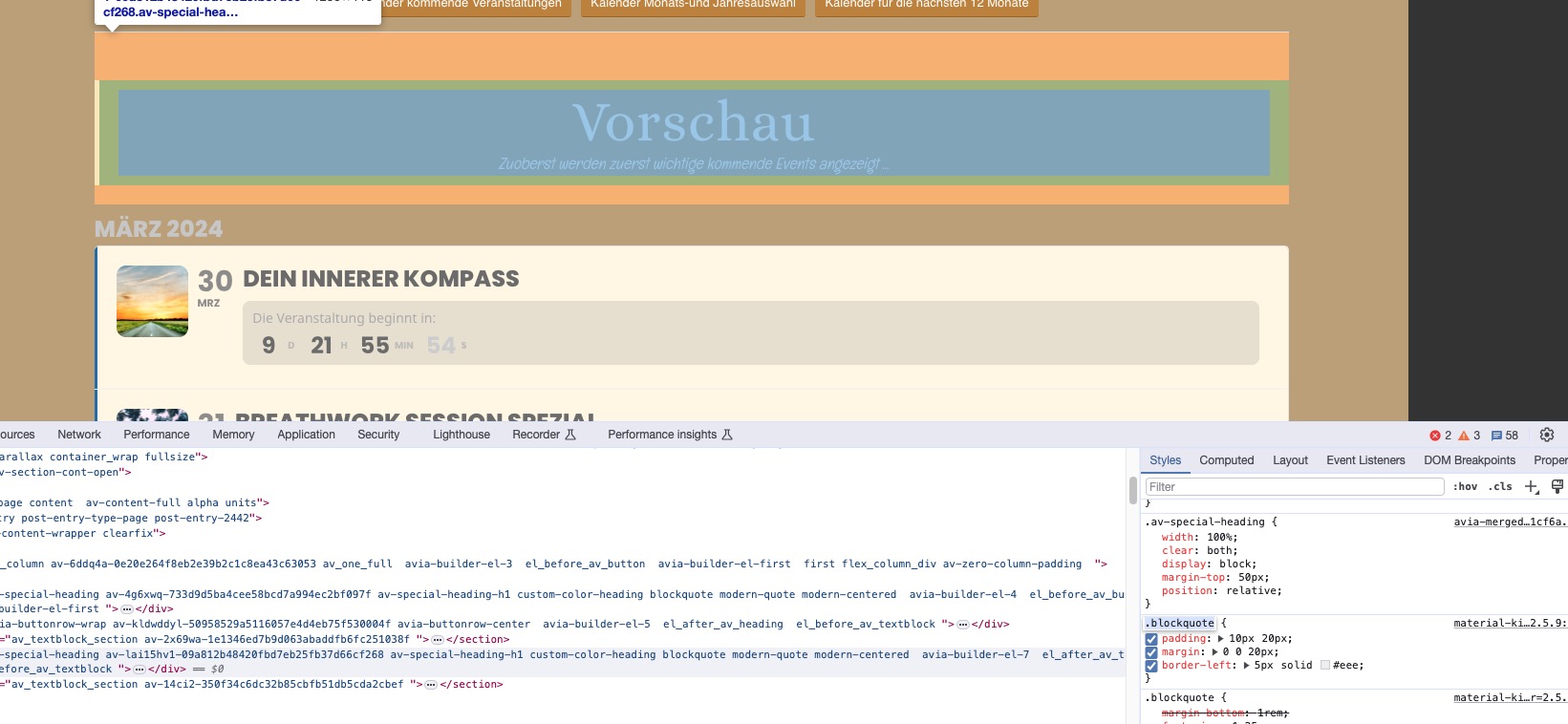
Unfortunately, not related to EventON.
Replies for tickets on suppota
Hello,
This CSS style causes the issue:
Unfortunately, not related to EventON.
Hello,
Could you try following
https://docs.myeventon.com/documentations/why-my-site-and-eventon-page-loading-slow/
Also go to EventON > Advanced > try a different Select event calendar WP Query method.
I cleared the cache plugin, so the fonts are black now. Please check and let me know.
Hi Artem.
We would prefer not to do this. Is it possible for you to do this in the early hours of the morning?
If you get a critical error or the site breaks, are you able to email me to immediately? I can then restore from backup.
Please don’t proceed until I have a response to the above.
Hello,
Ticket ticket is private. Which part you are trying to change?
This:
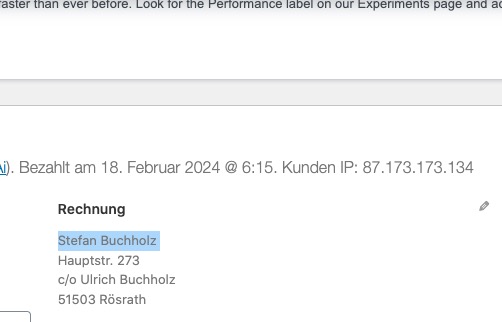
Thanks, Artem. I’ll ask the team to do this shortly.
Hello,
The search works with the latest version. Please try updating manually
To update eventon addons: You can download latest eventon addons from myeventon > my account. Then you can go to your website, deactivate old addon and install new one and activate then delete the old addon. This link will further explain the process. Also you can follow us on twitter to get real-time announcements on updates!
Maybe quotes aren’t correct.
Could you make sure that are like this: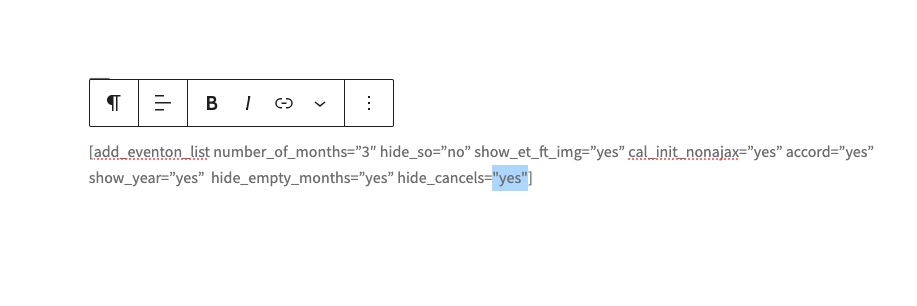
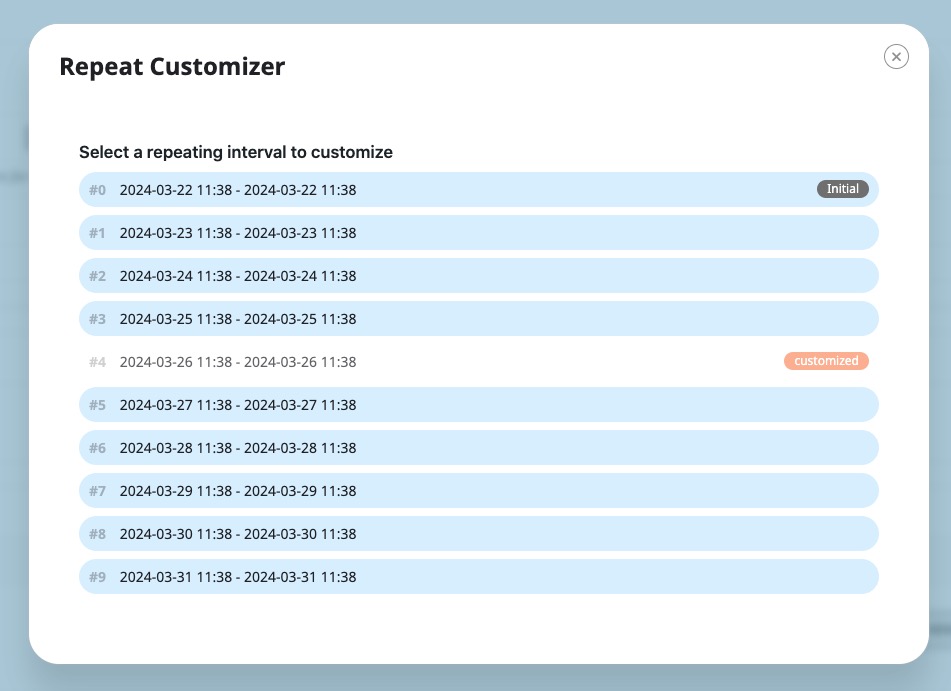
Please take a look at:
https://dev2.myeventon.com/test-442/
Look for “CANCELED REPEAT” on March 26:
https://dev2.myeventon.com/events/canceled-repeat/var/ri-4.l-L1/
Hello,
Are you using cal_init_nonajax=”yes” in your shortcodes? Could you try removing it?
Can we take a look at the current state of the calendar? Login info stopped working.
Hello,
Could you go to EventON > EventCard > open EventCard Designer > make sure that all fields are added and save settings? Even if they all there, still save the settings.
I also cannot access wp-admin:
Denied – contact your hosting provider