1. Pourriez-vous me dire comment vous avez fait cela exactement ?
Justement je me souviens plus ^^ j’avais importer une liste publique de villes depuis :
https://www.data.gouv.fr/fr/datasets/communes-de-france-base-des-codes-postaux/
au format ***.xml mais de la a vous dire comment j’en suis incapable
ok je viens de voir ca merci, mais je comprend pas pour quoi ma clé google API fonctionne pas avec vous mais très bien avec d’autres voir la page :
https://culteve.fr/agenda-culturel
une autres choses les vues comment passer de horizontal a vertical , et l’affichage du calandrer,
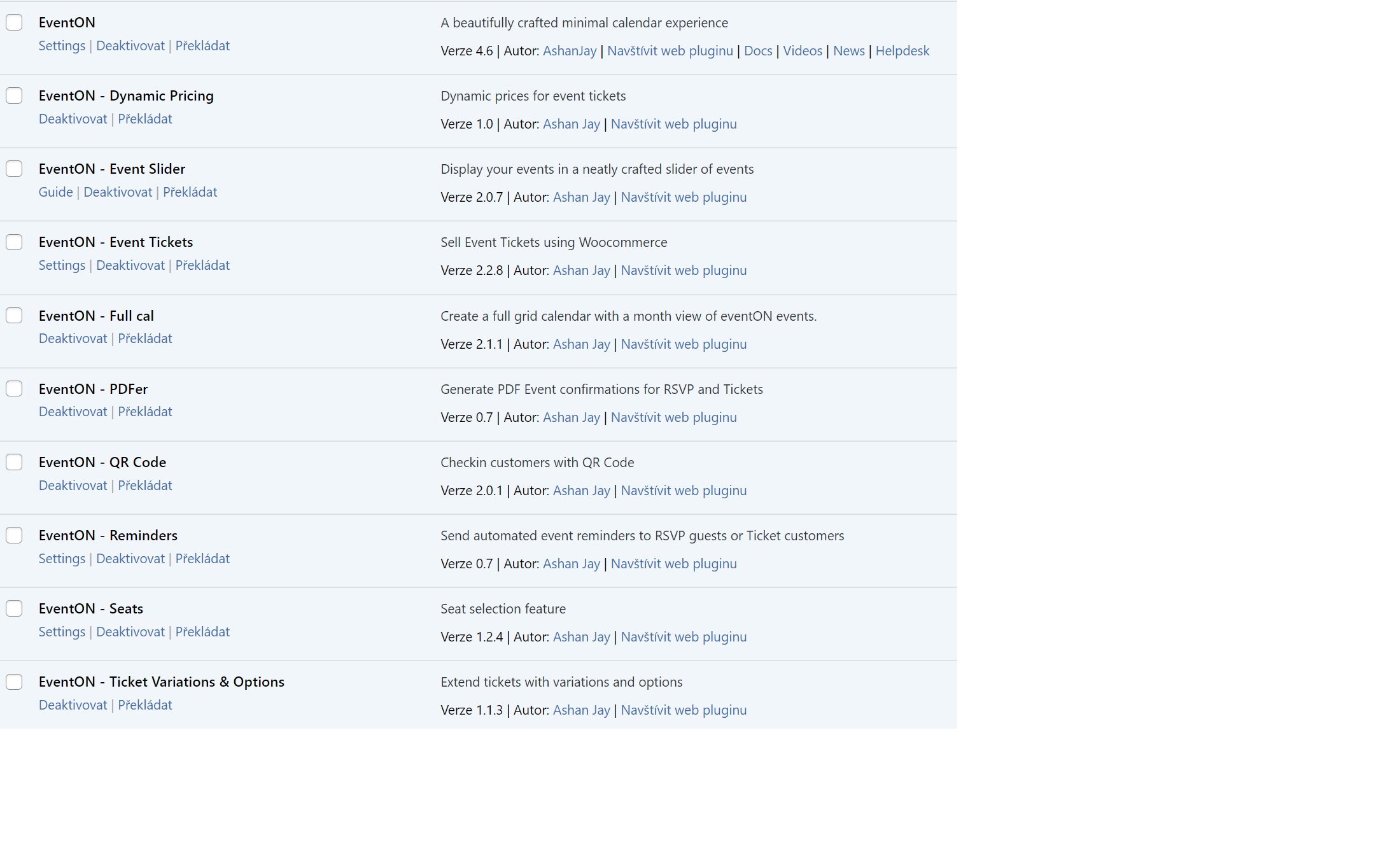
Hello,
the login should be working now.
All purchased plugins from you are up to date.
Regards
Monika
Presumably, since it’s been 3 days of no information or action, this request has been denied?
Please note, I plan to file a PayPal Charge Dispute and will allow them to deal with AshanJay/EventOn directly. Hopefully, since you refuse to listen to me, perhaps you’ll listen to them.
Thanks,
Travis A Dees
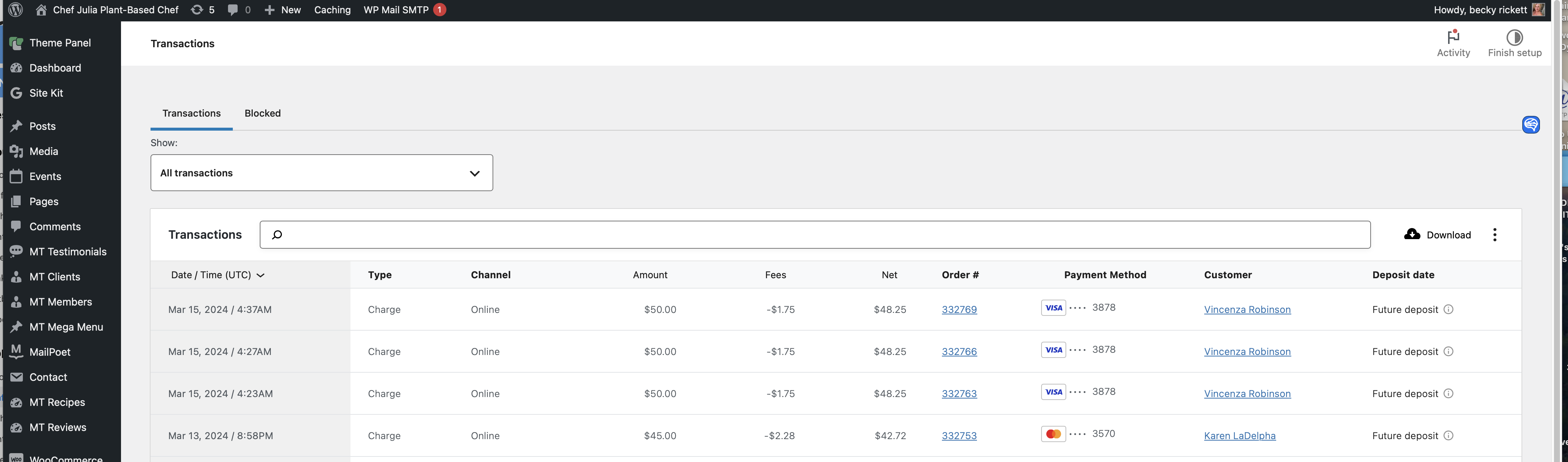
Hi, I have a client in Canada. her orders are not going through.
I’ll provide her username and pw:
Username: KarenE password: Simon$$2021
if you log into her account you’ll see she has no access to her orders.
but when i look in the back of the woocommerce logged in as admin. It appears her orders for march 13 went through, but Karen has no access to the files as they show cancelled in her acct.
May I have your assistance on why karen has no access to her files?
I upgraded to 4.6 and seems to be fine now. I’ve noticed it a few times before, recently. Hopefully it has been resolved. I’ll keep my eye out.
1. Could you tell me how exactly you did this?
2. I added EventCard sections from EventON > EventCard > Open EventCard Designer, so this should be fixed.
3. Google Map. Please fix this error:
Google Maps JavaScript API error: ApiTargetBlockedMapError
https://developers.google.com/maps/documentation/javascript/error-messages#api-target-blocked-map-error
Follow this guide to fix the issue:
https://elfsight.com/blog/how-to-get-google-maps-api-key-guide/
Hello Etienne Brochu,
Could you create a new ticket with included login info? Are you using the latest versions of the plugin and add-ons?
Ashan,
Please check:
Reply to: 344463
Could you add this option? It should be similar to EventON > Disable CSV export event formatting, but for Edit Event > Download CSV.
Thank you for your messages, I am going to assign this ticket to Ashan and he will be able to take it from here and find you a solution. Please allow some time for him to get back to you, we greatly appreciate your patience and thank you for being a eventon customer! Also please disable any IP blocking on your site if there are any.
Hello,
Unfortunately, only manual update at the moment. Please follow
To update eventon to latest version: If you are unable to do autoupdate, you can go to codecanyon your account > download and get the latest eventon version as zip file. Then you can go to your website > make sure “Delete eventon settings & data when EventON is uninstalled” is Deslected from eventon settings, delete old eventon, install new one and activate. This link will further explain the process it. Also you can follow us on twitter to get real-time announcements on updates!