
Hello,
Thank you for your quick response.
I have followed the instructions above, increasing the memory limit to 512MB (attached screenshot) and the problem persists on both the calendar page and the sidebar widget.
Any other ideas on what the problem might be?
I already did that, but then the calendar would only show the past events from last month onwards, but not the past events from THIS month as well. How can I fix this?
Bonjour votre accès est garantit via ce lien : https://culteve.fr/login.php
Merci bonne journée ne tardez pas trop s’il vous plait merci
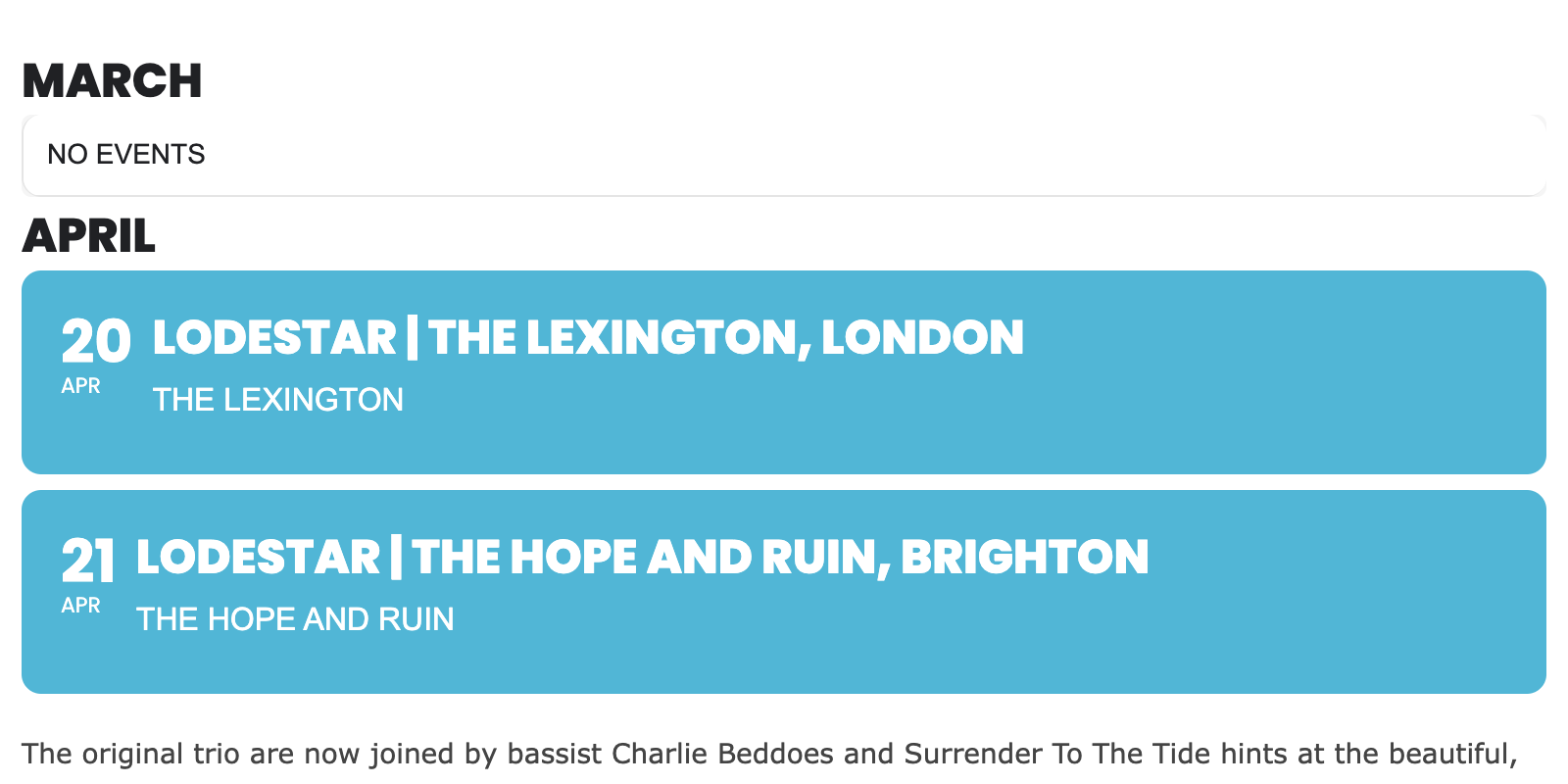
Ignore the above image!!
This is
[add_eventon_list number_of_months=”2″ fixed_month=”4″ fixed_year=”2024″ event_organizer=”3558,”]
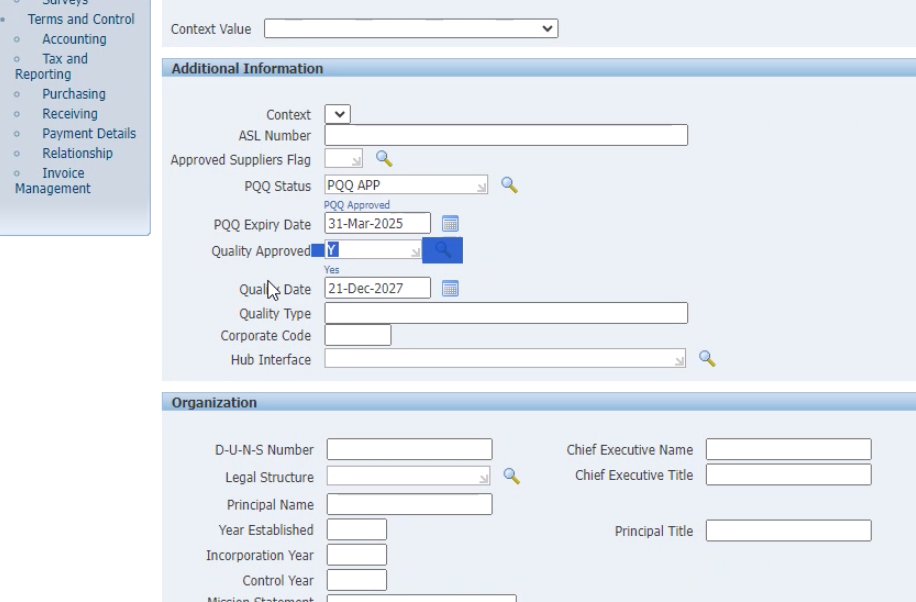
This is
[add_eventon_list number_of_months=”2″ fixed_month=”4″ fixed_year=”2024″ event_organizer=”3558,”]
…!
Hi Artem.
I am logged in as dev@tannwestlake.com and I am not seeing a critical error. The website works fine, even logged in as dev@tannwestlake.com.
Why do you need FTP access?
an other question sorry the shortcode [add_evo_submission_form lang=”L2″ msub=”yes”] for my submission form is correct on page add an event (ajouter un évenement) ?
thanks and have a good day
https://prnt.sc/PhwgHxrZh7mj
yeah thank you so much it’s perfect now thanks thanks thanks
Can I ask you to also look at the home page (accueil) and monthly calendar (calendrier mensuel) where there are also shortcodes I’m afraid I have also made errors thank you very much again
Apologies,
dear Artem,
we have no idea how to do this. We are just normal WordPress users, no programmers.
Do you have a hint for us?
Thanks in advance, Oliver