Please add this CSS code to EventON > Styles (If you don’t see any change, EventON > Scripts & Styling > turn off Write dynamic styles to header > save settings > turn on Write dynamic styles to header):
h4.evo_h4.evotx_addtocart_total span.evo_label, h4.evo_h4.evotx_addtocart_total span.value {color: white !important}
Hello,
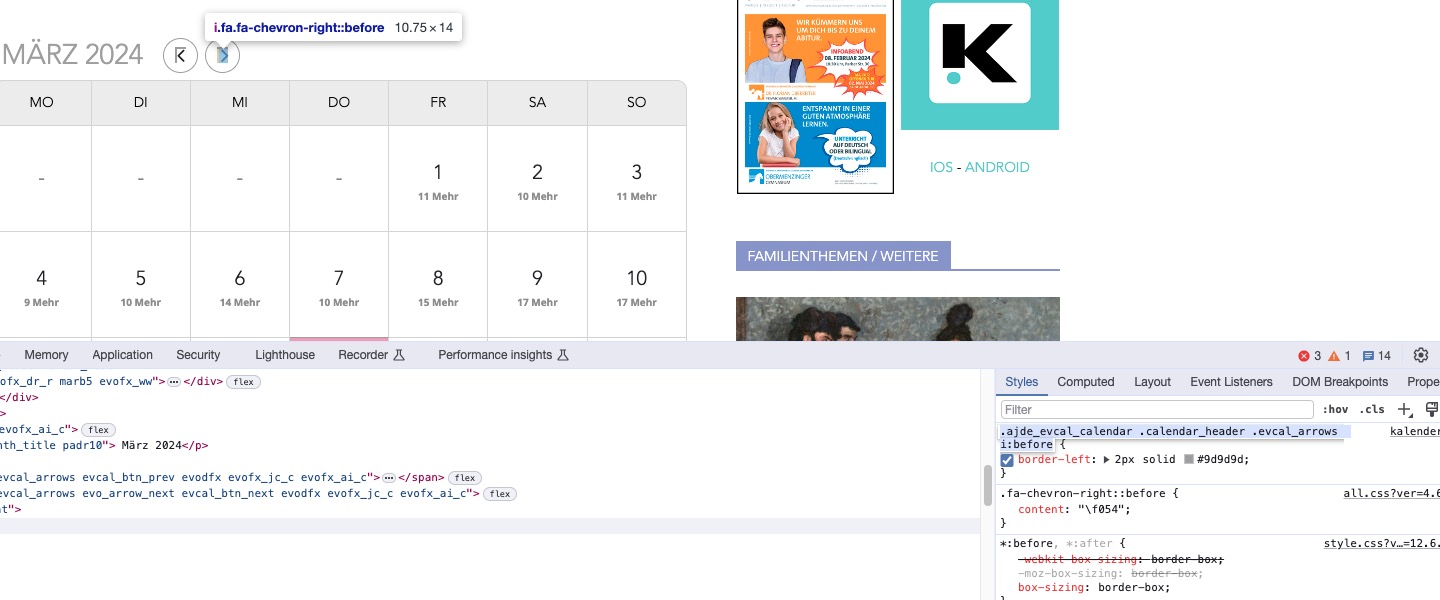
There are custom CSS styles that affect arrows:

Could you remove/comment them?
Hello,
There is a new version of Tickets add-on available. Could you update?
To update eventon addons: You can download latest eventon addons from myeventon > my account. Then you can go to your website, deactivate old addon and install new one and activate then delete the old addon. This link will further explain the process. Also you can follow us on twitter to get real-time announcements on updates!
Also please note that
https://wordpress-484777-1685604.cloudwaysapps.com/wp-admin/options-general.php
and
https://wordpress-484777-1685604.cloudwaysapps.com/wp-admin/admin.php?page=eventon#evcal_001b
show different Timezone. Please make sure that these are correct.
Hello,
Thank you for your messages, I am going to assign this ticket to Ashan and he will be able to take it from here and find you a solution. Please allow some time for him to get back to you, we greatly appreciate your patience and thank you for being a eventon customer! Also please disable any IP blocking on your site if there are any.
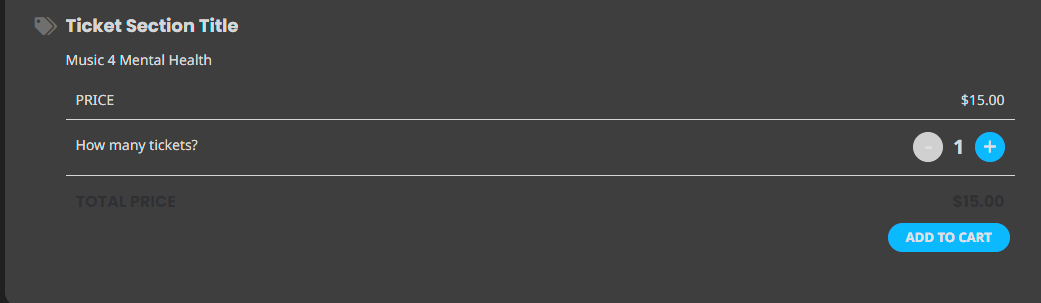
One question…do you know where i can change the font color in the total column?
Is there any update on this problem. It is still not working on our site.
You can see the calendar now – I made a subscriber login
User: 99999
Pw: temp99pwQQ
https://www.floydsroom.com/calendar/
The Google calendar spot is blank
Thank you! What would be the code for having the past events also directly shown? E.g. an Event from yesterday?
I change my theme to 2024 and the google map still doesn’t show up