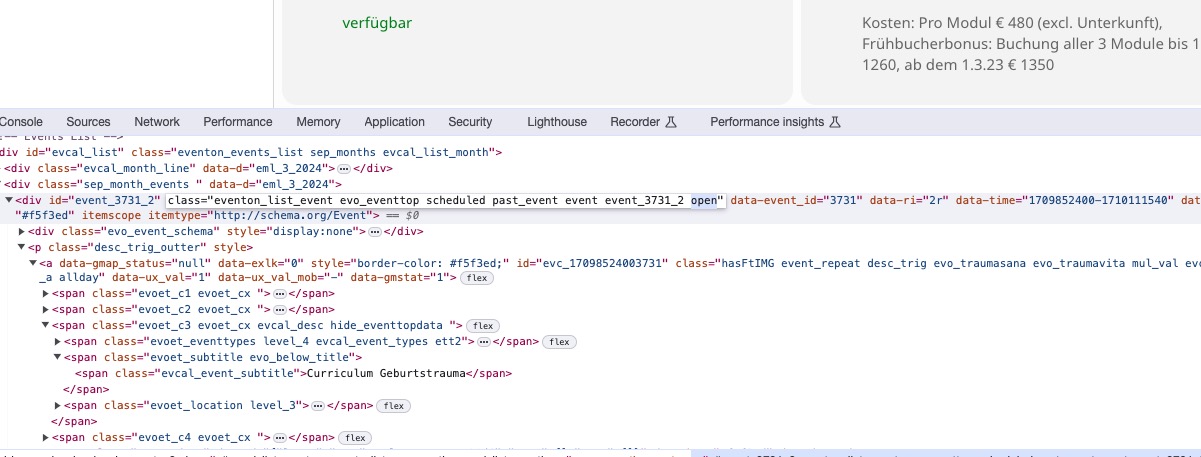
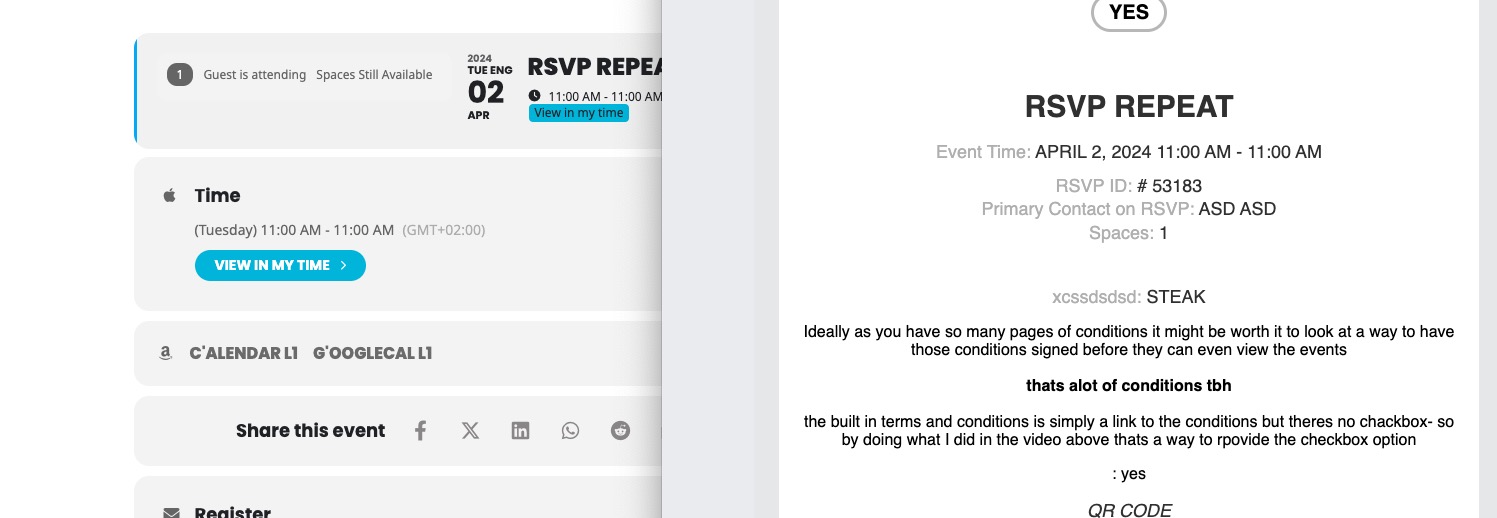
Hello,
Thank you for your messages, I am going to assign this ticket to Ashan and he will be able to take it from here and find you a solution. Please allow some time for him to get back to you, we greatly appreciate your patience and thank you for being a eventon customer! Also please disable any IP blocking on your site if there are any.
You can use any emails. Just create a new user and then send us login/pass.
Hello,
1. Unfortunately, you cannot hide months without events on Main Calendar. But you can take a look at Event Lists shortcode:
[add_eventon_list number_of_months=”12″ hide_empty_months=”yes”]
2. Please follow the instructions in this documentation to activate debug in your site to see any PHP errors recorded that can provide insight on to whats going on. Please reply with a link to debug.log file. If you are not able to do this please send us FTP access to your site so we can do this for you.
Hello,
Please check
https://docs.myeventon.com/documentations/hook-eventtop/
You can use this CSS class to hide the button:
Hello,
I cannot access wp-admin:
WordFence Your access to this site has been limited by the site owner
Could you go to EventON > Timezone and Edit Event > Timezone and make sure that they are the same as wp-admin > Settings > Timezone?
Please take a look at
https://docs.myeventon.com/documentations/taxonomies-eventon/
You need to get the assigned Event Type and then use https://www.php.net/manual/en/control-structures.if.php to show the button only on events with assigned Archery type.
Hello,
Please send us wp-admin access to your site as a private message for us to further assist your situation.
Please also send us wp-admin access to your site as a private message for us to further assist your situation.
Hello,
Seems to be working:
https://dev2.myeventon.com/events/rsvp-repeat-2/var/ri-2.l-L1/
Could you try updating RSVP add-on?
To update eventon addons: You can download latest eventon addons from myeventon > my account. Then you can go to your website, deactivate old addon and install new one and activate then delete the old addon. This link will further explain the process. Also you can follow us on twitter to get real-time announcements on updates!
Hi Helen,
Please create a new separate ticket to allow us investigate your issue.