https://stagingkuc.website/youth/
The site is not live yet. You should have a login.
Replies for tickets on suppota
https://stagingkuc.website/youth/
The site is not live yet. You should have a login.
Thank you…
Is it possible to remove the subtitle?
Have a look at: test.yogasanskriti.de
We’re still having an issue with tickets missing from the ticket section within the my account dashboard. Can we please have an update on this? Thank you.
Can I get an update on this please?
Thank you.
Hello,
You can use any email you like and then send us the selected email and password.
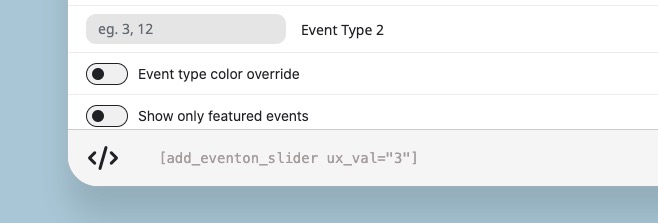
As for the issue, please try adding ux_val to the shortcode:
Hello,
QR Code add-on works with any scanner app or a scanner gun. App should simply scan the code and then redirect to the checkin page where add-on does all the work of checking in the user.
More info on how to use QR Code add-on:
https://docs.myeventon.com/documentation/addons/qr-code/
Unfortunately, QR Code API isn’t available.
Hello,
Please send us wp-admin access to your site as a private message for us to further assist your situation.
What’s your versions of RSVP, Waitlist and EventON? I cannot access the website to check this.
Seems to be working for me: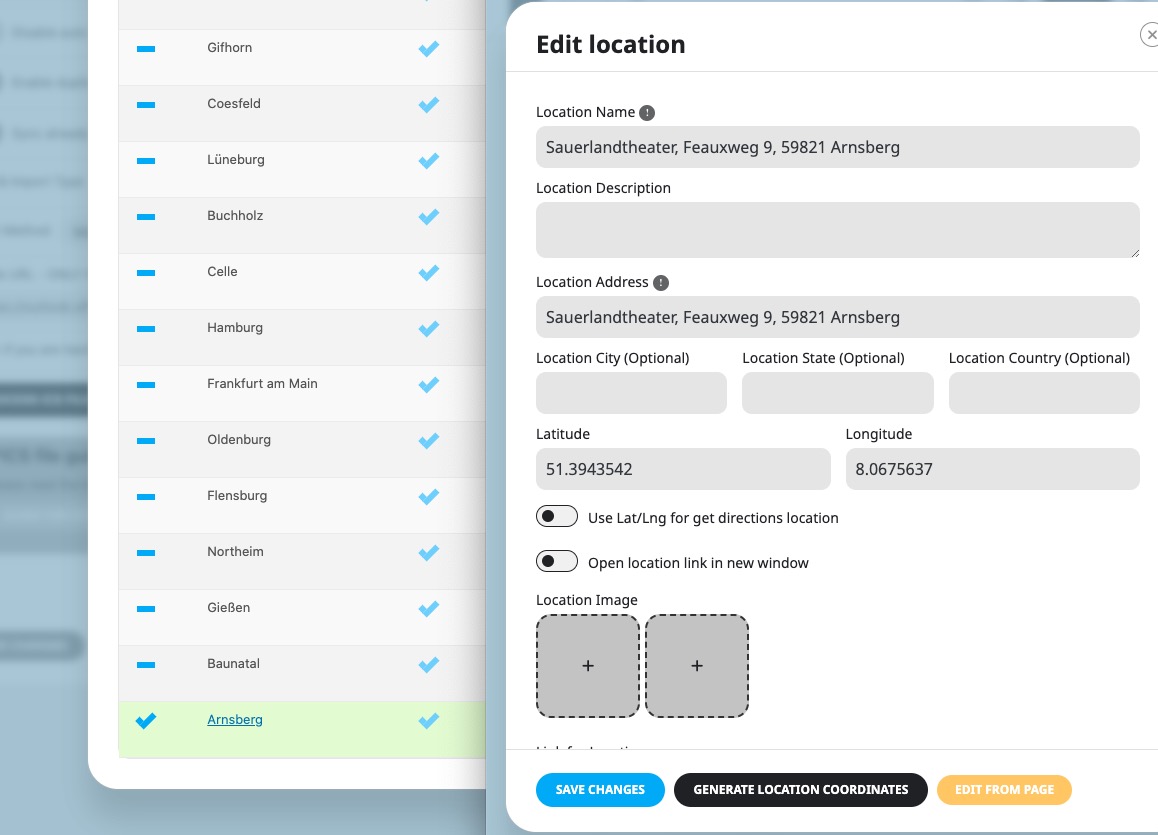
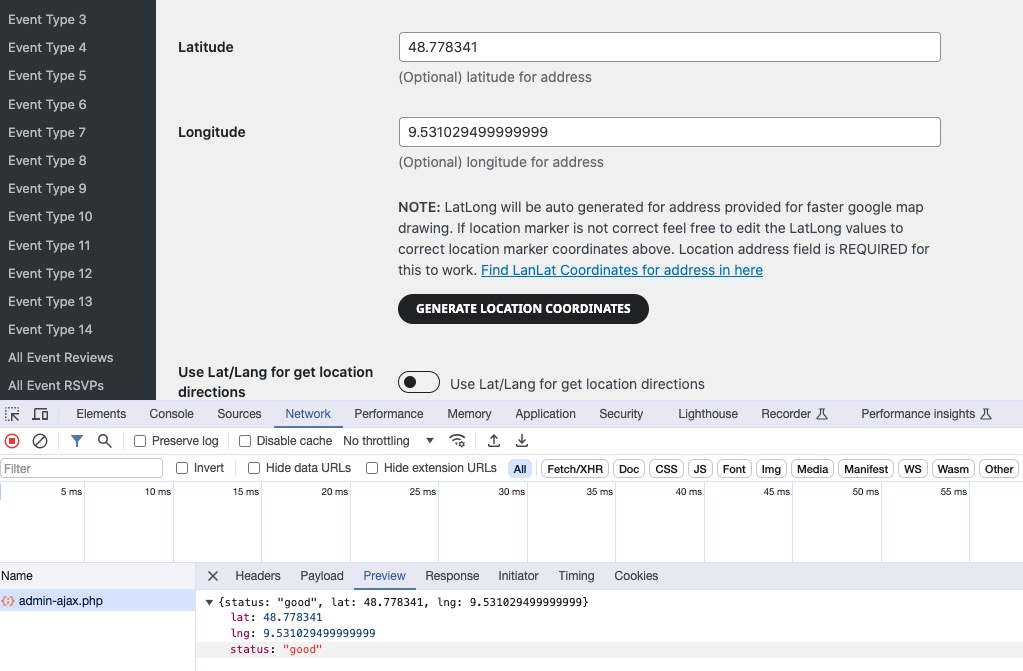
Generate Coordinates also work:
Are there some kind of security rules on the server that restrict access to websites?
Please also follow the instructions in this documentation to activate debug in your site to see any PHP errors recorded that can provide insight on to whats going on. Please reply with a link to debug.log file. If you are not able to do this please send us FTP access to your site so we can do this for you.
Could you elaborate? Each event has a unique link customers can use to access the event.
So they can check Single Event page where there is a form that they can use.
You can also use RSVP add-on
https://www.myeventon.com/addons/rsvp-events/
Customers can see all available events by using Main Calendar or Event Lists and by clicking on an event, they can book.
Try on https://dev.myeventon.com/wp-admin/
Hello,
Please send us wp-admin access to your site as a private message for us to further assist your situation.
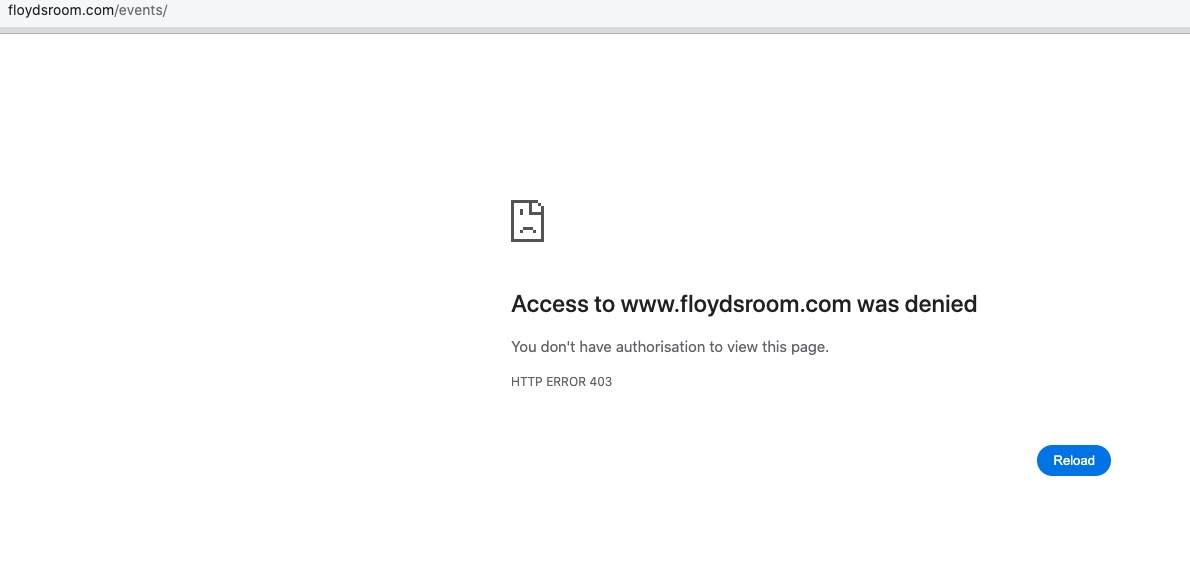
I also cannot check the page: