This is why the next month are not working. The nonce validation is failing.

Replies for tickets on suppota
This is why the next month are not working. The nonce validation is failing.
Ana, make sure the events are also in that same timezone. If you set the default timezone for events in settings, it will select that for new events only. 🙂
please check now should be good to go 🙂
Unfortunately, EventON Slider Addon isn’t our product. Please contact the plugin developer here:
https://codecanyon.net/item/eventon-slider-addon/11063359/comments
Hello,
1. You can add the shortcode directly to Event Details. Or by following this guide:
https://docs.myeventon.com/documentations/show-additional-custom-data-eventcard/
You can also use Custom Meta:
https://docs.myeventon.com/documentations/setup-use-custom-meta-fields-events/
2. Unfortunately, not possible. But you can create a new page with Fixed Month and then link to it:
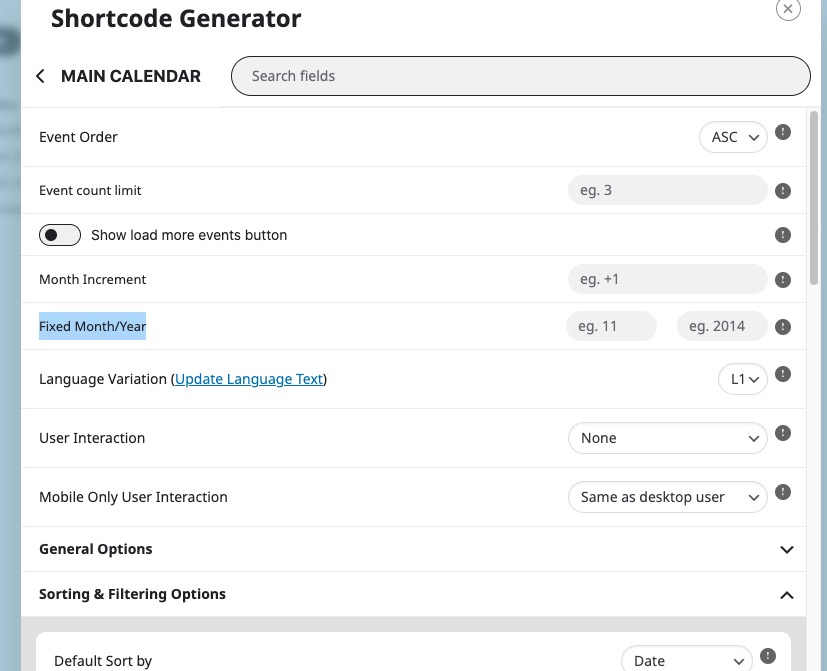
Ashan,
Can we add this to the next version?
Thank you for your messages, I am going to assign this ticket to Ashan and he will be able to take it from here and find you a solution. Please allow some time for him to get back to you, we greatly appreciate your patience and thank you for being a eventon customer!
Hello,
Here’s the code:
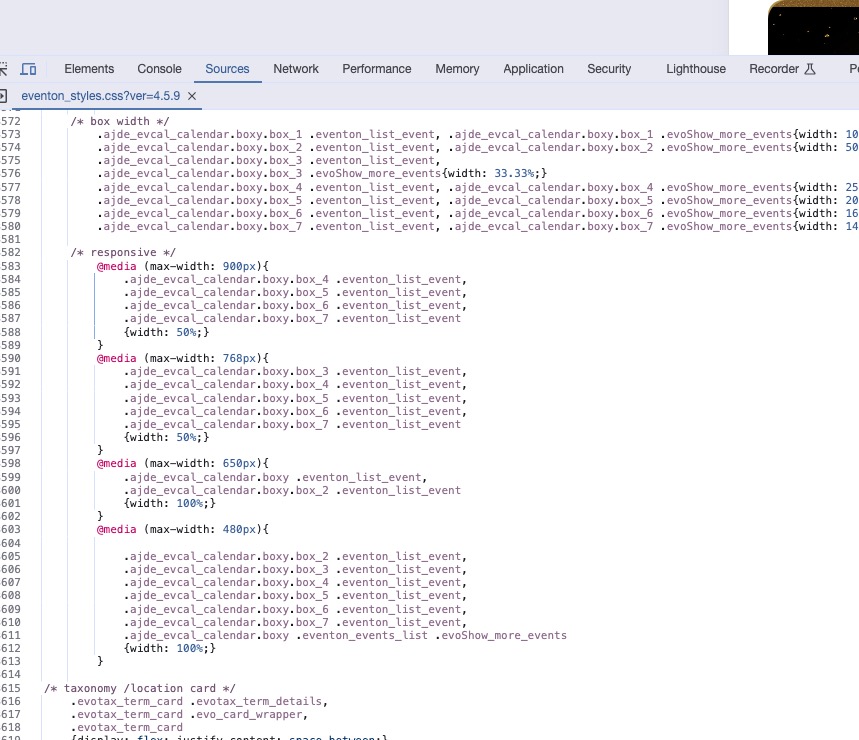
You can find it in eventon_styles.css.
Could you update EventON to 4.5.9 and Wishlist as well?
To update eventon to latest version: If you are unable to do autoupdate, you can go to codecanyon your account > download and get the latest eventon version as zip file. Then you can go to your website > make sure “Delete eventon settings & data when EventON is uninstalled” is Deslected from eventon settings, delete old eventon, install new one and activate. This link will further explain the process it. Also you can follow us on twitter to get real-time announcements on updates!
To update eventon addons: You can download latest eventon addons from myeventon > my account. Then you can go to your website, deactivate old addon and install new one and activate then delete the old addon. This link will further explain the process. Also you can follow us on twitter to get real-time announcements on updates!
Seems to be working on my side: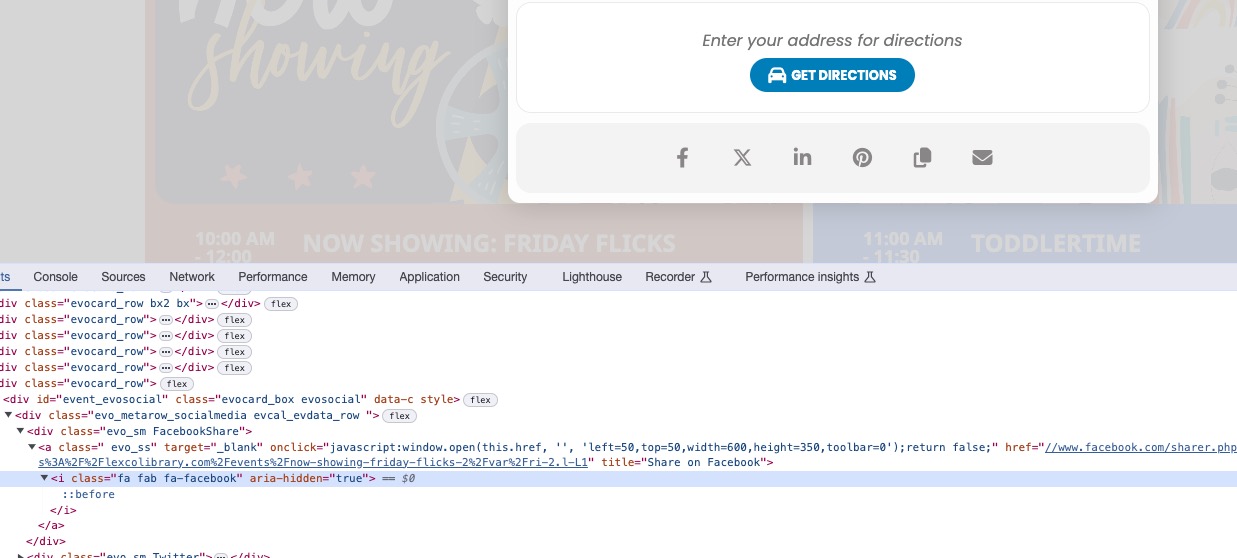
Could you try clearing your browser cache manually?