Hello,
RSVP 3.1 version is available. Please update and check if the issue continues.
To update eventon addons: You can download latest eventon addons from myeventon > my account. Then you can go to your website, deactivate old addon and install new one and activate then delete the old addon. This link will further explain the process. Also you can follow us on twitter to get real-time announcements on updates!
We are glad your issue is resolved, if you have any further questions or concerns please create a new ticket.
If you have a moment, we would greatly appreciate if you could kindly leave us a review at EventON WordPress Page OR EventON > My Account > Downloads. Your review helps us a lot in continuing EventON improvements!
Ashan,
The same on dev2.
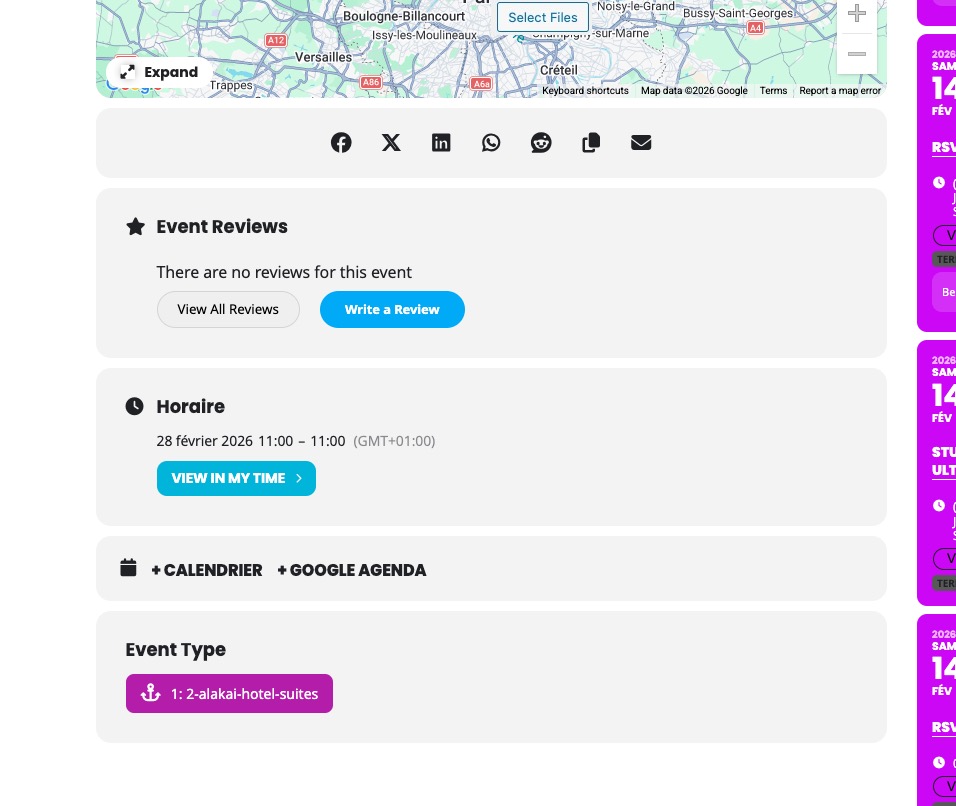
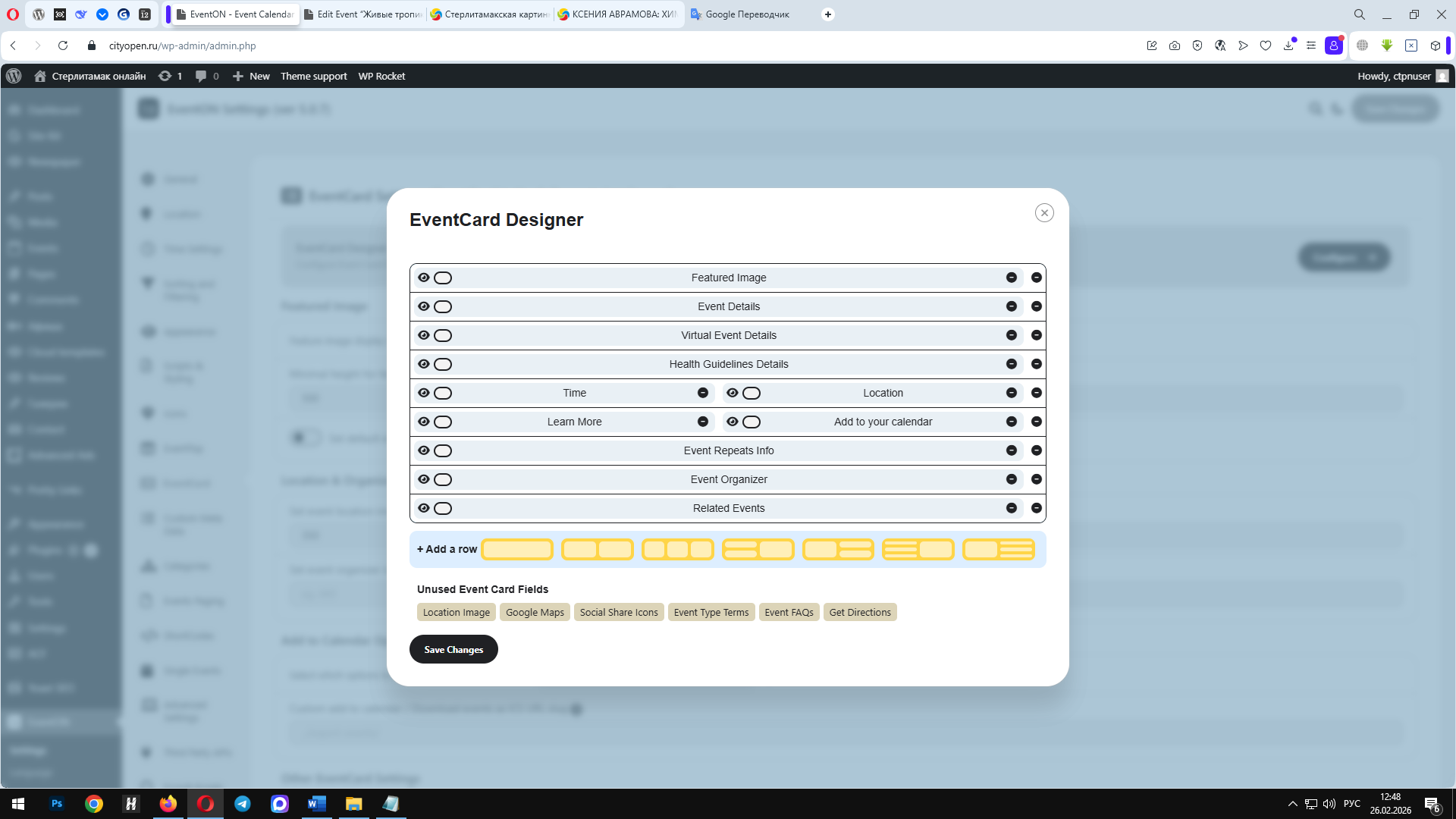
Location and Organizer sections aren’t visible.
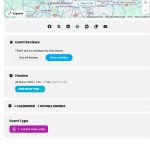
Thank you for letting us know! Our devs will respond ASAP and provide you with a fix or the previous version of the plugin.
We are glad your issue is resolved, if you have any further questions or concerns please create a new ticket.
Thank you for your great suggestion, at the moment it is not supported. However please create a new ticket and select Feature Request as category so others can vote on your idea and get it moved into development faster.
The calendar works fine now, thank you!
Please send me a link where I can download the previous version.
Please expand on Organizer and Location field.
I have these fields filled in and enabled, but they aren’t showing up.
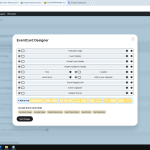
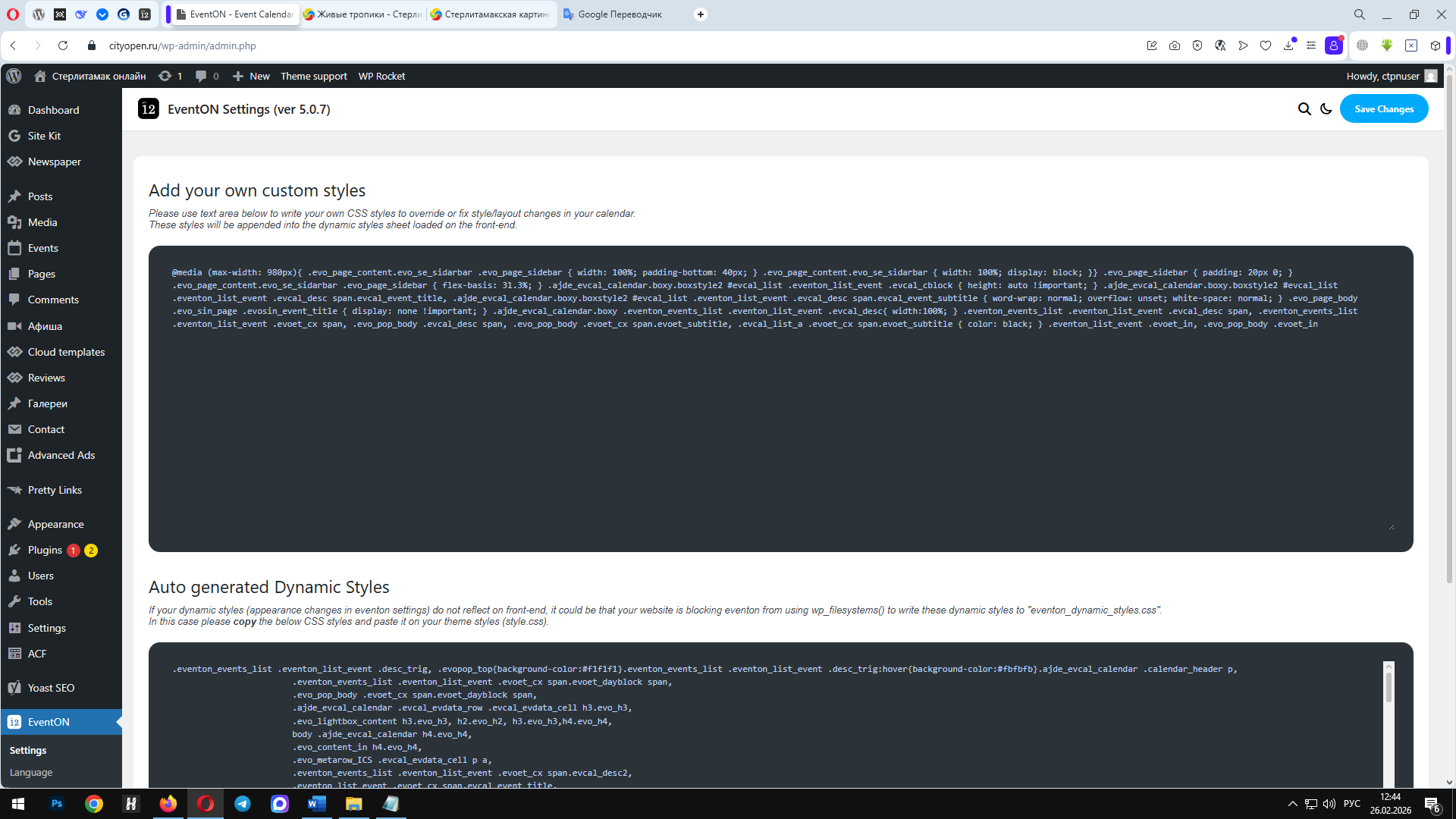
I added the code, but nothing changed. What am I doing wrong?