I am sorry, the access information you have provided did not work for us. Please check them and post the correct login information as a private message, thank you!
Archives: Replies
Replies for tickets on suppota
Reply to: tickets(342386)
We will take a look into this. If you have any further questions or concerns please create a new ticket.
Reply to: tickets(338134)
Again sorry for the delay. I contacted Ashan about your situation. Please wait for his reply.
Meanwhile, please update EventON to 4.5.9 and RSVP to 2.9.11.
Reply to: tickets(342733)
We are sorry for the delay.
Your Checkout page is built manually: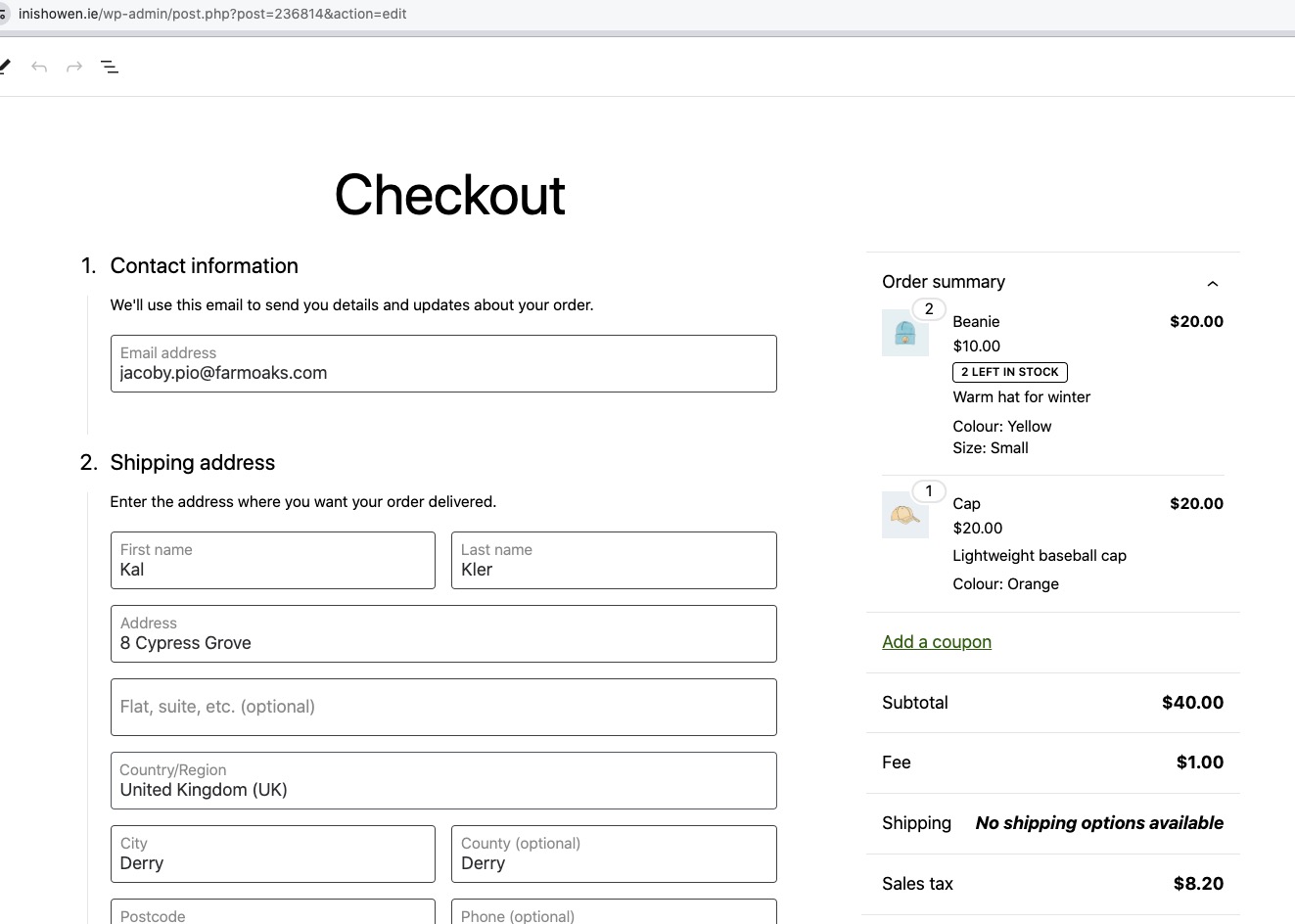
Could you try replacing it with the default shortcode:
[woocommerce_checkout]

And then try to purchase a new ticket.
How do I get “Type” to show on the orders list?
You cannot enable it, it should appear by default first as an option.
Reply to: tickets(343017)
I just checked other designs and it seems that EventON doesn’t add Sold Out class to events, so not possible to change the appearance, I am afraid.
Reply to: tickets(342934)
Reply to: tickets(342934)
Existing orders cannot be changed, I think. Please wait for Ashan to reply.
Reply to: tickets(343409)
Hello,
Could you update EventON as well as add-ons to latest versions?
To update eventon to latest version: If you are unable to do autoupdate, you can go to codecanyon your account > download and get the latest eventon version as zip file. Then you can go to your website > make sure “Delete eventon settings & data when EventON is uninstalled” is Deslected from eventon settings, delete old eventon, install new one and activate. This link will further explain the process it. Also you can follow us on twitter to get real-time announcements on updates!
To update eventon addons: You can download latest eventon addons from myeventon > my account. Then you can go to your website, deactivate old addon and install new one and activate then delete the old addon. This link will further explain the process. Also you can follow us on twitter to get real-time announcements on updates!
Reply to: tickets(343115)
We don’t have such guides, I am afraid.
All available documentation related to the coding can be found here:
https://docs.myeventon.com/documentation/codex/
However, you can figure out what’s inside of each array with:
https://www.php.net/manual/en/function.var-dump.php
Reply to: tickets(340452)
Unfortunately, xEFxBBxBF and 0 are necessary for the correct functionality of the plugin.