got it fixed up in your website. Will release an update to dailyview with the fixed code 🙂
Replies for tickets on suppota
got it fixed up in your website. Will release an update to dailyview with the fixed code 🙂
Patrick I am sorry I am not able to edit the plugin editor code. We are doing a complete restructing of this code in 4.6 and it will resolve the no events issue. We are really hoping to get this released before end of this month 🙂
Terribly sorry ines. We will keep our eyes open, if we come across some code additions we can do to force these desired results we will include those in the future updates 🙂
Hey Tara so I just released a new version to actionUser 2.4.3 this should allow you to set user interaction default value 🙂
Would you mind sharing wp-admin access to your site? At the moment your website is not loading for us.
https://fica-oc.pt/workshops/

I think that Excel is the actual culprit stripping out the leading 0 for the client as the field looks like a number field. I think this is a client-side issue. Not with EventOn.
I’ve attached a csv raw screenshot showing the additional 0 that is appended at the bottom of the first column. Is it possible to remove this?
I think I need help 🙂 where do you have information about the arrays to use (in case of the event ID). I added this: array( EVORS()->lang(‘evoRSLX_003a’, ‘Event ID’, $lang) , $RR->event_id() ),
but it doesn’t worl
Login info stopped working. Could you check?
Please take a look at “Term Meta Data Handling“:
https://docs.myeventon.com/documentations/taxonomies-eventon/
Unfortunately, this goes beyond our Support Policy.
The thing is that when your location is full address (with street, city, country, postal code), after you imported events, it should generate Lat/Long values.
EventCard’s Map uses Location Address, so that’s why the map is visible on each event.
Hello,
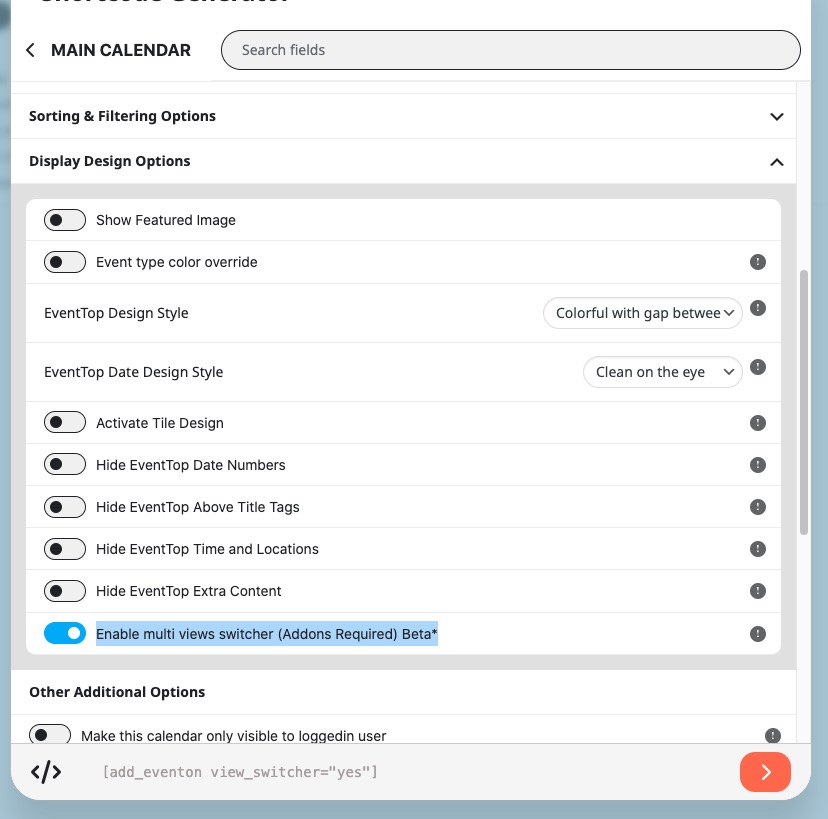
Please try enabling this option: