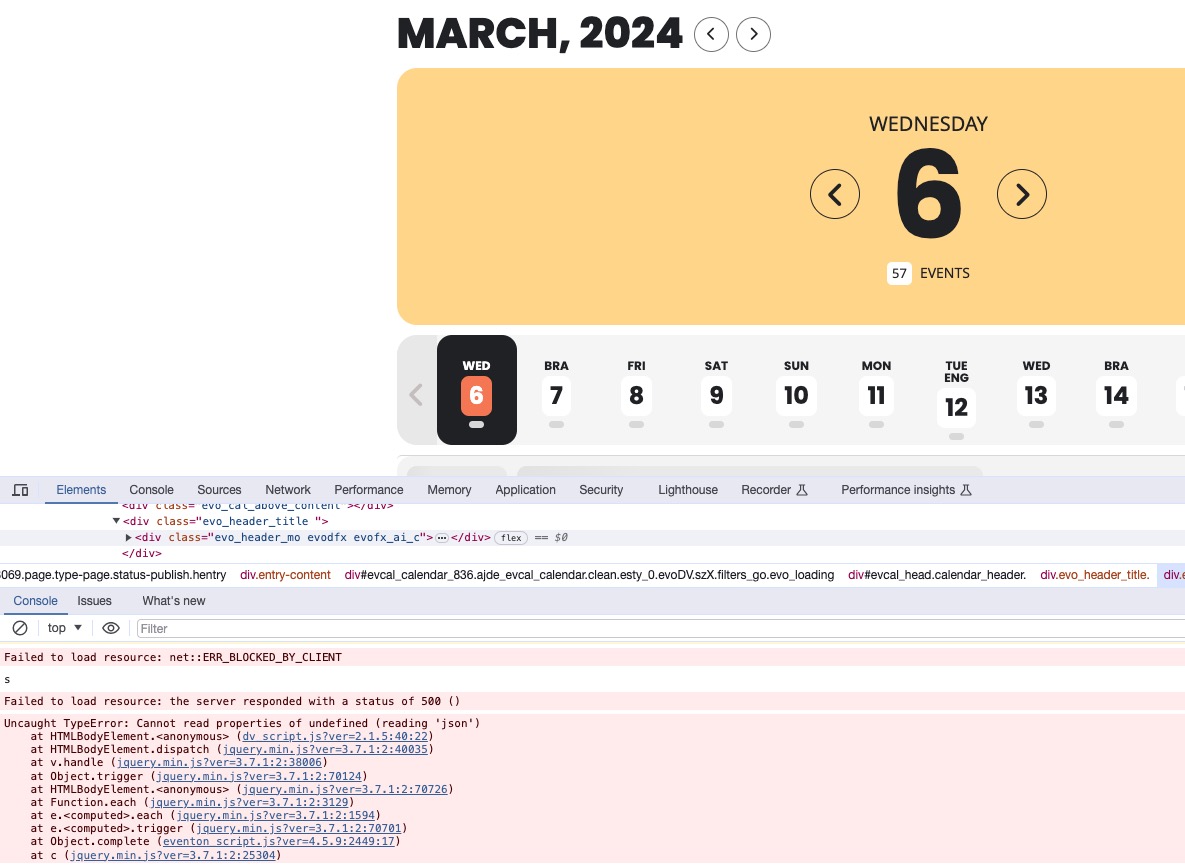
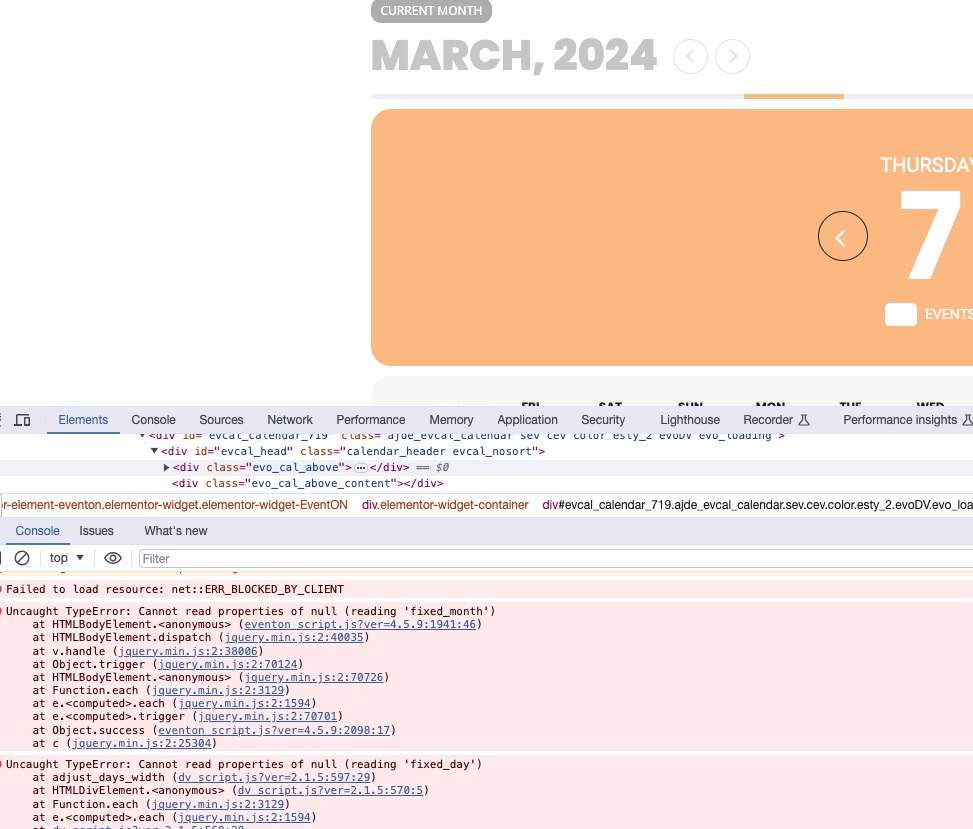
Hello,
Thank you for your messages, I am going to assign this ticket to Ashan and he will be able to take it from here and find you a solution. Please allow some time for him to get back to you, we greatly appreciate your patience and thank you for being a eventon customer! Also please disable any IP blocking on your site if there are any.
Ashan,
On dev2:
https://dev2.myeventon.com/test-395/
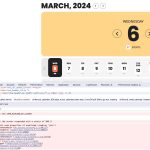
On customer’s website:
Hello,
Thank you for your messages, I am going to assign this ticket to Ashan and he will be able to take it from here and find you a solution. Please allow some time for him to get back to you, we greatly appreciate your patience and thank you for being a eventon customer! Also please disable any IP blocking on your site if there are any.
Hello,
I am sorry, the access information you have provided did not work for us. Please check them and post the correct login information as a private message, thank you!
Could you check login/pass from one of your previous messages? It stopped working.
What was this version?
https://helpdeskx.s3.amazonaws.com/wp-content/uploads/2024/03/04041403/Screen-Shot-2024-03-03-at-7.13.02-AM.png
We are glad your issue is resolved, if you have any further questions or concerns please create a new ticket.
If you have a moment, we would greatly appreciate if you could kindly leave us a review at myeventon/my-account!. Cheers!
Hello,
Please go to EventON > Time Settings > enable Hide past events for default calendar(s): Hide events past current local time.
Unfortunately, the only way of hiding Single Event page is to go to EventON > Advanced > Auto move events to trash when the event date is past.
Are you referring to the time in existing orders or new ones?
Still don’t see the editor:
Could you check?