Thank you for your messages, I am going to assign this ticket to Ashan and he will be able to take it from here and find you a solution. Please allow some time for him to get back to you, we greatly appreciate your patience and thank you for being a eventon customer! Also please disable any IP blocking on your site if there are any.
Archives: Replies
Replies for tickets on suppota
Reply to: tickets(342728)
Meanwhile, could you try this event from our test server:
https://dev2.myeventon.com/events/whatsapp-test/
Reply to: tickets(342728)
Ashan,
Could you check this?
Reply to: tickets(342728)
Thank you for your messages, I am going to assign this ticket to Ashan and he will be able to take it from here and find you a solution. Please allow some time for him to get back to you, we greatly appreciate your patience and thank you for being a eventon customer! Also please disable any IP blocking on your site if there are any.
Reply to: tickets(342050)
Please use this code:
.eventon_list_event .event_description p, .evcal_list_a .event_description li, .evo_pop_body .evcal_evdata_row .evcal_evdata_cell p { font-size: 16px !important; }
Reply to: tickets(343115)
oh! and include the event ID too, besides the RSVP ID
Reply to: tickets(343029)
Ashan,
Please take a look at 2 & 3.
2. The same on dev2:
https://dev2.myeventon.com/test-392/
“Activate Additional Field #3” isn’t visible at all on the form.
https://dev2.myeventon.com/wp-admin/admin.php?page=eventon#evcal_009
3. I think this has been fixed in 4.6.
Reply to: tickets(343029)
Hello,
1. You cannot select this in Action User Submission Form, but can in Action User Event Manager:
[evo_event_manager]
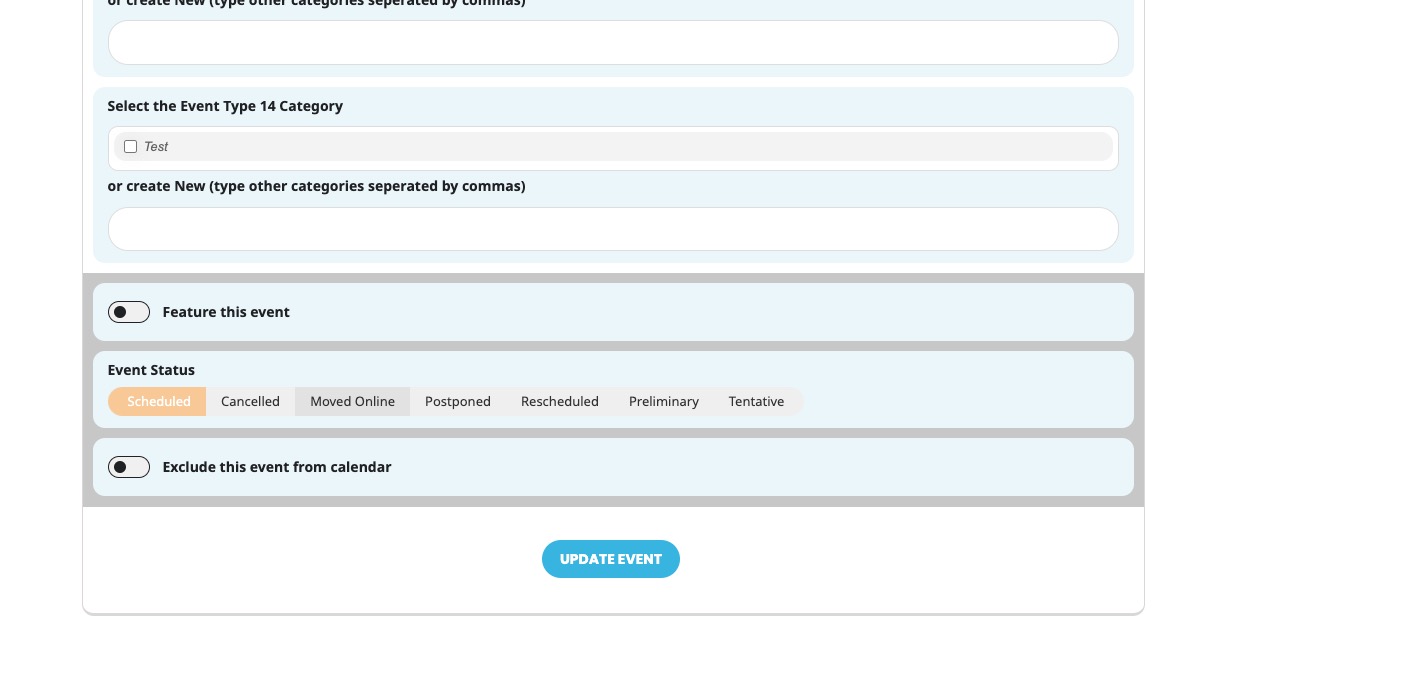
Please try and let us know.
2. Thank you for your messages, I am going to assign this ticket to Ashan and he will be able to take it from here and find you a solution. Please allow some time for him to get back to you, we greatly appreciate your patience and thank you for being a eventon customer! Also please disable any IP blocking on your site if there are any.
3. This happens because of enabled EventON > Google Map > Google Maps API deaktivieren. Please try disabling for now while we are working on a fix.
Reply to: tickets(342229)
What’s your OS and browser? Could you check in Incognito Mode?
Reply to: tickets(343078)
Hello,
Please take a look at this plugin
https://www.envato.com/lp/market-plugin/