Thanks that worked!
Archives: Replies
Replies for tickets on suppota
Reply to: tickets(404315)
Please expand on Organizer and Location field.
Reply to: tickets(404315)
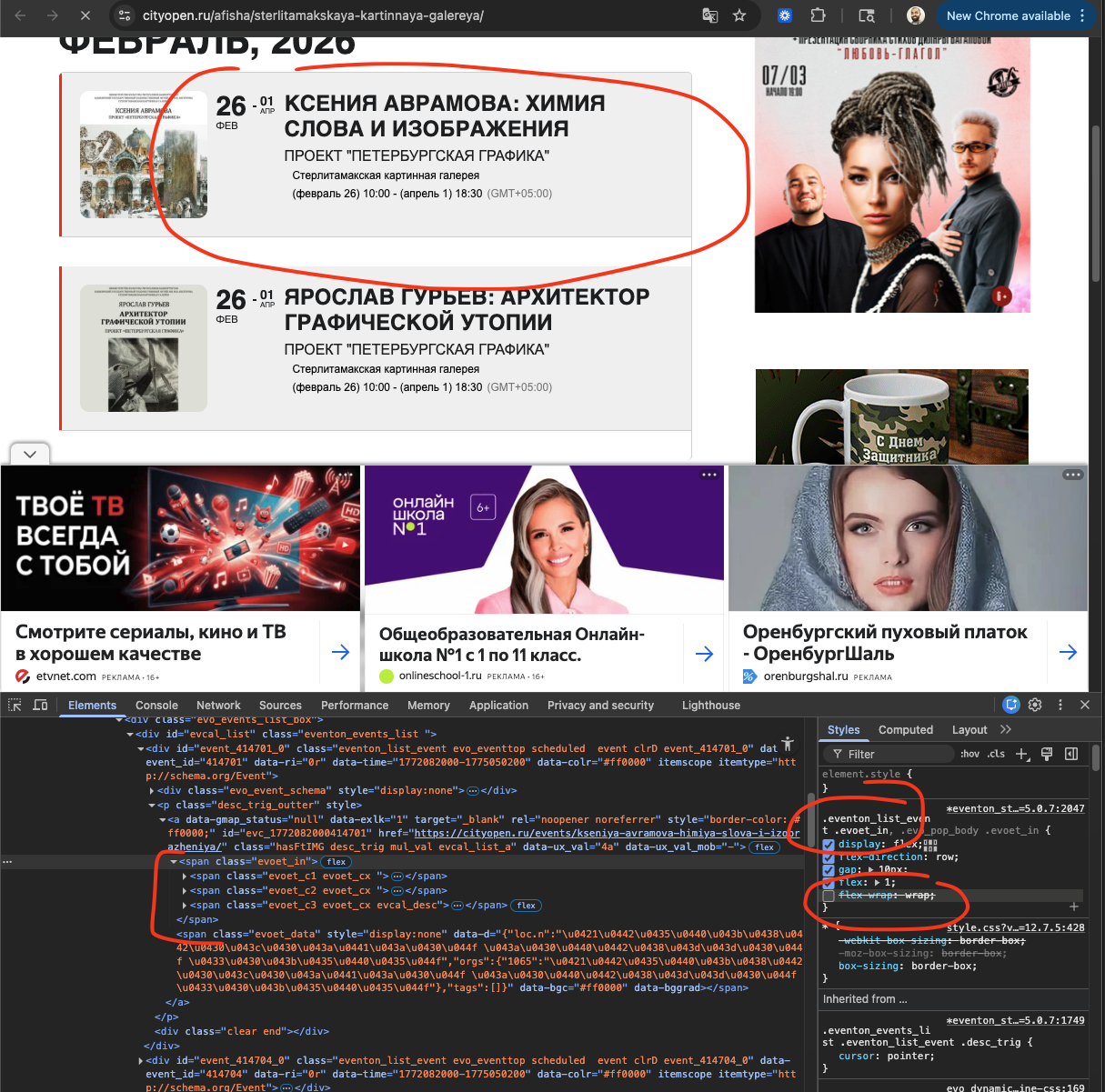
Please take a look at the screenshot, the flex-wrap:wrap CSS property we added is what makes that content go into next line. You can add this CSS into EventON Settings > Styles to make it like it was before for the moment while we figure out a stable solution for this, that satisfy you and also others who wanted this in 2 separate lines.
CSS: .eventon_list_event .evoet_in, .evo_pop_body .evoet_in
Reply to: tickets(404093)
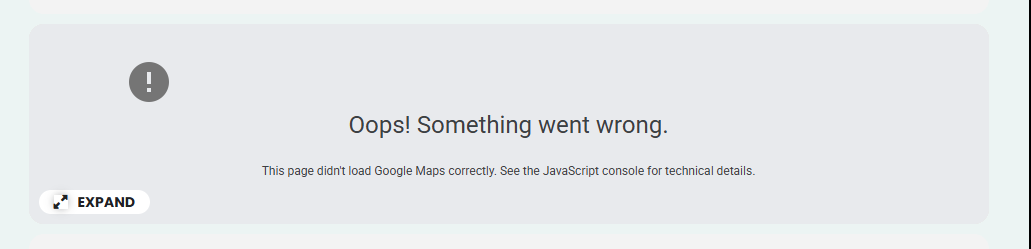
I got the shortcode fixed — thank you. I did notice the Google Map pops up for a second and then shows what’s in the attached image. I’ve already entered the map API key, so is there a way this can be fixed?
Reply to: tickets(404142)
Hello. Thank you for reply, here is my oreder id – 223101
We have quite complex ticket pricing and repetitive hourly events, and we actually have already solved that by coding a small php script that edits eventon database files directly with the rules applied. But an interface to easely edit and batch control all that, would be a nice feature.
Reply to: tickets(403123)
Yes, it’s a pity but the problem with emails (which started months ago and only partially worked so far) and list of attendees later (the other recent ticket) caused the loss of a few customers and a very difficult situation for instructors of the studio. In the end, my customer decided to change.
Reply to: tickets(403094)
That’ excellent, is a re-installation necessary or is it a case of verifying a new license key?
Thanks Peter
Reply to: tickets(404315)
I also lost the Organizer and Location fields.
Reply to: tickets(404315)
Can you send me a link to the previous version?
Reply to: tickets(404267)
Yes, sorry, I forgot to underline the word. The untranslated word is ”Tag,” which in Spanish should be ”etiqueta.”