Website: https://www.maexworkspace.net
Archives: Replies
Replies for tickets on suppota
Reply to: tickets(341928)
to see the Website, you can access with PW: !?SisyEnte12
The Slider is Working now, but pleases check the styling of the events.
– The Pictures are not fitted into right size
– Also the later Events the letters are not centered and it looks a litte unformed. How can we solve that?
– when you open eventcard, its a complete different colour than the eventcolour. We would like to have every Eventcard in a individual colour (like the Tilepreview).
– also had problems in the normal calender preview with tiles. The size of the tiles changed on every month, depending if there are 3 oder less events. Also the pictures are not really fitting and no option to get them fitting. Additional we still have the problem with the eventcard, which ist always just in one colour and we want to have the colourstyling in the same colour as the tile
If we can get all of this probelms fixed, were back happy. If not, I think we have to think about using another plugin for our side. 🙁
If you need WP-Admin access, please give me a mailadress and all infos, so I gonna add a profile.
Reply to: tickets(341928)
Do you only want to see the current website or have acess to WP?
Reply to: tickets(338517)
Using Bookings, is it possible to add multiple variations to cart in a single action? For example, can someone add two Adult tickets and two Child tickets to a selected time slot without having to reload the event page?
Reply to: tickets(340651)
Hello.
We thought it was fixed with the timezone setting, but it is now worse than ever. Most events are appearing two times in the calendar.
You can see if you go to https://www.menudoesleon.com/ that this next weekend, the events from Saturday are also being shown on Sunday. Which makes no sense. Are we doing something wrong?
I have created a user for you:
https://www.menudoesleon.com/wp-admin
eventon
C0Ki!ys1JFBkmeK$VtB^1%4x
Could you please check it as soon as possible?
Thanks
Reply to: tickets(342092)
Some have no location assigned, some have the wrong one (created in Eventon), some I have manually changed to the right one, from the location drop down in the event itself. Its the same with Organiser – some right, some wrong, some empty.
Reply to: tickets(341415)
thank you for the suggestion, but that doesn’t work for my client.
Reply to: tickets(341748)
Hello,
Ashan will check this ASAP. We are sorry for the delay.
Reply to: tickets(341773)
I enabled Campos personalizados and was able to drag the details under the Event Details.
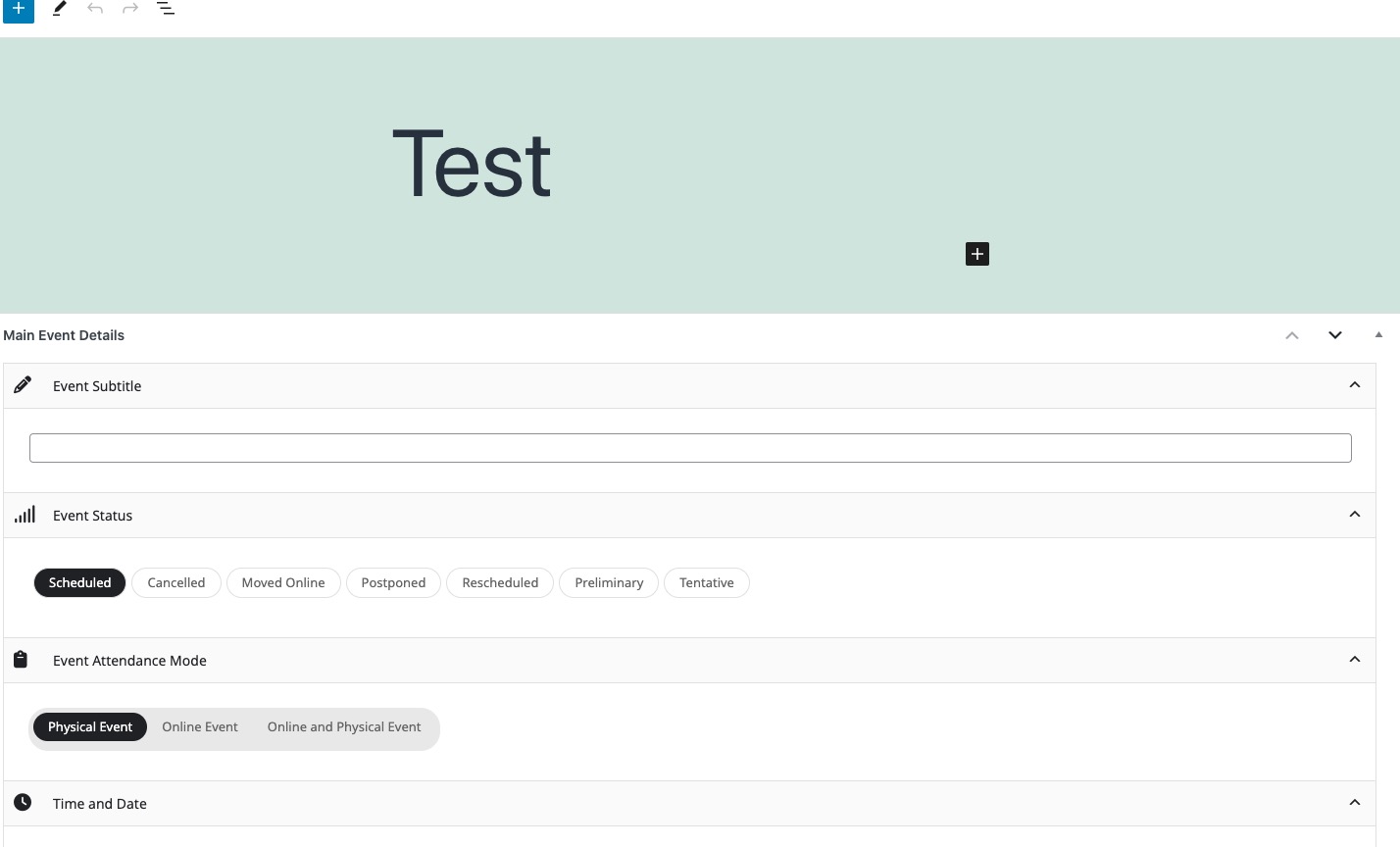
As for EventON > Styles, please go to EventON > Scripts & Styling > enable Write dynamic styles to header. Or go to wp-admin > Appearance > Customize > Additional CSS and add the code there.
Reply to: tickets(341932)
Perfect! Do you need our help with anything else?