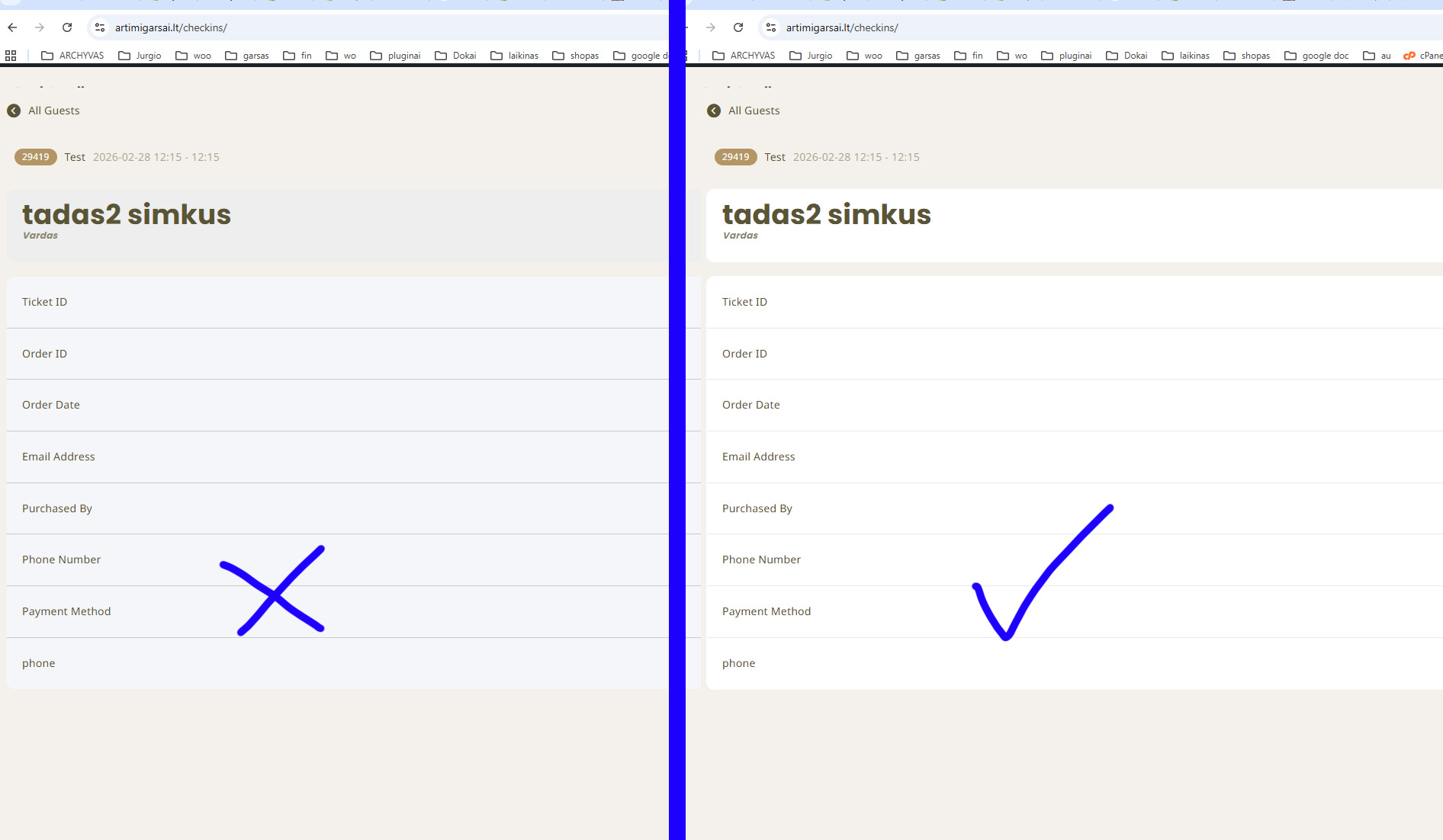
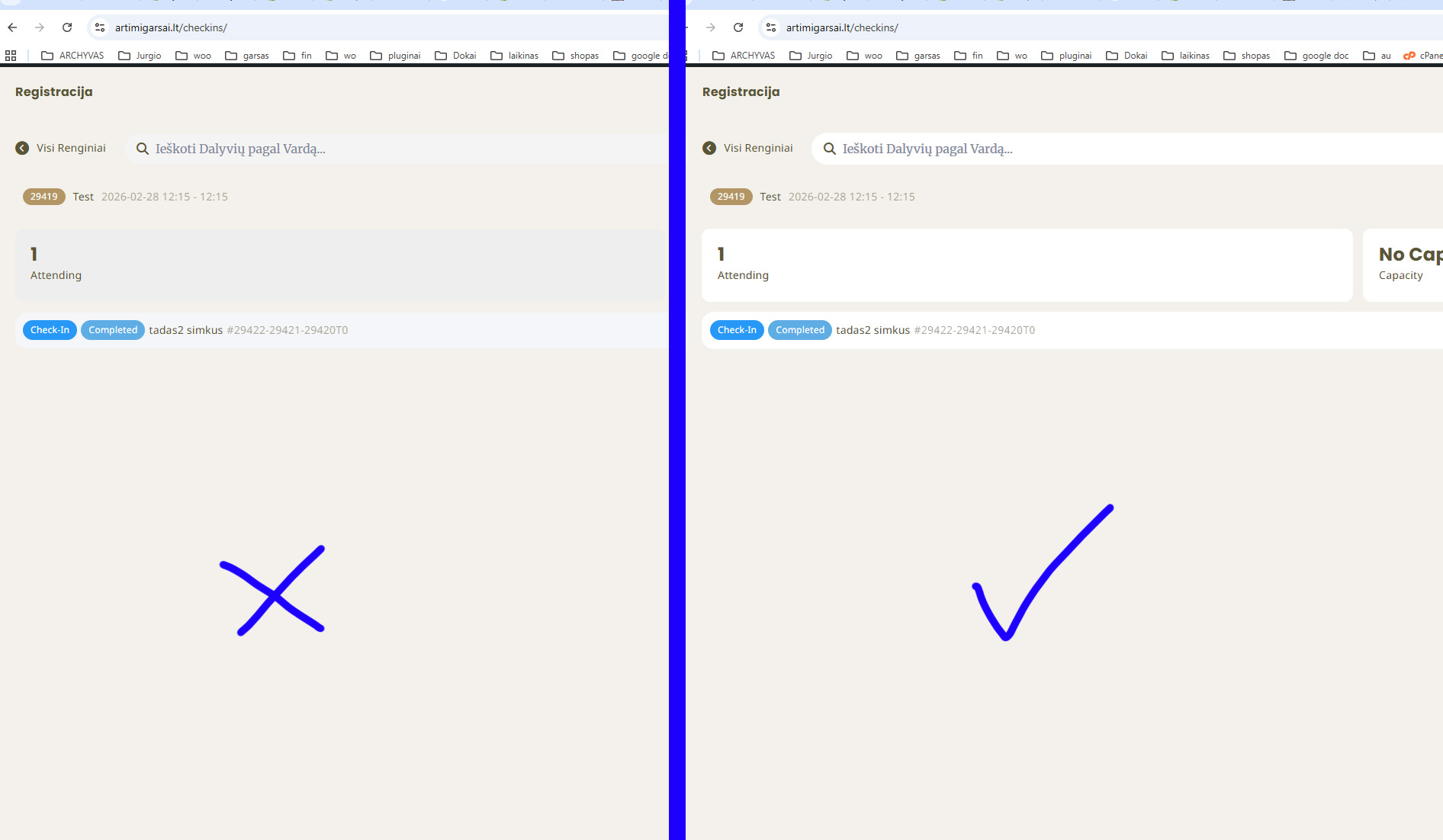
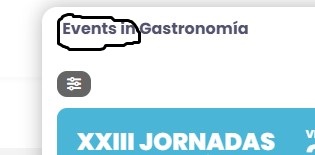
If possible, just change all the greyish parts to white. Thank you!
Replies for tickets on suppota
If possible, just change all the greyish parts to white. Thank you!
Thank you — I’ve fixed it, and everything is now working properly.
Thank you for the update. Unfortunately the customer decided to move to another platform due to the multiple issues with email and attendees list and the very long time required.
Hello,
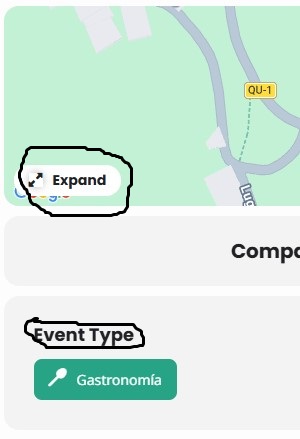
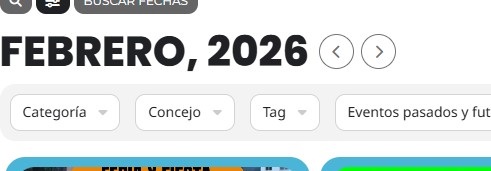
Please add this CSS code to EventON > Styles (If you don’t see any change, EventON > Scripts & Styling > turn off Write dynamic styles to header > save settings > turn on Write dynamic styles to header).
You can also add this code to wp-admin > Appearance > Customize > Additional CSS.
.evo_page_content.evo_se_sidarbar .evo_event_content { width: 50%; }
Hello,
Could you tell us more about your current issue, so we can help?
EventON 5.0.2:
It seems that there is something wrong with your SMTP configuration:
https://carsoncarclub.com/wp-admin/admin.php?page=wp-mail-smtp
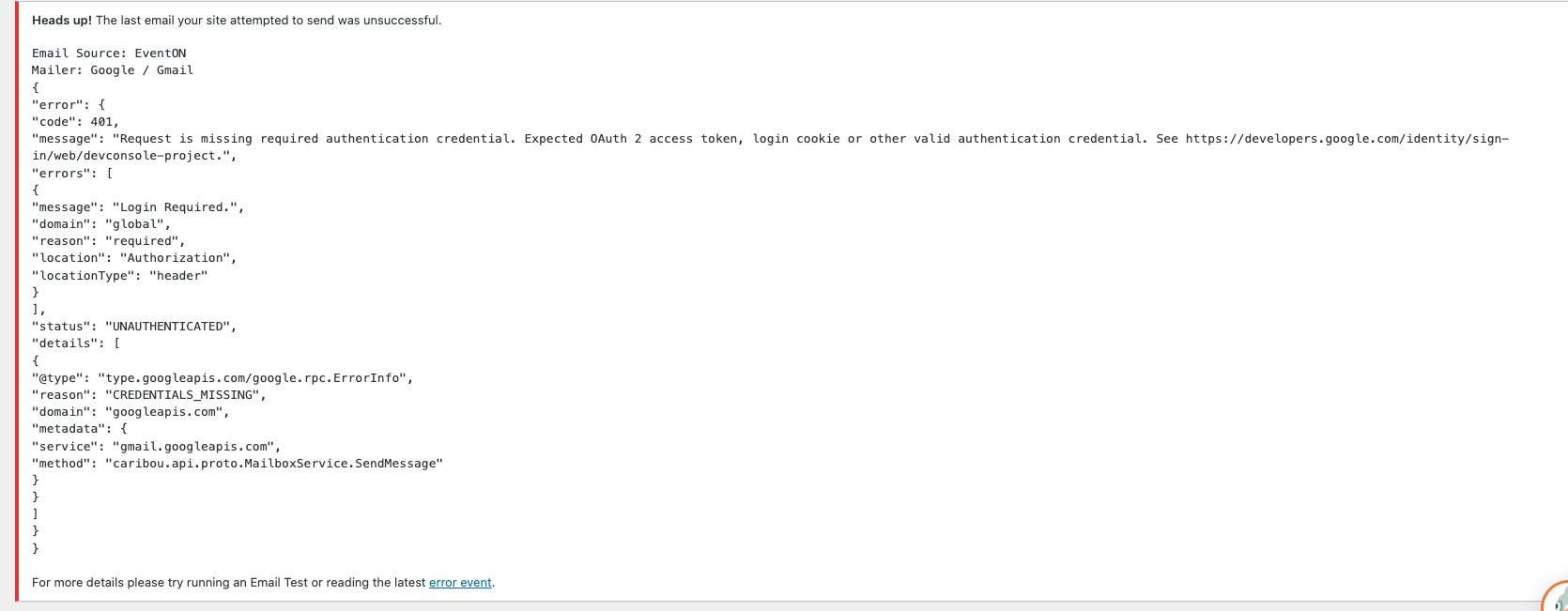
Could you check and let me know?
Hello,
Please follow this instruction on how to update the plugin:
To update eventon to latest version: If you are unable to do autoupdate, you can go to codecanyon your account > download and get the latest eventon version as zip file. Then you can go to your website > make sure ”Delete eventon settings & data when EventON is uninstalled” is Deslected from eventon settings, delete old eventon, install new one and activate. This link will further explain the process it. Also you can follow us on twitter to get real-time announcements on updates!
Hello,
EventON Tickets add-on has ”Enable name your price” functionality:
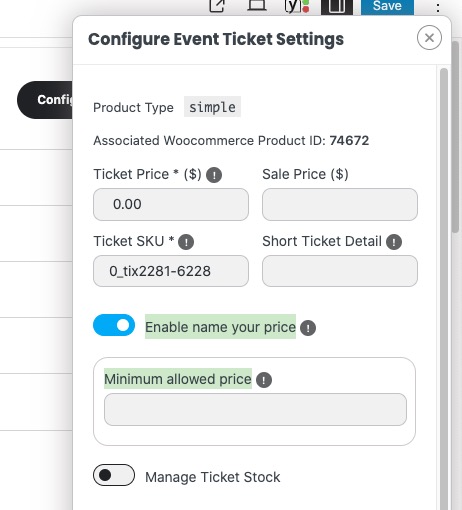
Please check and let us know.
I assume you will be transferring the license ”globally”, or is there anything that can be done at an individual basis to help?
Peter