Done, thank you.
Archives: Replies
Replies for tickets on suppota
Reply to: tickets(339635)
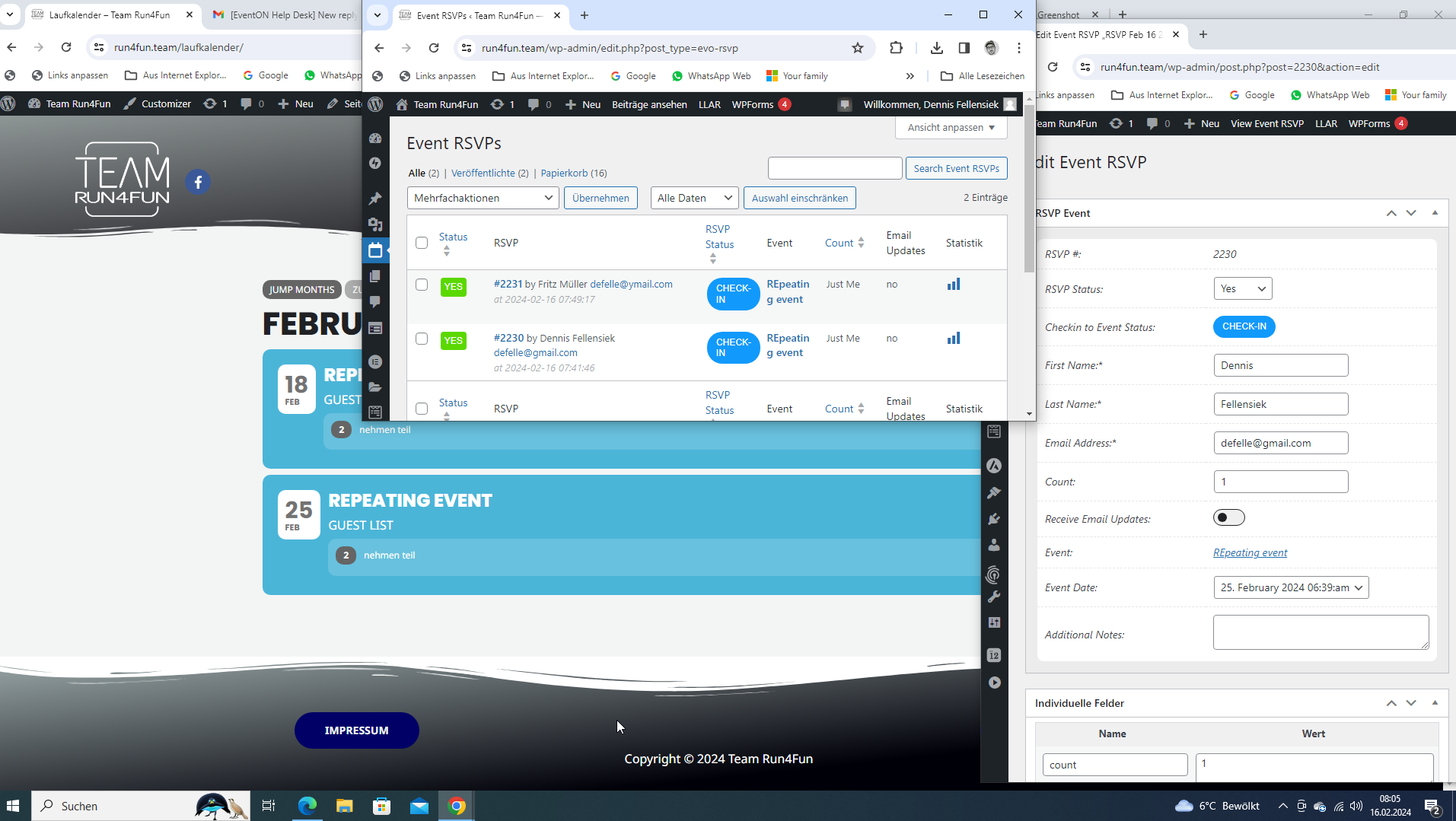
Hello again,
the version is 2.9.11 but it still doesn`t work correct.
After updating i created a new event (and deleted all old rsvps and events). At the backend (all event RSVPS section) it is shown correct. One reservation for a single date.
But on the frontend this information is shown in all the dates. I guess that the problem is related to the event_id.
repeating events all seem to have the same id.
each instance of the event should have its own (child) id.
e.g.
1000_1
1000_2
there is no differentiation here, there is only one main id.
that is why i think the information cannot be displayed correctly.
but this is just a guess, i have not looked at the database structure
thank you very much for your efforts
best regards
dennis
Reply to: tickets(341030)
Reply to: tickets(341030)
Reply to: tickets(341030)
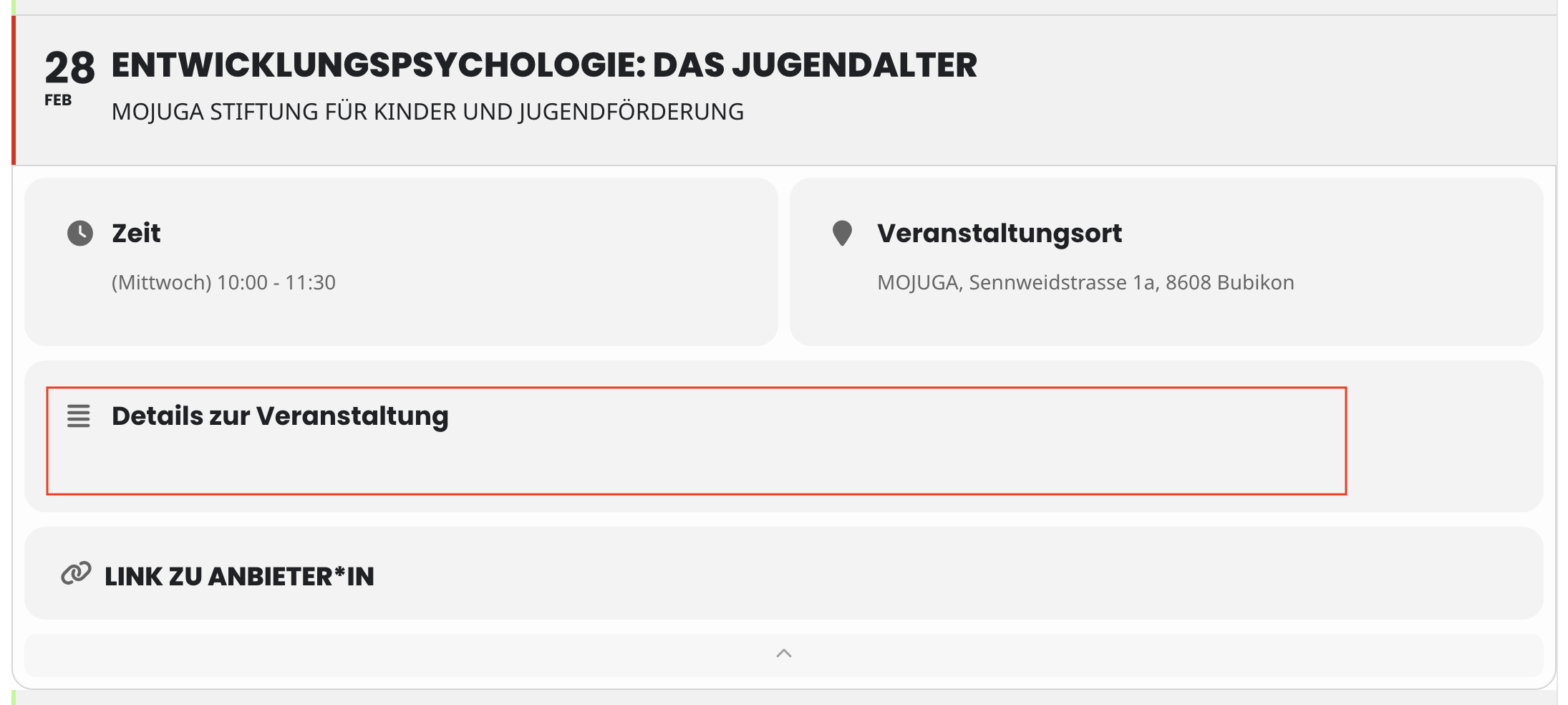
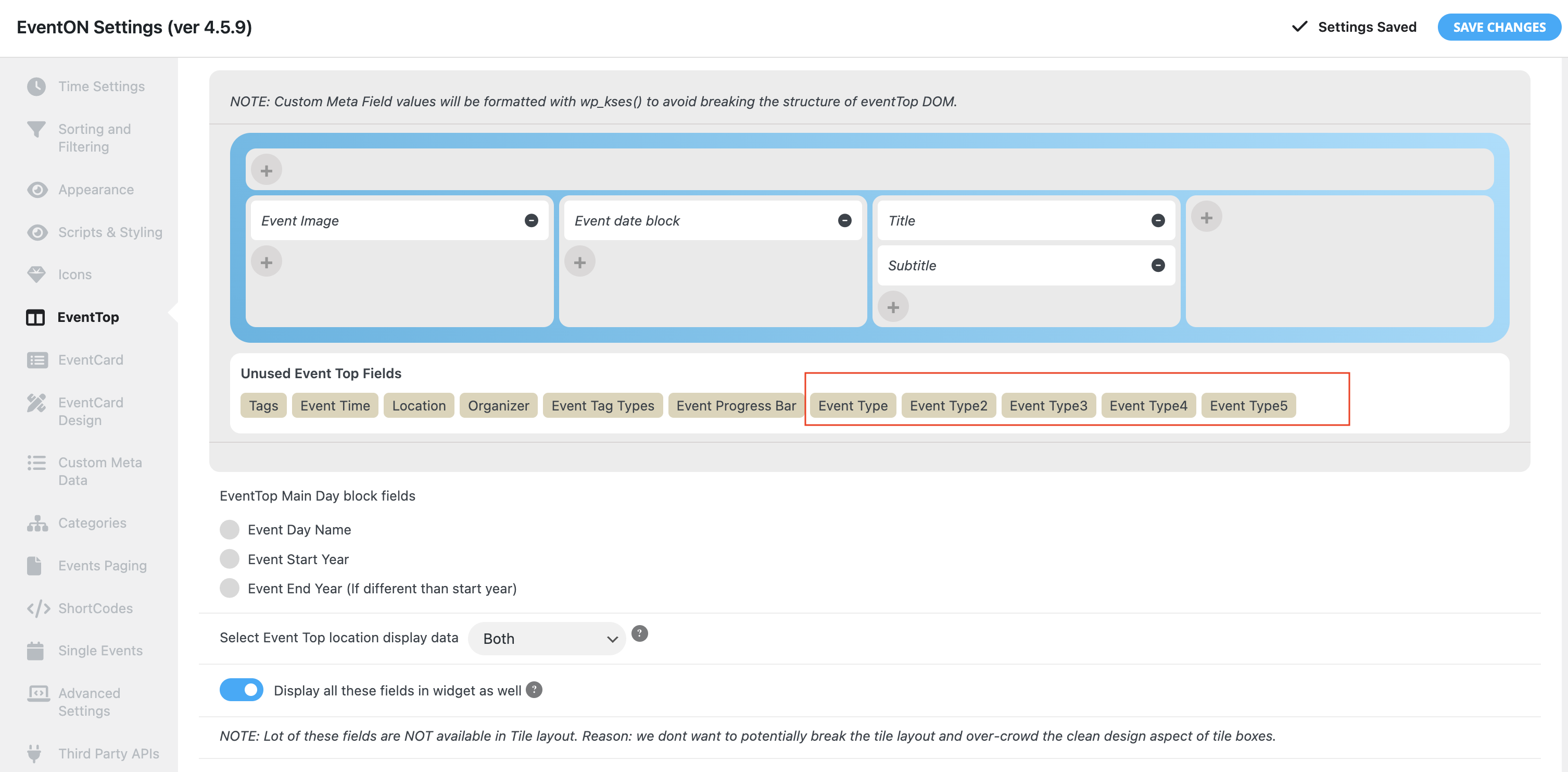
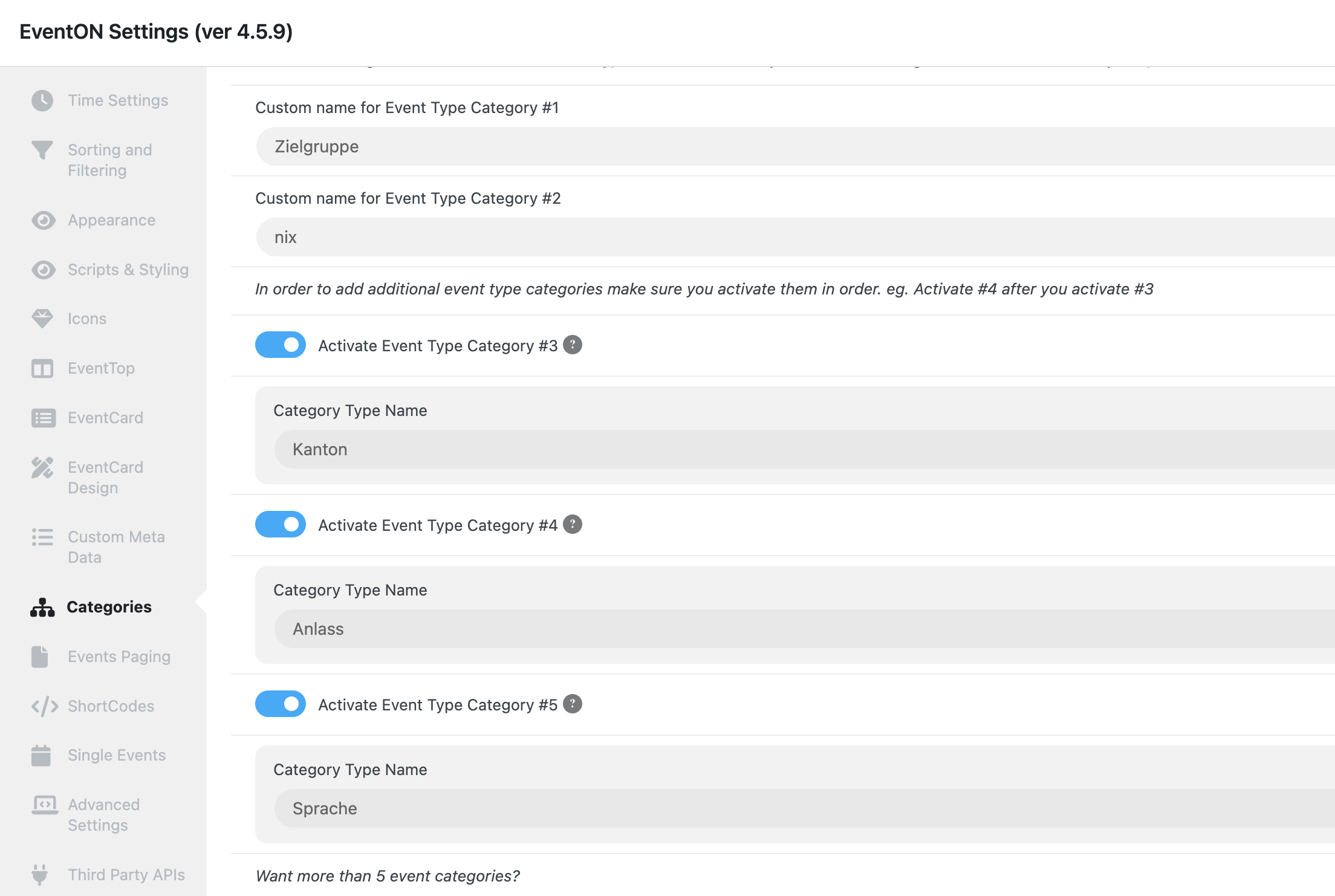
Attached the screenshots. We had there (red box) the Categories (in EventTop now called EventType)
Reply to: tickets(340525)
Hi,
Yes. That’s it! I got it installed and activated a bit ago.
Thanks again for your time, and have a great day!
Reply to: tickets(341049)
Hi Kenneth,
Thanks, the CSS media only solve the problem
Reply to: tickets(340979)
Hi.
I turned off all plugins except for EventOn AND I changed to the two default themes (Twenty Twenty Four and Twenty Twenty Three). I am still seeing the same error as before.
I created admin access for you to check it out.
santamonicasun.com/wp-admin
user: temp
pass: eventontemp
Reply to: tickets(339759)
If EventON 4.5.4 works for your other client, please don’t update it yet.
It’s just the issue you described in the ticket I believe is related to the cache.
Reply to: tickets(341076)
YES! I spent my whole day yesterday trying to trouble shoot my own settings for this… Thanks for the patch fix!