Could you let me know how we can re design the confirmation email. For example we must remove the add to calendar button as this puts the wrong time in customers calendars.
We also need to remove the line that has chef in it.
Helen
Replies for tickets on suppota
Could you let me know how we can re design the confirmation email. For example we must remove the add to calendar button as this puts the wrong time in customers calendars.
We also need to remove the line that has chef in it.
Helen
The issue seems to be the interface between bookings and the confirmation email – we have redesigned the confirmation email to match our brand, however something is going wrong.
We have switched off this function at the moment, we need your help to find a solution.
Thanks
Helen
Hi,
Yes! The email address used was executivedirector@theliamfoundation.org. There was 1 order total that contained 2 items.
The order number is 182722
If it’s easier to refund the full order, I’ll happily reorder one license immediately after. Otherwise, refunding just the one license works too.
Thanks for your time!
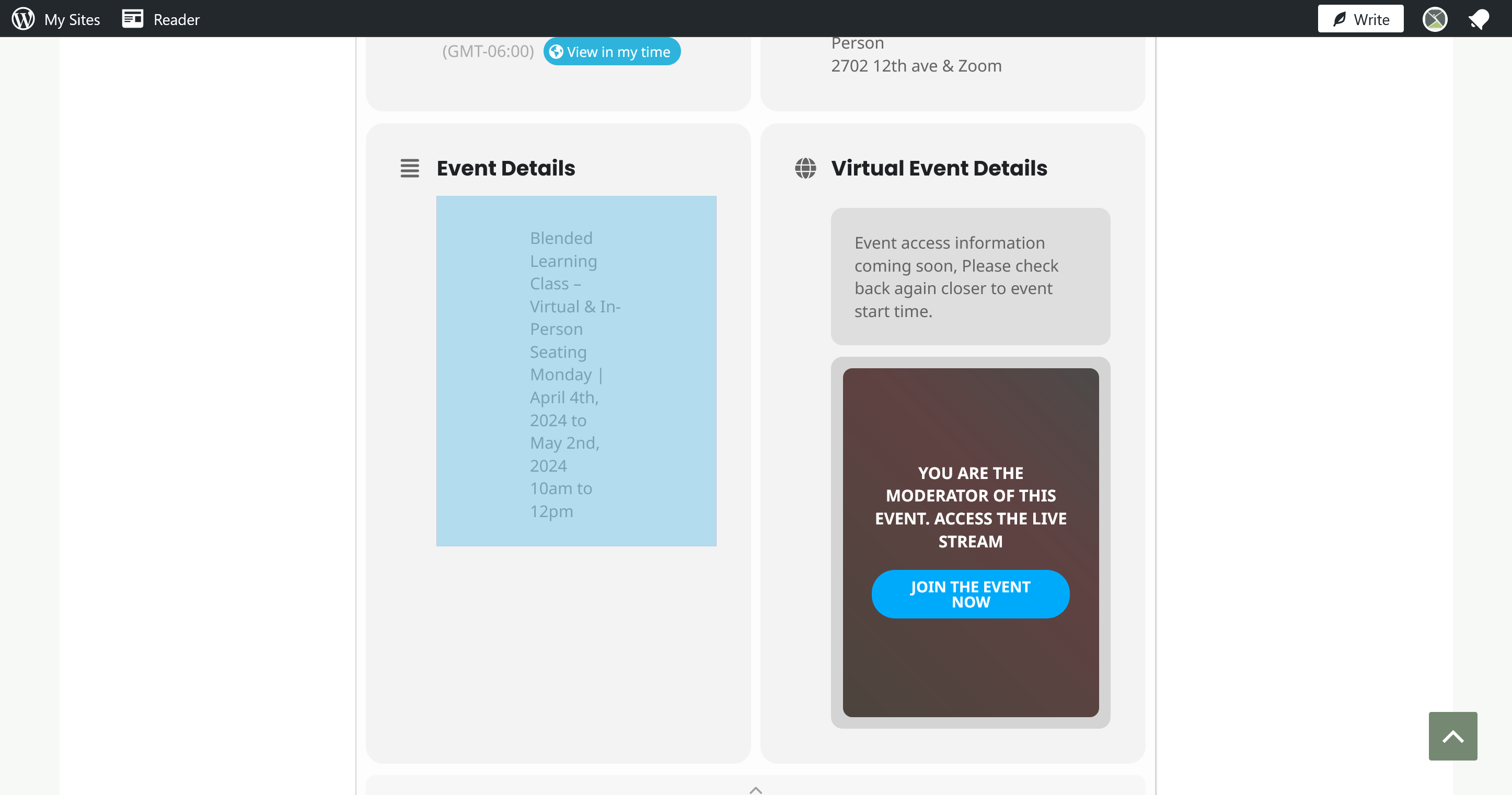
Hello,
Thank you for your great suggestion, at the moment it is not supported. However please create a new ticket and select Feature Request as category so others can vote on your idea and get it moved into development faster.
The email that you are showing is from WooCommerce.
Also I noticed that it looks different from the default one:
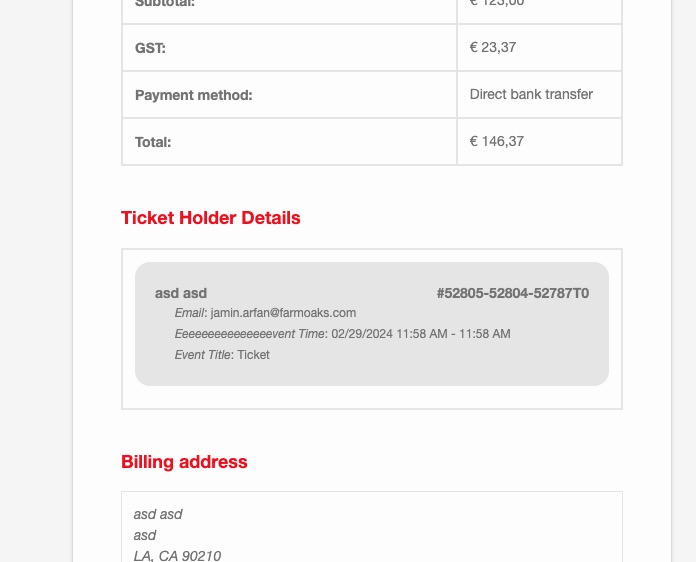
Did you customise it?
Hello,
Social links not showing !
We are working on fixing these. Will release a new version ASAP.
search=“no” not working
Did you enable EventON > Search > Enable Search on all calendars by default? search=“no” does nothing really, only search=“yes” enables Search for the particular shortcode.
Time zone settings!!!!!
hide_past_by=”ss” Not working
I am sorry, the access information you have provided did not work for us. Please check them and post the correct login information as a private message, thank you!
Etienne Brochu,
Could you create a new ticket with included login info?
You need to copy the flag icon itself. Select it and then copy. Like this

Hello,
Seems to be working in Troubleshooting Mode:
https://yorkshiredales.sc/wp-admin/site-health.php?tab=troubleshoot
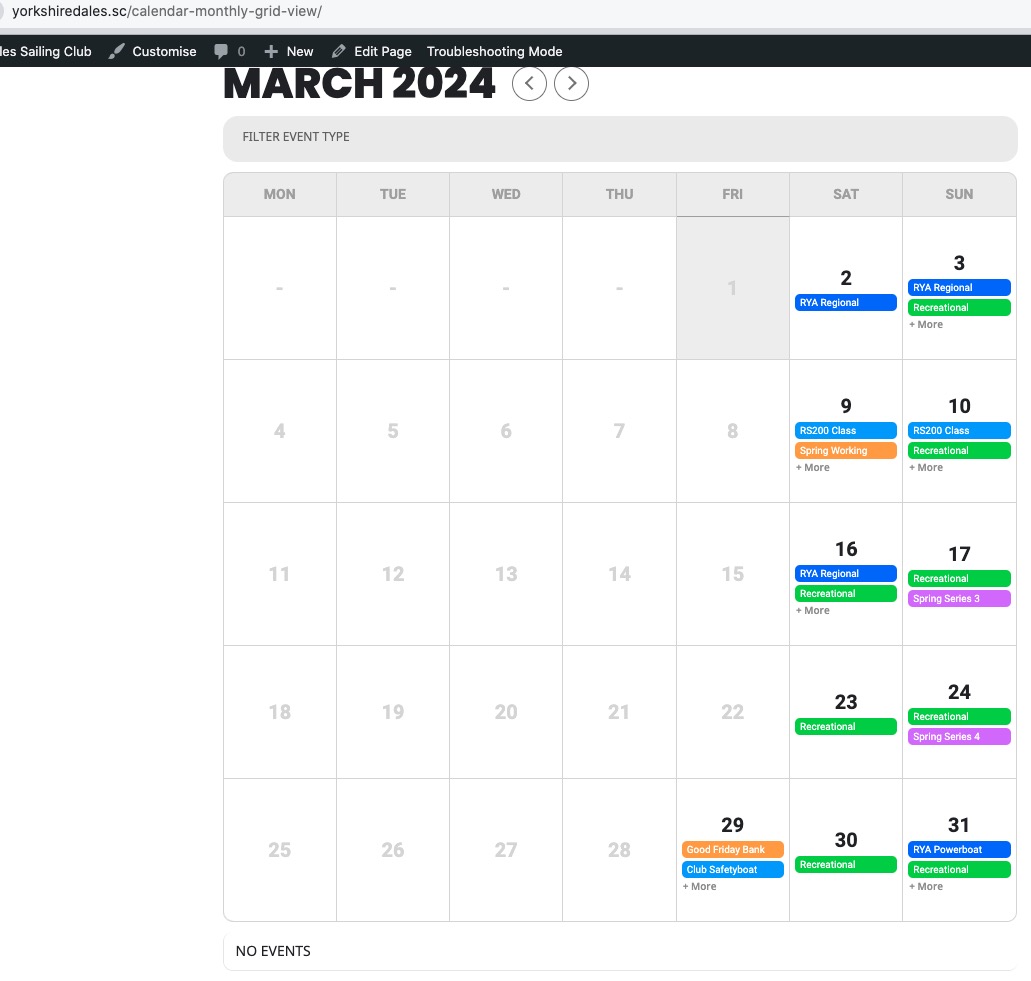
Could you please try the instructions mentioned in this documentation?