Looks great. Thanks for the quick response. Great service as always!!
Archives: Replies
Replies for tickets on suppota
Reply to: tickets(339757)
I added the code to wp-admin > Appearance > Customize > Additional CSS and it seems to be working now.
Please check and let me know.
Reply to: tickets(337959)
Perfect! If you have any further questions or concerns please create a new ticket.
Reply to: tickets(339939)
Hello,
1. It seems that they have been already added:
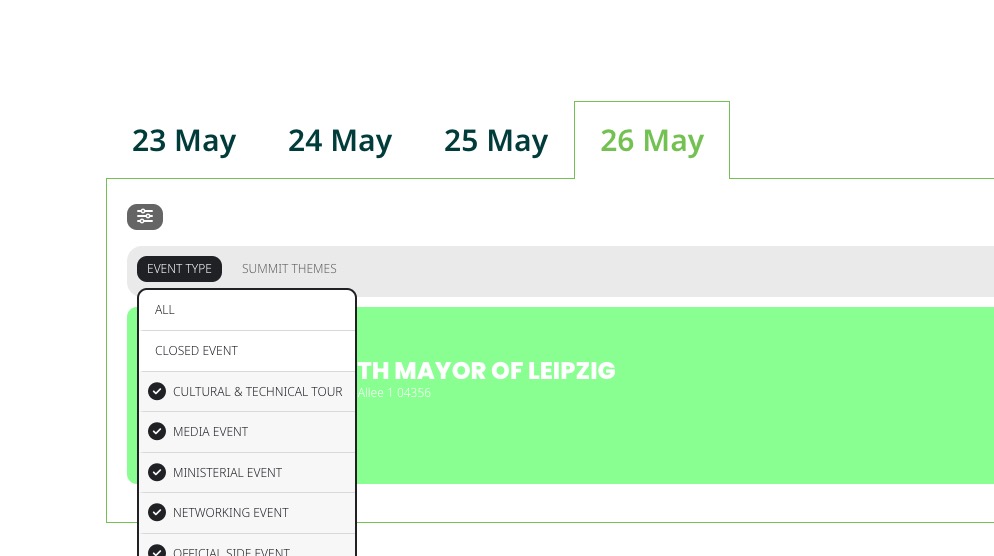
Could you check?
2. See 1.
3.1.
• currently the filtering options only appear after clicking the icon. It it possible to show them by defauly without clicking the icon?
Add this to your shortcode:
exp_so=”yes”
3.2.
• is it only possible to show categories filters as a dropdown? can we show them similar to this example: https://summit.itf-oecd.org/2023/summit-programme/
There is this add-on that is close, but please make sure to check it:
https://www.myeventon.com/addons/event-lists-items/
Try on https://dev.myeventon.com/wp-admin/
Reply to: tickets(336599)
My bad, you should be good now.
Reply to: tickets(339940)
Hello,
Please take a look at this guide:
https://docs.myeventon.com/documentations/shortcode-generator/
Simply click on available options in the shortcode generator and then at the bottom part to copy the shortcode:
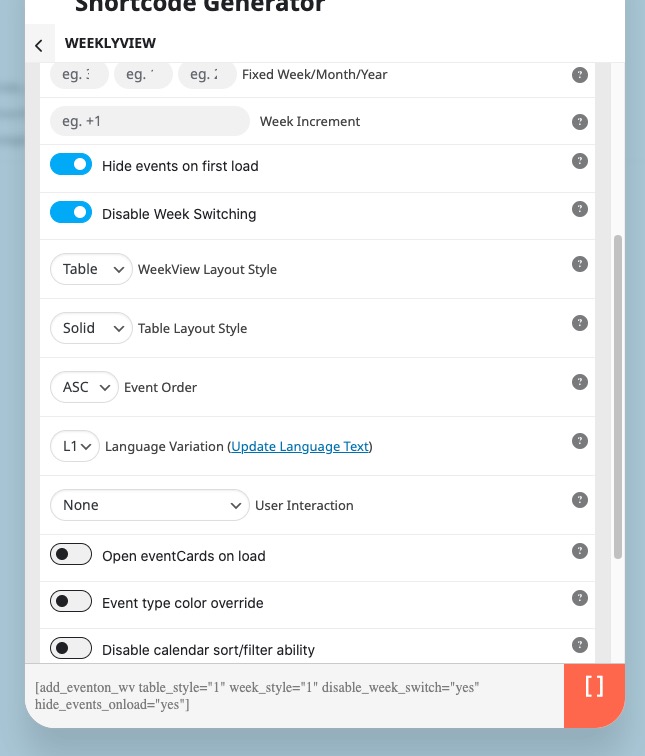
Now paste it to any page you want.
Reply to: tickets(339942)
Ashan,
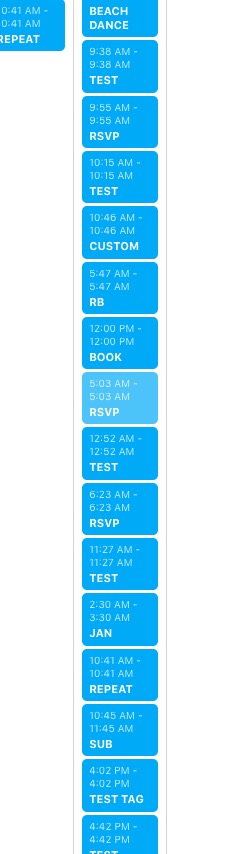
On dev2:
https://dev2.myeventon.com/test-345/
Reply to: tickets(339942)
Hello,
Thank you for your messages, I am going to assign this ticket to Ashan and he will be able to take it from here and find you a solution. Please allow some time for him to get back to you, we greatly appreciate your patience and thank you for being a eventon customer! Also please disable any IP blocking on your site if there are any.
Reply to: tickets(335672)
Maybe you can somehow attach the cache clearing process to a cron job? Could you contact the cache plugin developer?
Reply to: tickets(339944)
Hello,
Changed number_of_months to 12 in the shortcode, so it works now. Please check and let me know.