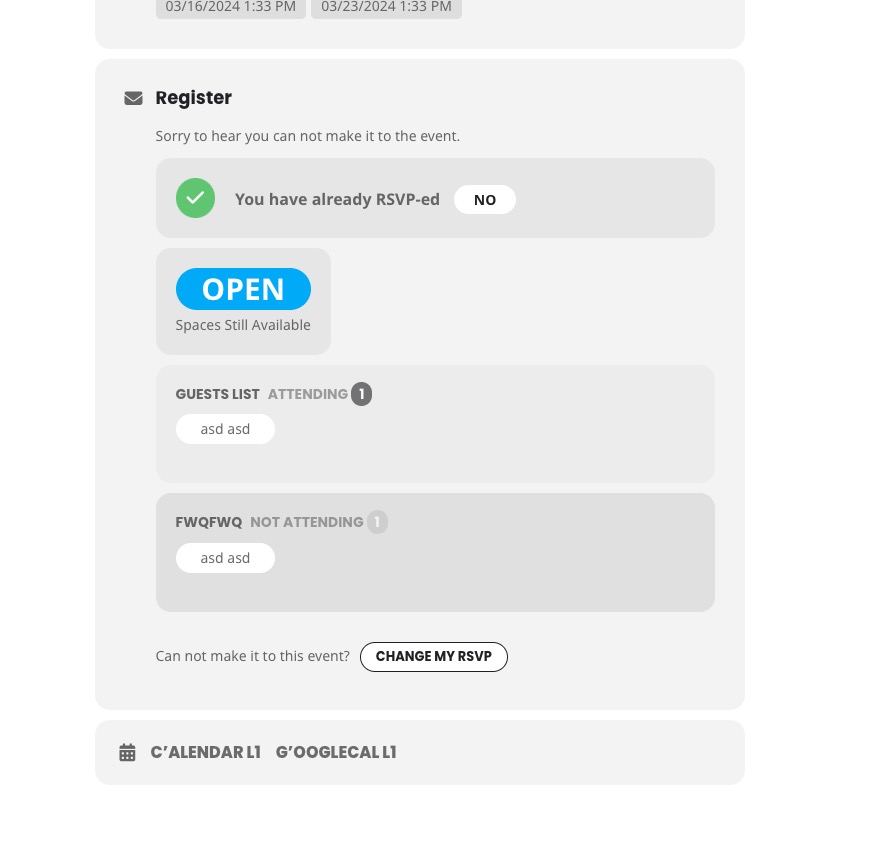
Hello our developer sorted the issue for us.
You can close this ticket
Replies for tickets on suppota
Hello our developer sorted the issue for us.
You can close this ticket
Hi, Just checking in on my latest questions. Thx! Erik
Hello,
Instead of repeats’ time/date, it uses the repeat index to order repeats while showing them.
What’s your current version of RSVP add-on? Could you make sure to update it to 2.9.11?
is now showing all events…I think it’s still buggy.
I checked the website when logged-in and it seems to be working:
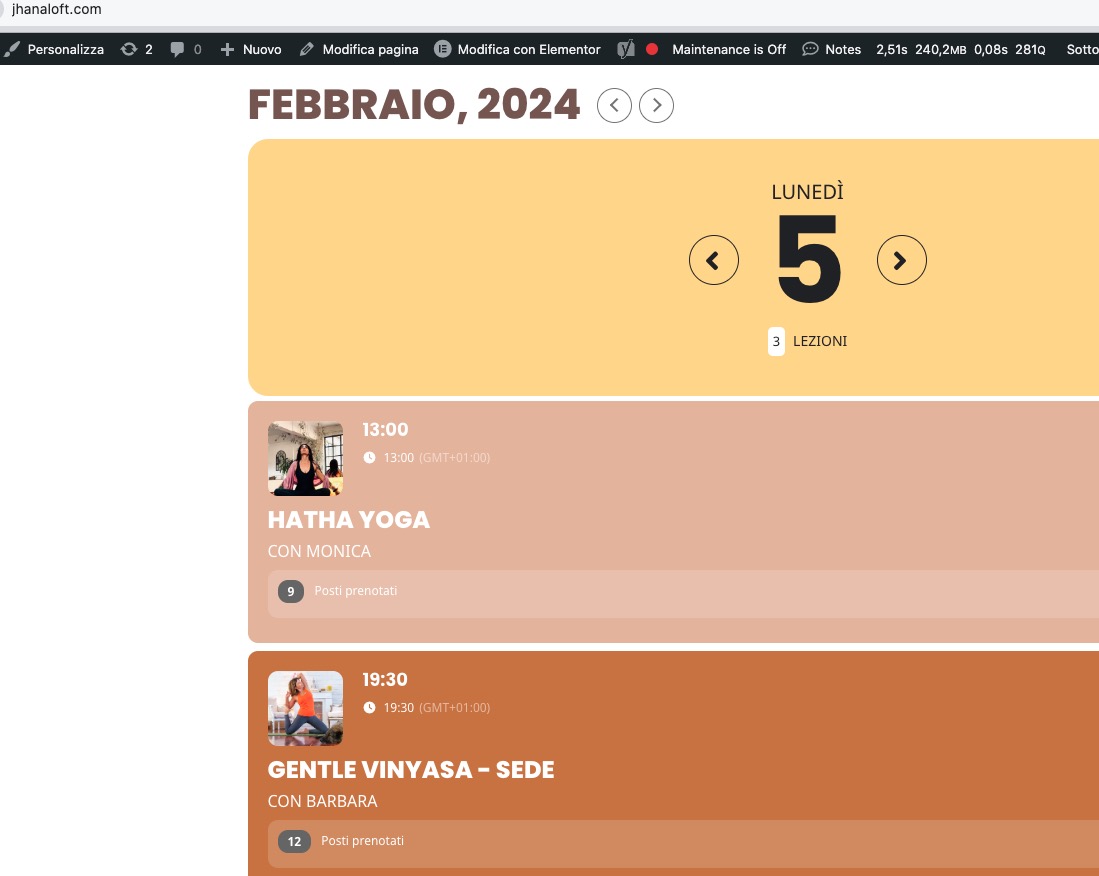 Could you please try the instructions mentioned in this documentation to make sure your issue is indeed coming from eventon.
Hello,
Thank you for your great suggestion, at the moment it is not supported. However please create a new ticket and select Feature Request as category so others can vote on your idea and get it moved into development faster.
Simply add regular links to your pages without using the add-on. The thing is that you’ll need to update them manually if needed.
Can we take a look at wp-admin, so we can duplicate the event?
Please send us wp-admin access to your site as a private message for us to further assist your situation.
We are sorry for the delay. There new versions of the main plugin and add-ons are available. Could you update and the issue again?
To update eventon to latest version: If you are unable to do autoupdate, you can go to codecanyon your account > download and get the latest eventon version as zip file. Then you can go to your website > make sure “Delete eventon settings & data when EventON is uninstalled” is Deslected from eventon settings, delete old eventon, install new one and activate. This link will further explain the process it. Also you can follow us on twitter to get real-time announcements on updates!
To update eventon addons: You can download latest eventon addons from myeventon > my account. Then you can go to your website, deactivate old addon and install new one and activate then delete the old addon. This link will further explain the process. Also you can follow us on twitter to get real-time announcements on updates!
Could you try updating to 4.5.9?
It doesn’t show the buy button on our test site:
https://dev2.myeventon.com/test-315/
We are sorry for the delay. Could you update to RSVP 2.9.11? It should fix the issue.
To update eventon addons: You can download latest eventon addons from myeventon > my account. Then you can go to your website, deactivate old addon and install new one and activate then delete the old addon. This link will further explain the process. Also you can follow us on twitter to get real-time announcements on updates!
Ashan,
On dev2 the same:
https://dev2.myeventon.com/events/rsvp-repeat/var/ri-2.l-L1/