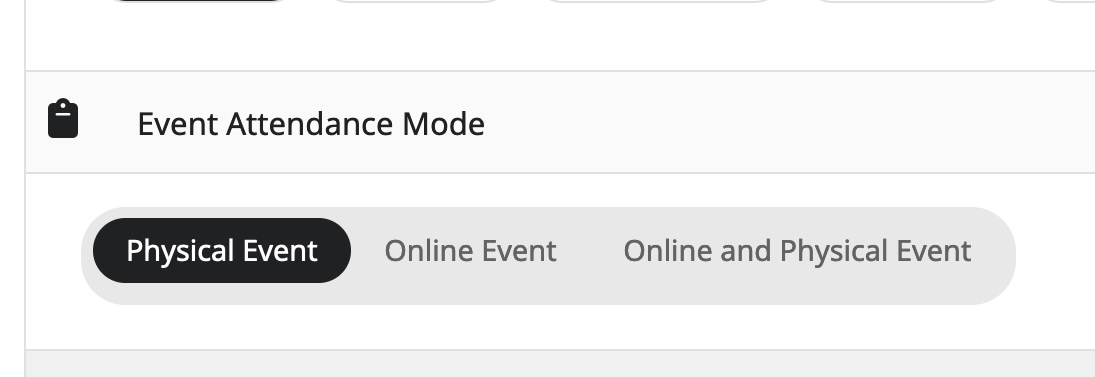
There is another Events plugin on your WP:
https://sedonaarizonausa.com/wp-admin/edit.php?post_type=events
Please follow the first part of
https://docs.myeventon.com/documentations/change-events-slug/
Replies for tickets on suppota
There is another Events plugin on your WP:
https://sedonaarizonausa.com/wp-admin/edit.php?post_type=events
Please follow the first part of
https://docs.myeventon.com/documentations/change-events-slug/
Ah sorry, only update EventON.
Hello,
Please update EventON to the latest version as well as Tickets add-on.
To update eventon to latest version: If you are unable to do autoupdate, you can go to codecanyon your account > download and get the latest eventon version as zip file. Then you can go to your website > make sure “Delete eventon settings & data when EventON is uninstalled” is Deslected from eventon settings, delete old eventon, install new one and activate. This link will further explain the process it. Also you can follow us on twitter to get real-time announcements on updates!
To update eventon addons: You can download latest eventon addons from myeventon > my account. Then you can go to your website, deactivate old addon and install new one and activate then delete the old addon. This link will further explain the process. Also you can follow us on twitter to get real-time announcements on updates!
Please keep us updated.
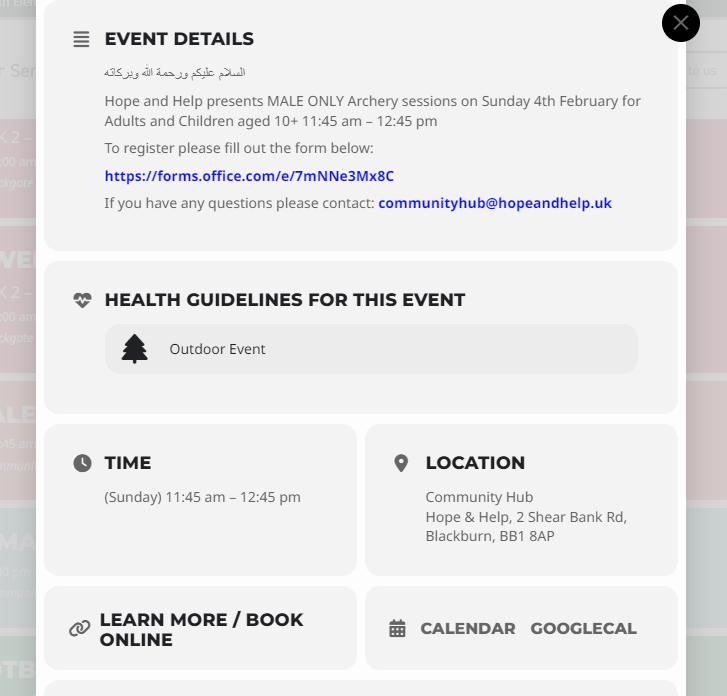
screenshot attached
Hello,
I am able to edit the event on my end. Please check again in a browser you don’t normally use

Hello thanks yes its working now
I have checked the 28th events and they are now greyed out. I understand football is a recurring event hence it cannot be greyed out.
I will double check with the events for this month and make sure they complete