Perfect! If you have any further questions or concerns please create a new ticket.
Archives: Replies
Replies for tickets on suppota
Reply to: tickets(338305)
Perfect! I am going to close this ticket.
Reply to: tickets(338134)
Ashan,
The screenshot from this message shows RSVPs with included additional info:
But when I check their data, all additional info is empty, for example, the first line on the screenshot:
https://eurogasdev.flywheelstaging.com/wp-admin/post.php?post=19748&action=edit
Could you check?
Reply to: tickets(338134)
Thank you for your messages, I am going to assign this ticket to Ashan and he will be able to take it from here and find you a solution. Please allow some time for him to get back to you, we greatly appreciate your patience and thank you for being a eventon customer! Also please disable any IP blocking on your site if there are any.
Reply to: tickets(338299)
The code affects all calendars. Please add it to EventON > Styles (If you don’t see any change, EventON > Scripts & Styling > turn off Write dynamic styles to header > save settings > turn on Write dynamic styles to header).
Reply to: tickets(337737)
Please take a look at my previous message. You cannot have “Pay what you can” and variations at the same time.
Reply to: tickets(338318)
About the PHP issue. Please enable WP_DEBUG:
https://docs.myeventon.com/documentations/how-to-debug-for-php-code-errors/
Then upgrade the PHP version, so the error can be recorded in debug.log.
FullCal doesn’t support ux_val, I am afraid. There is only “Month Grid Interaction” grid_ux that is available.
Reply to: tickets(338129)
4.5.4 can be found here:
https://helpdeskx.s3.amazonaws.com/wp-content/uploads/2024/01/12035959/eventON4.5.4.zip
It does work in Troubleshooting Mode:
https://goblinbros.com/wp-admin/site-health.php?tab=troubleshoot
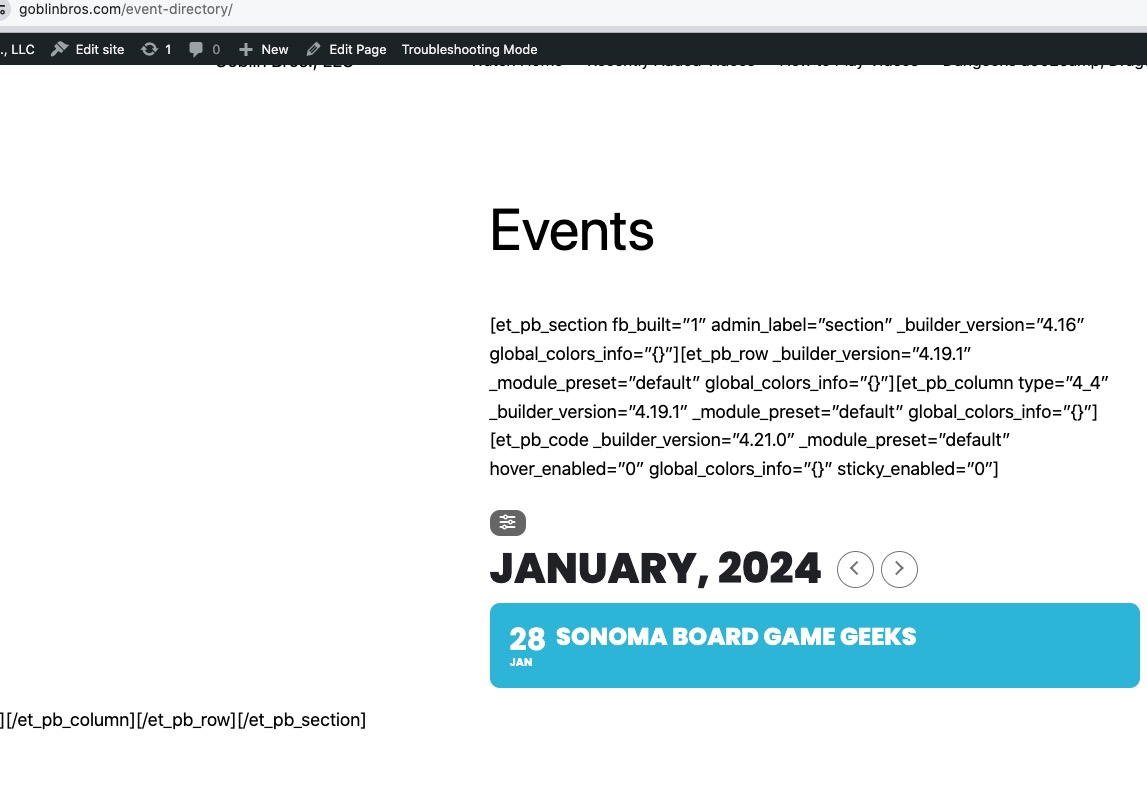
There is no need in disabling everything. I just want to try disabling the cache plugin. It’s take less than a minute.
Reply to: tickets(338527)
Hello,
Seems to be working:
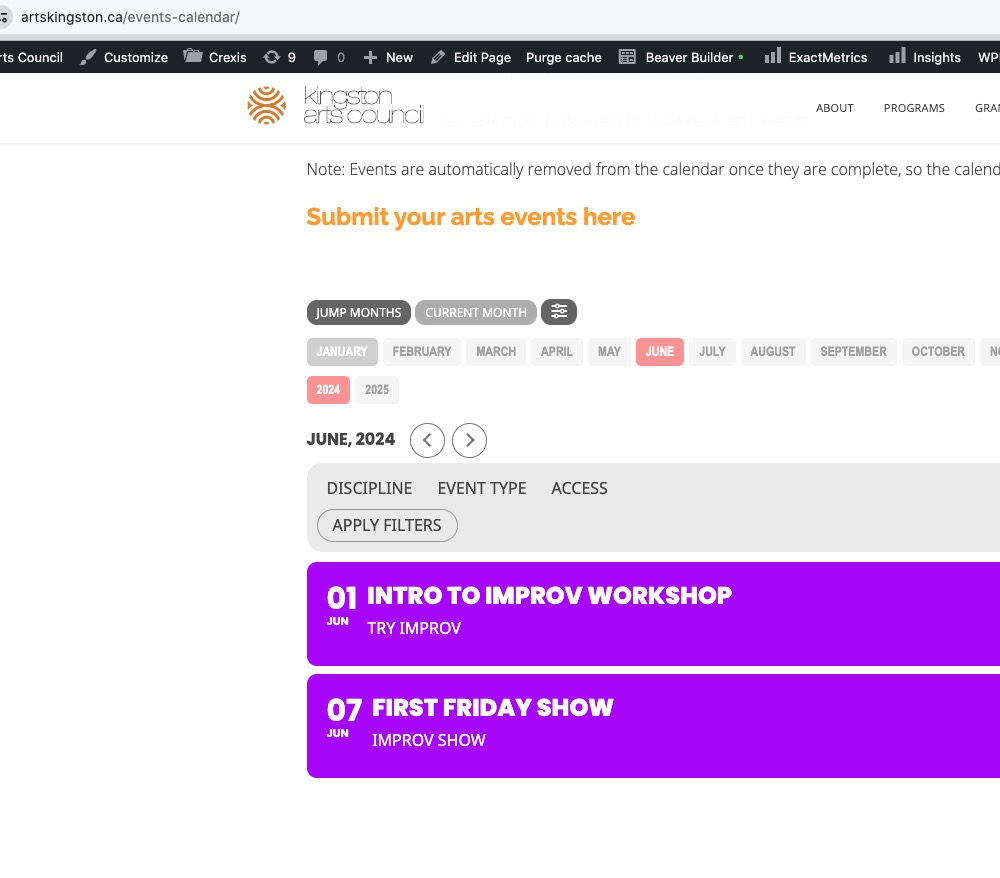
Could you try clearing your cache + cache plugin?
Reply to: tickets(338318)
Ok thanks.
What about the PHP issue?
Also, I am trying to test out the different Fullcal views using the ux_val (integer) but they don’t seem to all be working:
https://staging.canadianevents.ca/home-cloned/