Hello,
You need to install and enable RSVP or Tickets add-on in order to use Webhooks.
More info:
https://docs.myeventon.com/documentations/how-to-use-webhooks-in-eventon-with-rsvp-trigger-events/
Replies for tickets on suppota
Hello,
You need to install and enable RSVP or Tickets add-on in order to use Webhooks.
More info:
https://docs.myeventon.com/documentations/how-to-use-webhooks-in-eventon-with-rsvp-trigger-events/
I am sorry, the access information you have provided for the staging website did not work for us. Please check them and post the correct login information as a private message, thank you!
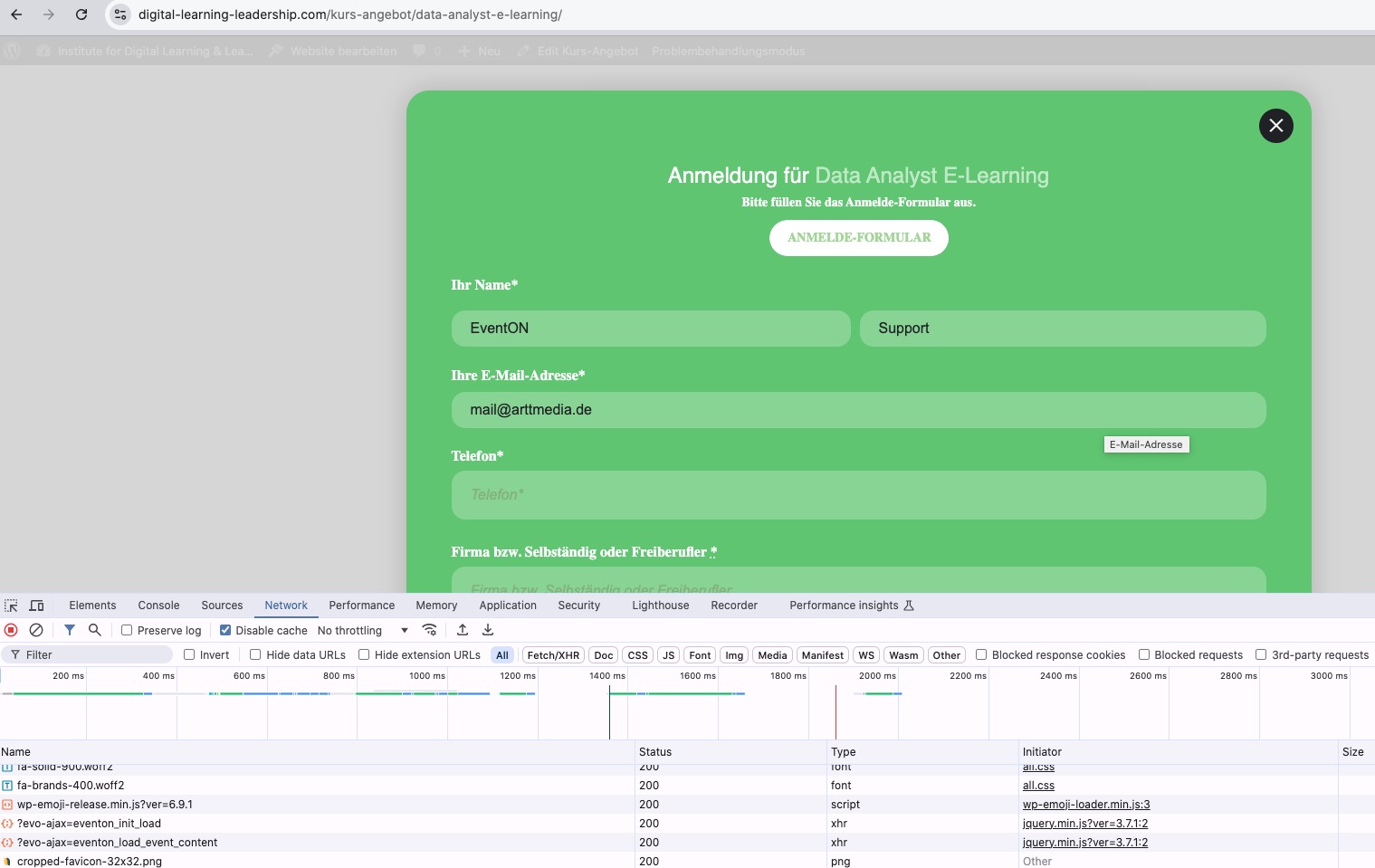
It seems that it’s working in Troubleshooting Mode:
Could you please try the instructions mentioned in this documentation?
Do you still have issues with links in event details when importing with ICS Importer?
Perfect! Please keep us updated.
Hello,
In order to add fields to the form, please go to EventON > Action User > Form Fields > add Event Details and Your Email Address.
Please note that Your Email Address is only visible to guests who aren’t logged-in.
…approve said request…
Could you elaborate more?
You can go to EventON > Action User > Form Settings > set Submitted event’s default post status to Draft. Now you can publish events after only you check them.
I set up the email notifications but have not received anything yet.
Can we check wp-admin?
Please send us wp-admin access to your site from ”Access Info” box on right side menu, to further assist your situation.
What you can do is to go to:
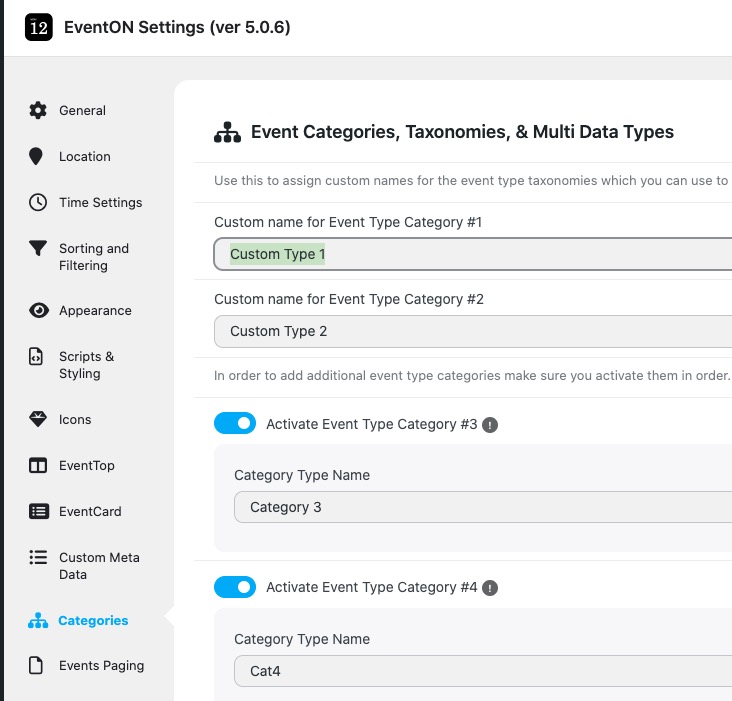
And change it to ”Events to Subscribe to”:
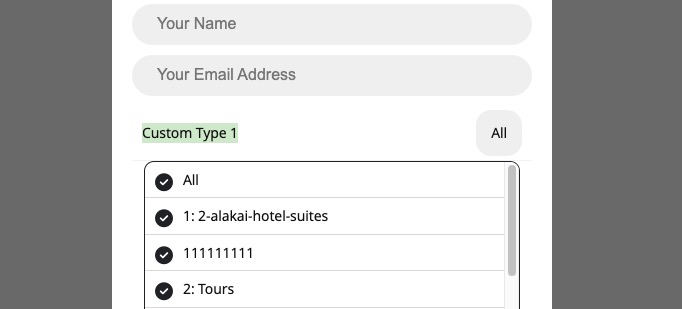
Now go to wp-admin > Events > Event Type > add Types as Events’ titles. Now users can subscribe to events, but as Event Types.
Please check and let me know.
Thanks for your reply.
I already have the SUBSCRIBER addon. It is not working properly and I need help to fix it.
I have added a subscription button to this event:
https://www.mankindproject.org.au/wp-admin/post.php?post=4269&action=edit
The code for the button I used is this:
[evo_subscribe_btn event_id=”4269”]
I want the user to subscribe only to this specific event – not the whole calendar.
If that is not possible, then I want to subscribe to the
event_type_2=”149”
How can I do this? Or how can I get the popup window to deselect all the other event options, and just select the option that I want?
Unless I deselect all the other events from the popup, the plugin subscribes me to ”ALL” events, categories, locations and organisers.
I guess I have to keep using the Event Aggregator plugin then.
Older versions aren’t available after new version is released. So you can downgrade only if you have a copy of the previous version.
I believe that if you update to 3.1 and then manually clear your browser cache, it should work without issues. Could you try?
So, I suppose I’d like to get a refund for my purchase of rsvp 3.1. Can you assist me with that?
You renewed the add-on subscription to update it to 3.1? Could you elaborate?