Unfortunately, yes. Could you try contacting the theme developer and ask about the issue?
Archives: Replies
Replies for tickets on suppota
Reply to: tickets(403848)
Hi Artem, We did try updating the software on a clone site for testing some time ago. We never resolved the issue of the seat map not displaying. I guess we can try it again with a fresh clone.. Let you know after I get it setup.
Reply to: tickets(403659)
Ashan,
It seems that when users send us private replies, they still can be accessed somehow:
[Replyto/403838]
Reply to: tickets(403659)
Could you don’t send any login info as reply and add it to ”Access Info” box on right side menu?
We are going to investigate the issue more.
Reply to: tickets(403836)
Hello,
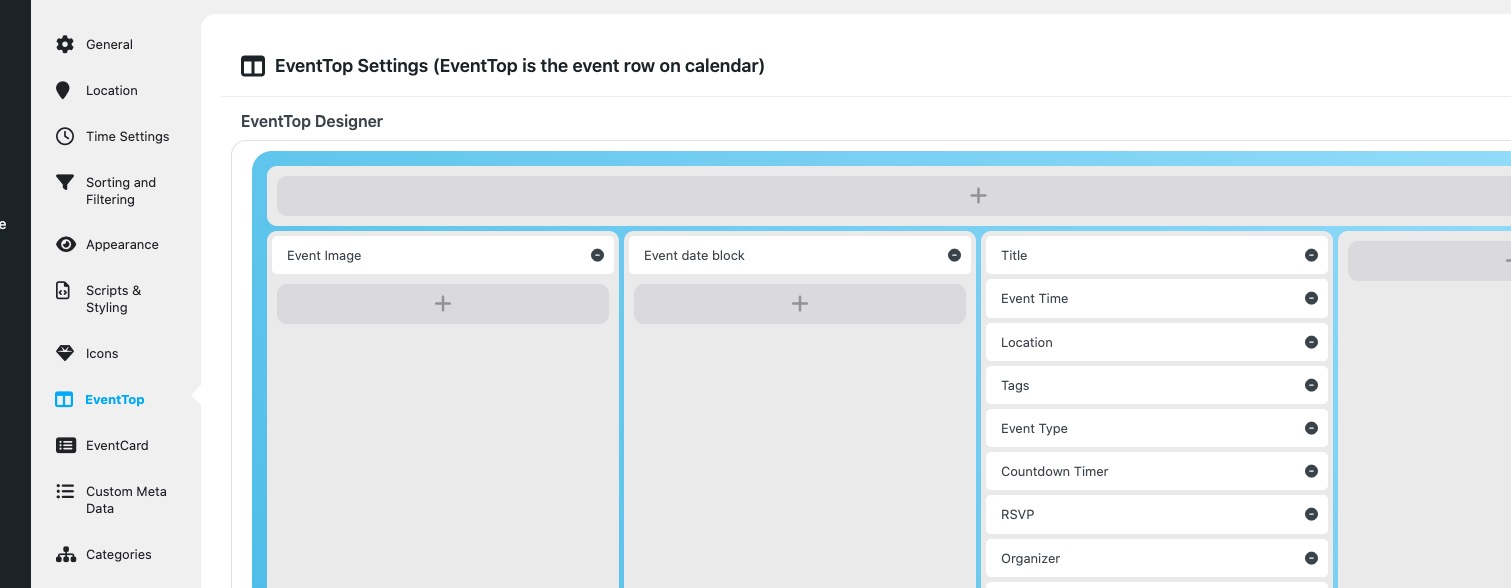
Could you try re-arranging EventTop like this:
Reply to: tickets(402850)
Thank you for your great suggestion, at the moment it is not supported. However please create a new ticket and select Feature Request as category so others can vote on your idea and get it moved into development faster.
Reply to: tickets(403843)
Hello,
Thank you for your great suggestion, at the moment it is not supported. However please create a new ticket and select Feature Request as category so others can vote on your idea and get it moved into development faster.
Reply to: tickets(384858)
Reply to: tickets(384858)
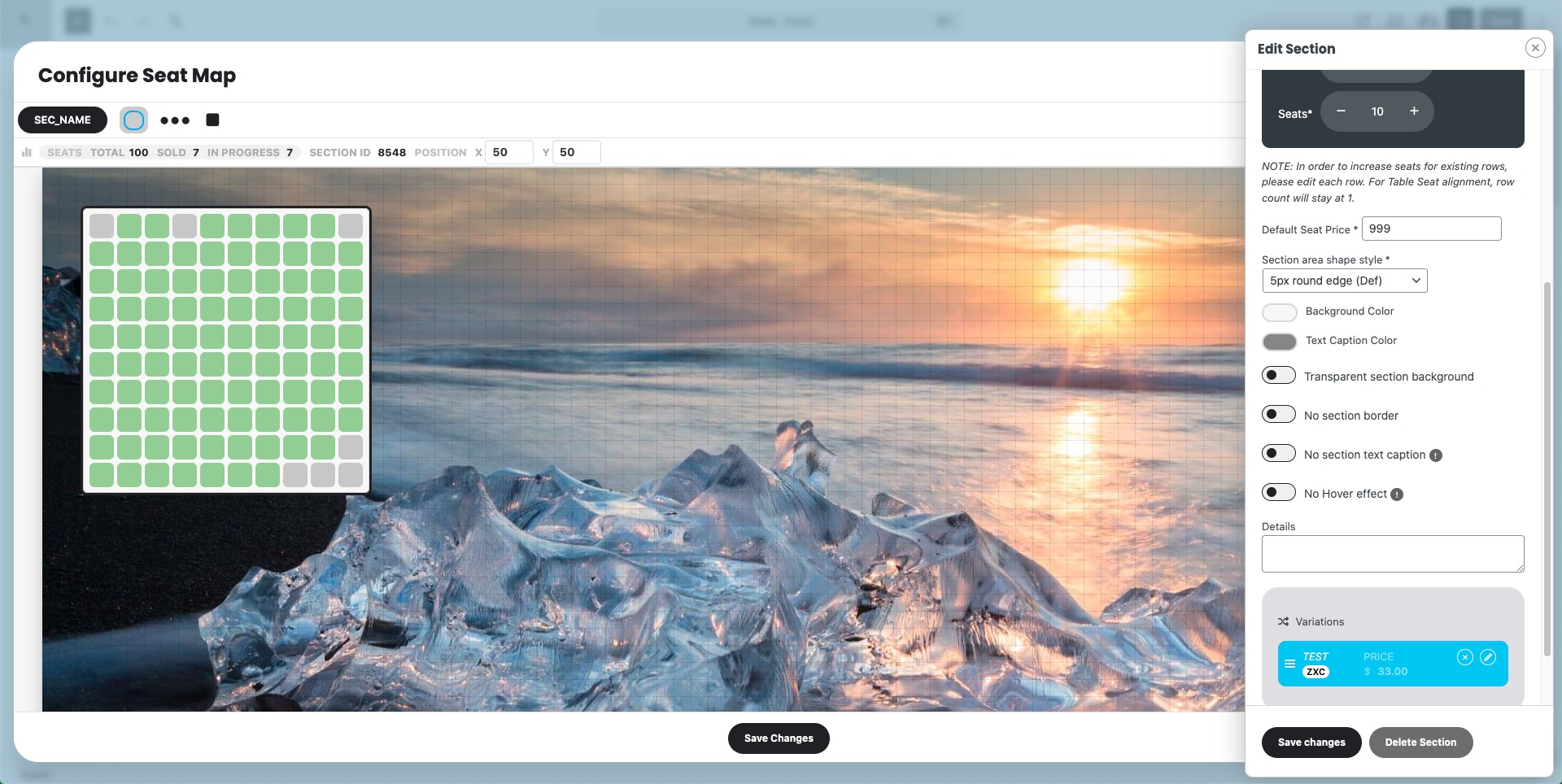
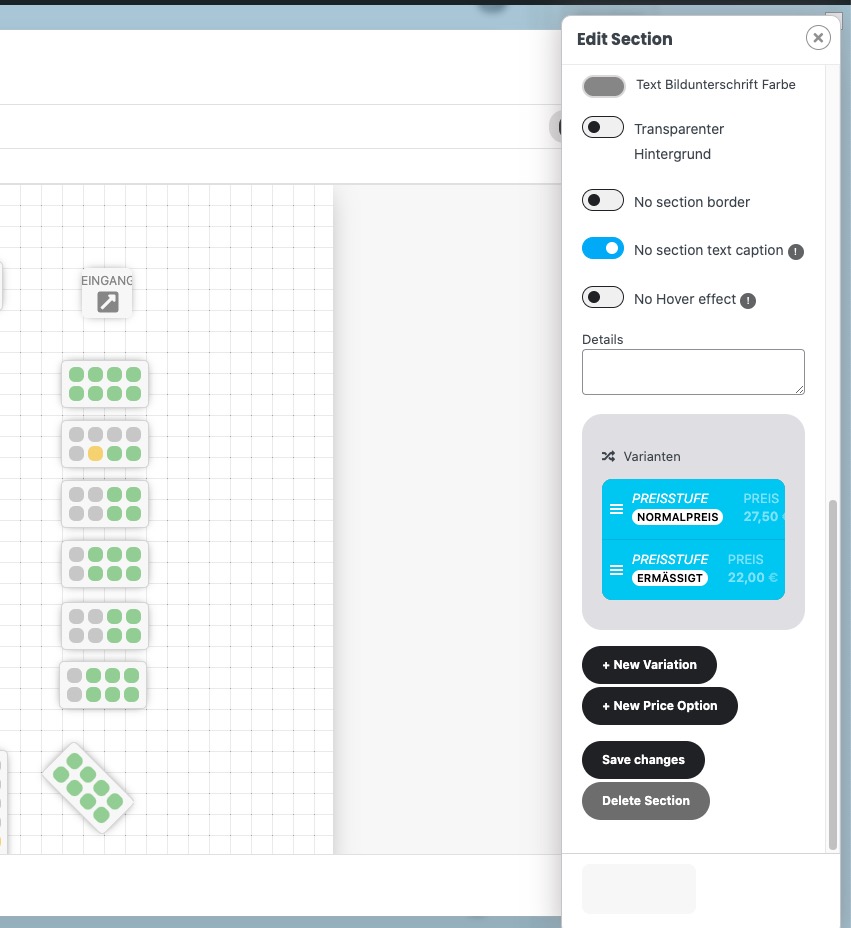
Thank you for letting us know! Our devs will check this ASAP.
Reply to: tickets(403848)
Hello,
Could you please update EventON, Tickets and Seats?
To update eventon to latest version: If you are unable to do autoupdate, you can go to codecanyon your account > download and get the latest eventon version as zip file. Then you can go to your website > make sure ”Delete eventon settings & data when EventON is uninstalled” is Deslected from eventon settings, delete old eventon, install new one and activate. This link will further explain the process it. Also you can follow us on twitter to get real-time announcements on updates!
To update eventon addons: You can download latest eventon addons from myeventon > my account. Then you can go to your website, deactivate old addon and install new one and activate then delete the old addon. This link will further explain the process. Also you can follow us on twitter to get real-time announcements on updates!