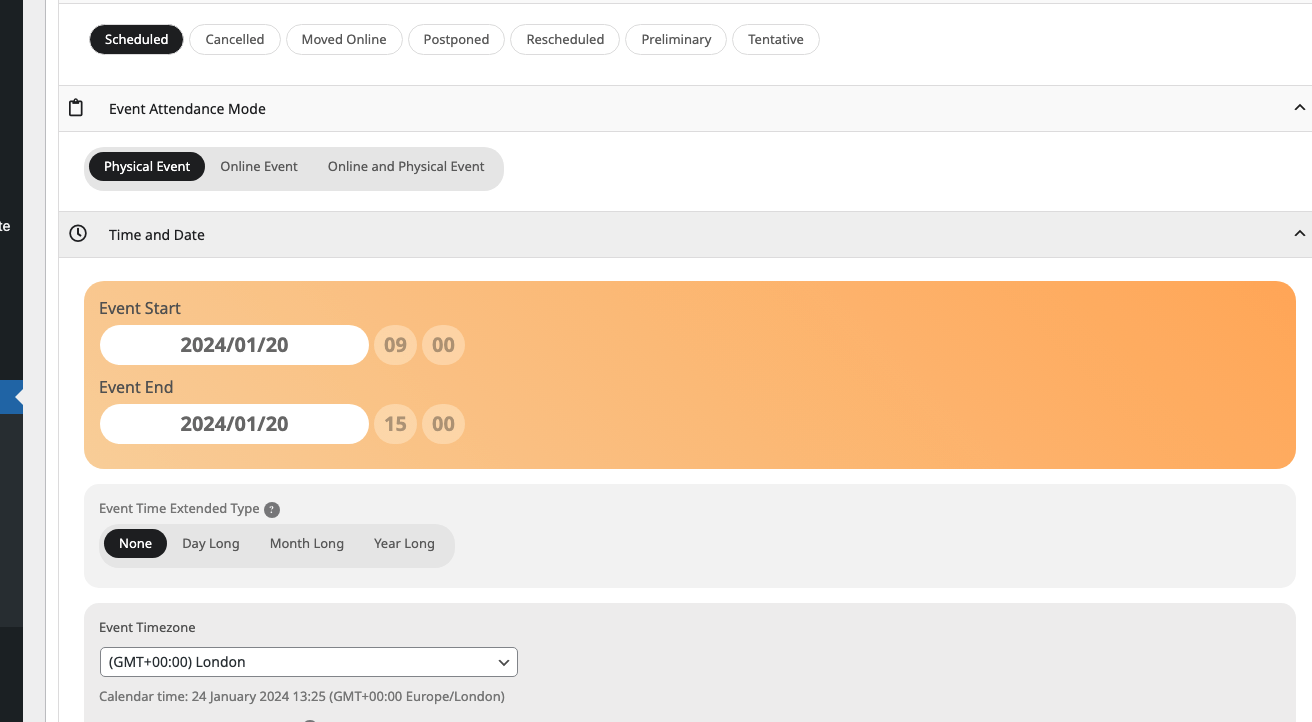
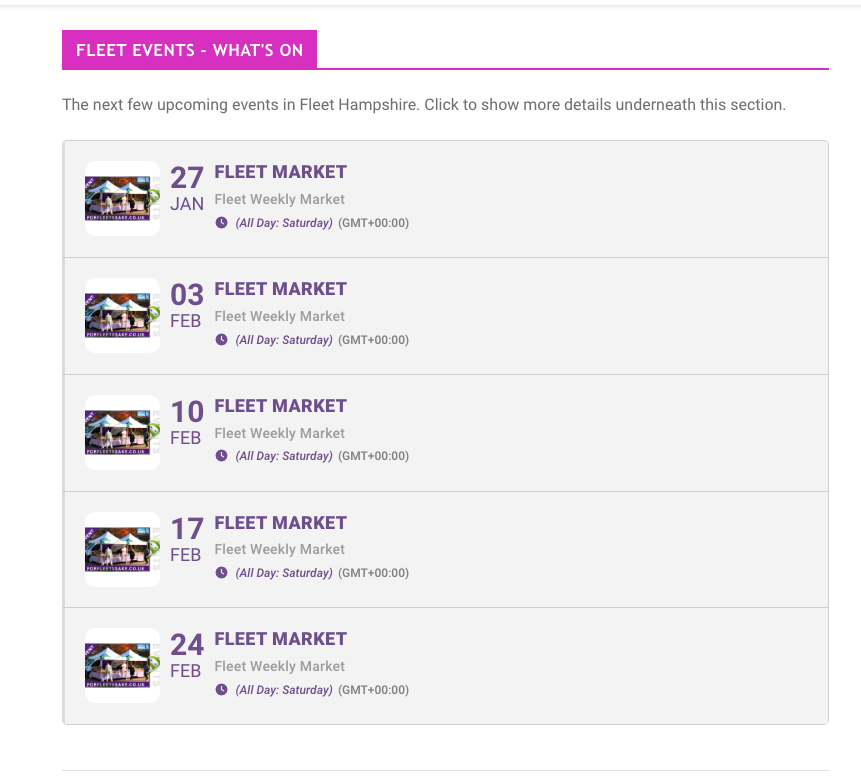
Also why are events showing on the first pic as all day, when I’ve set a start and end time with the day long option not selected? Is there somewhere else I need to deselect it? (second pic attached)
Replies for tickets on suppota
Also why are events showing on the first pic as all day, when I’ve set a start and end time with the day long option not selected? Is there somewhere else I need to deselect it? (second pic attached)
I have updated it but the problem remains
Hey, okay thanks for answering. Then i will do that. Best regards, Patrick
Thank you,
On this EventTop section (pic attached) could you tell me how to make the box corners rounded and add a space between each event please? Also I want the time to show but not the timezone?
The current shortcode for this section is:
[add_eventon_el number_of_months=”12″ event_count_list=”yes” event_count=”5″ hide_empty_months=”yes” show_et_ft_img=”yes” hide_end_time=”yes”]
Hi, that was the solution in this case. Great, I thank you! Did not check the link the customer has set…. I will remember to do so in future cases.
Thx.
Mascha
Ashan,
Please take a look at
Also the temporary password you sent me works ok to log me in here but when I try to change my password it says the current password (the one you sent me) is incorrect.
Also the temporary password you sent me works ok to log me in here but when I try to change my password it says the current password (the one you sent me) is incorrect.
Thank you for your messages, I am going to assign this ticket to Ashan and he will be able to take it from here and find you a solution. Please allow some time for him to get back to you, we greatly appreciate your patience and thank you for being a eventon customer! Also please disable any IP blocking on your site if there are any.
Hello,
1. Please use this shortcode:
[add_eventon_el number_of_months=”12″ event_count_list=”yes” event_count=”5″ hide_empty_months=”yes”]
2. Which box are you referring to? Event Card’s section?
Could you check EventON > Appearance > EventCard Styles > Event Card Inner Section Background Color?
3. Please go to EventON > EventCard > select Feature image display style: Direct Image.
4. Please add this to the shortcode:
jumper_count=”1″ jumper_offset=”2″
5. Could you send us a screenshot?
We are working on 4.5.8 update that will be available very soon. Please wait for notification.
Unfortunately, we unable to help with such customisations. Please take a look at available guide on how to override CSS:
https://docs.myeventon.com/documentations/change-css-calendar/