Hello,
Please update EventON to 4.5.6 and FullCal to 2.1.
To update eventon to latest version: If you are unable to do autoupdate, you can go to codecanyon your account > download and get the latest eventon version as zip file. Then you can go to your website > make sure “Delete eventon settings & data when EventON is uninstalled” is Deslected from eventon settings, delete old eventon, install new one and activate. This link will further explain the process it. Also you can follow us on twitter to get real-time announcements on updates!
To update eventon addons: You can download latest eventon addons from myeventon > my account. Then you can go to your website, deactivate old addon and install new one and activate then delete the old addon. This link will further explain the process. Also you can follow us on twitter to get real-time announcements on updates!
Hello,
Thank you for your messages, I am going to assign this ticket to Ashan and he will be able to take it from here and find you a solution. Please allow some time for him to get back to you, we greatly appreciate your patience and thank you for being a eventon customer! Also please disable any IP blocking on your site if there are any.
Hello,
Are you referring to
https://docs.myeventon.com/documentations/setup-use-custom-meta-fields-events/
1. Go to EventON > EventTop > remove Custom Field. The same with EventON > EventCard Design.
2. You need to add them by following
https://docs.myeventon.com/documentations/customize-ticket-email-template/
Ashan,
I cannot find “This event is affected by daylight” option on the back-end.
On dev2:
https://dev2.myeventon.com/events/mar/
Hello,
Thank you for your messages, I am going to assign this ticket to Ashan and he will be able to take it from here and find you a solution. Please allow some time for him to get back to you, we greatly appreciate your patience and thank you for being a eventon customer! Also please disable any IP blocking on your site if there are any.
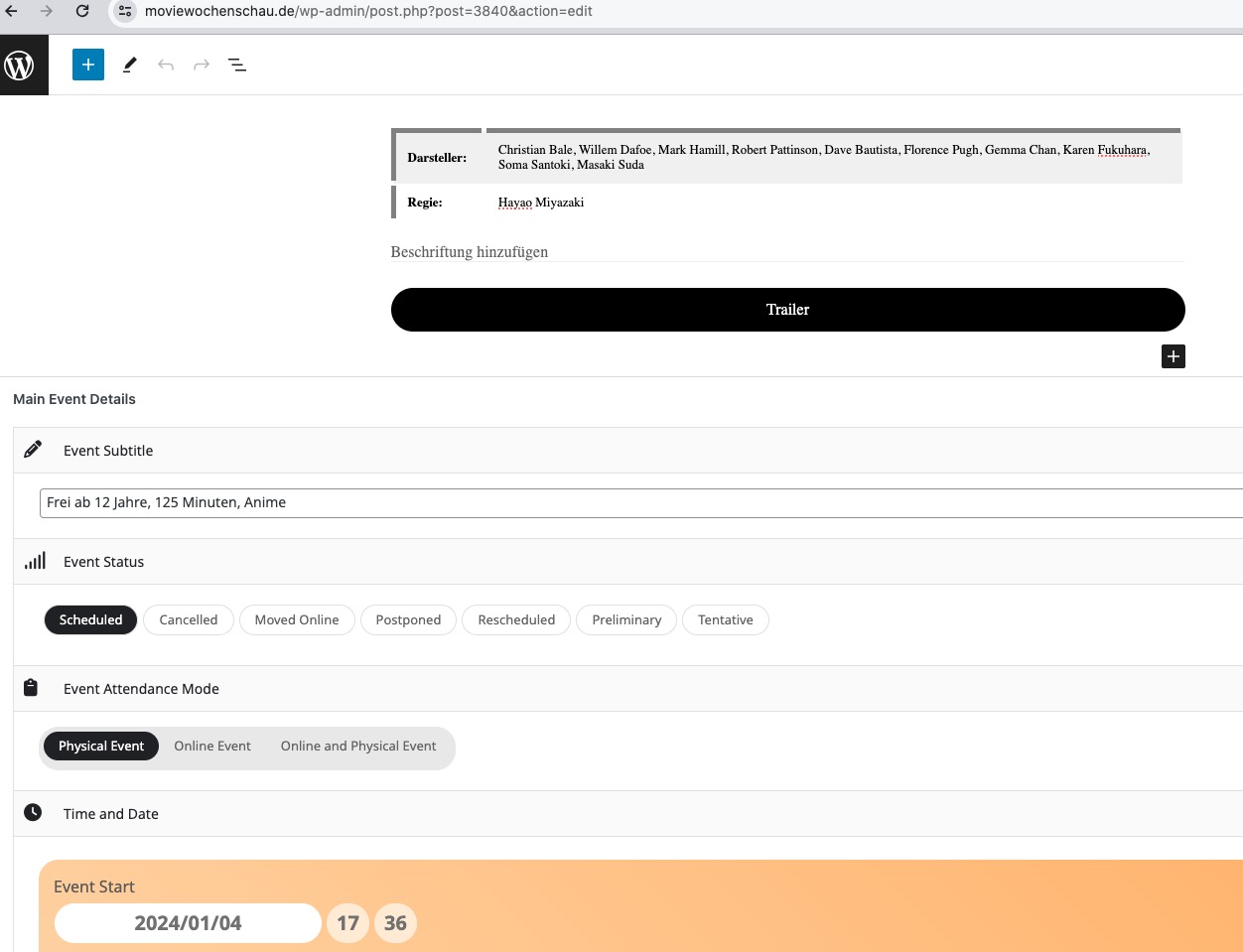
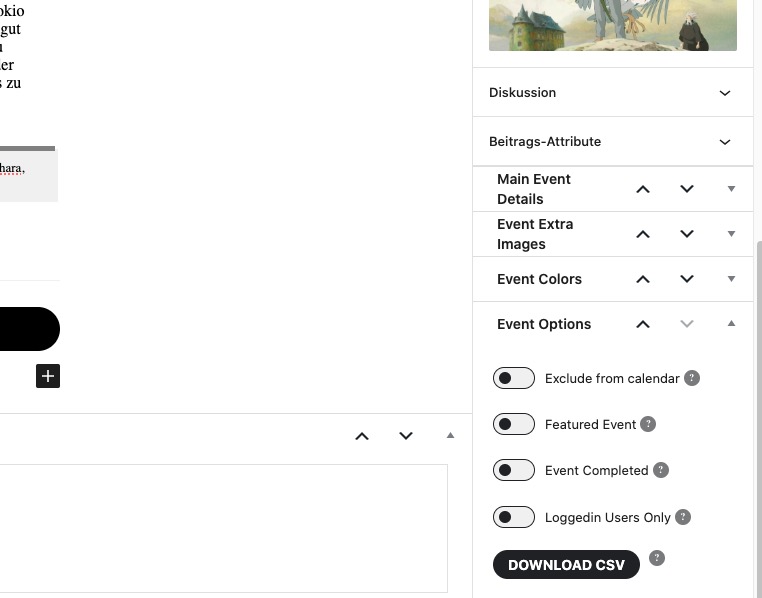
You need to drag and drop Main Details from the sidebar:
Please try and let us know.
I am sorry, the access information you have provided did not work for us. Please check them and post the correct login information as a private message, thank you!
Hello,
If you also want to show the image on Event Card, then use 1920x1080px.
But for Tile Design, Kenneth’s suggestion should work just fine.
Hello,
Can you please send us a direct link to where the actual issue is happening? I want to check the error more closely.