Hello,
All Day events shouldn’t show the time at all:
https://dev2.myeventon.com/events/prueba-repetir123/
Did you go to EventON > Time > enable Allow universal event time format on eventCard?
Replies for tickets on suppota
Hello,
All Day events shouldn’t show the time at all:
https://dev2.myeventon.com/events/prueba-repetir123/
Did you go to EventON > Time > enable Allow universal event time format on eventCard?
Hello Artem – original poster here!
The “Use UTC offset time globally on calendars” has been active here all along.
Events set for AFTER april 1st is still set for GMT+2, when it SHOULD be GMT+1. All events set from now and until March 31st is corretly at GMT+1.
Hello,
Seems to be working:
https://dev2.myeventon.com/events/test-113/
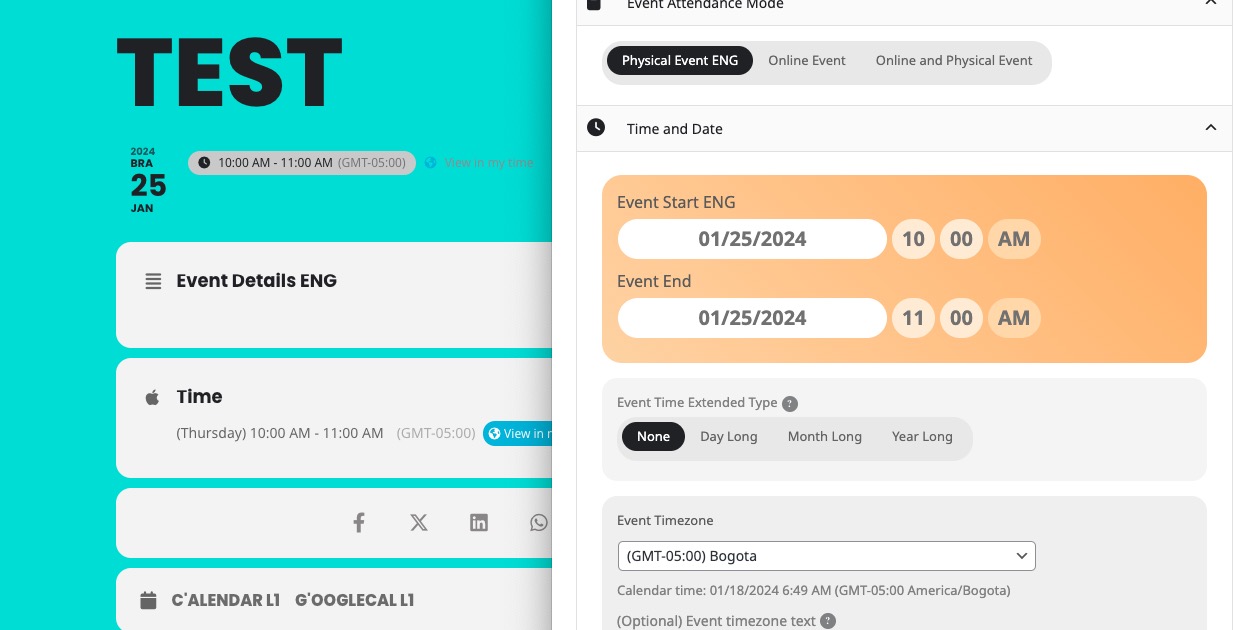
Which event are you referring to?
Please also go to EventON > Time > enable Use UTC offset time globally on calendars.
Ashan,
On dev2:
https://dev2.myeventon.com/events/sub/
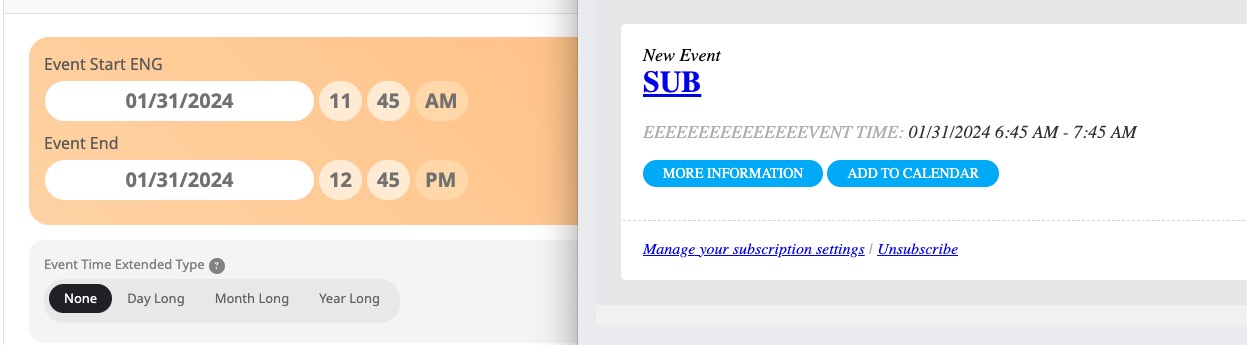
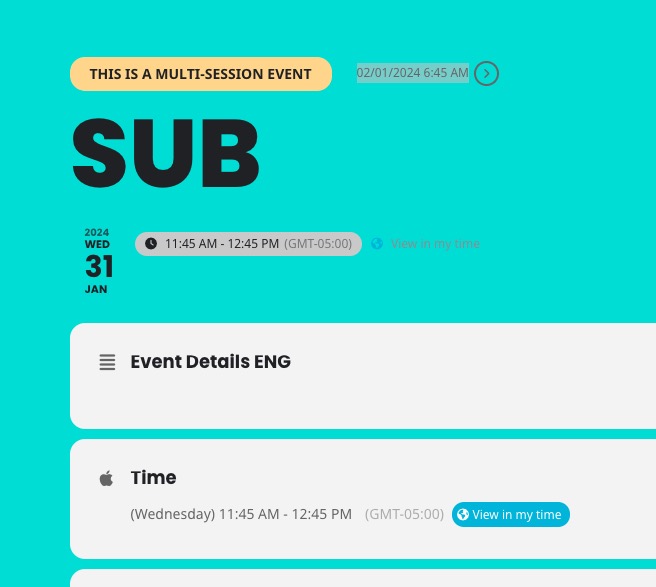
Hello,
Thank you for your messages, I am going to assign this ticket to Ashan and he will be able to take it from here and find you a solution. Please allow some time for him to get back to you, we greatly appreciate your patience and thank you for being a eventon customer! Also please disable any IP blocking on your site if there are any.
Ashan,
I tried both, but it doesn’t enable Repeating Event:
https://dev2.myeventon.com/wp-admin/post.php?post=52395&action=edit
https://dev2.myeventon.com/wp-admin/post.php?post=52393&action=edit
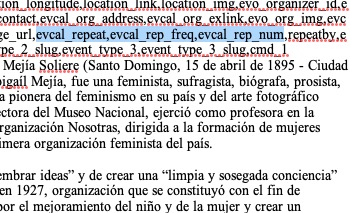
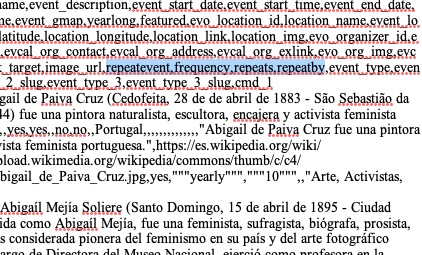
CSV file:
https://helpdeskx.s3.amazonaws.com/wp-content/uploads/2024/01/18044206/Repeating-Test-PRUEBA-DE-2-1.csv
yearly view calendar It works perfectly!
But as you see from the attached video, Cache cleared, the time does not appear in the normal calendar.
Thanks for the Feedback
Guido
Thank you for your messages, I am going to assign this ticket to Ashan and he will be able to take it from here and find you a solution. Please allow some time for him to get back to you, we greatly appreciate your patience and thank you for being a eventon customer! Also please disable any IP blocking on your site if there are any.
Do you need the previous version?
Could you tell us more about the issues? Have you managed to solve them?