Hi there,
Since I updated the QR Code Add-on, I have any problem any more.
Big thanks to you.
Jean
Replies for tickets on suppota
Hi there,
Since I updated the QR Code Add-on, I have any problem any more.
Big thanks to you.
Jean
Hey,
so the theme support helped as they could. But recently they now said, that it is your turn.
They wrote” …Firstly, I see your plugin has conflicted with one of the function that from the theme because they have the same names, so I have helped to remove that function from the theme (this is just a library function from our dev lib, and luckily the theme doesn’t use that function, so we removed it).
And now, I see the date can’t be picked which is a feature from your plugin, in this case, I’m sorry that we can’t provide help because we don’t have a deep knowledge how the plugin works. In this case, you should try to contact the plugin author to report them this issue”
So, could you please ave a look into it now? What do you need from my site?
Thanks,
Patrick
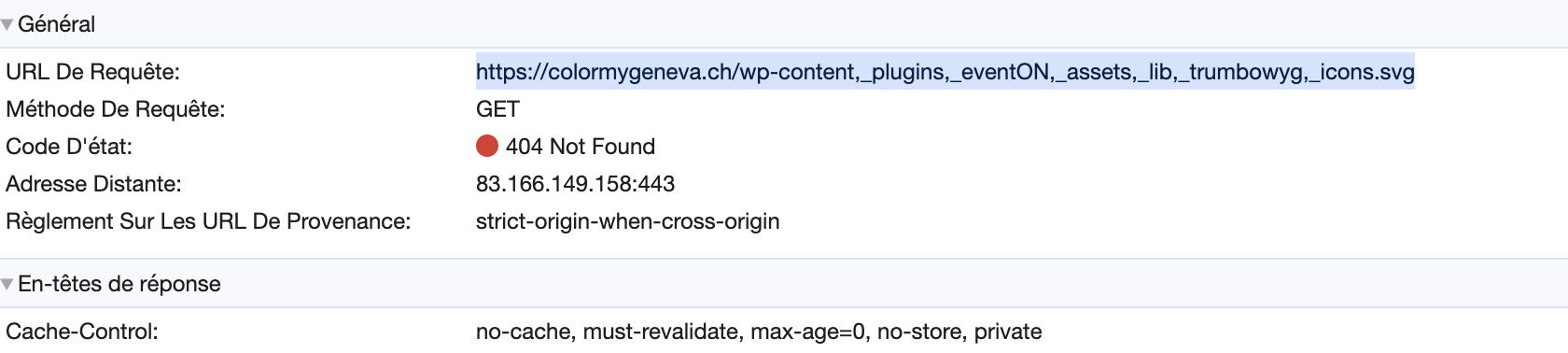
Regarding the icons, wp is trying to use this link to get the icons :
https://colormygeneva.ch/wp-content,_plugins,_eventON,_assets,_lib,_trumbowyg,_icons.svg
So all the ‘/’ in the url where replaced by ‘,-‘ do you know what may cause this kind of issue ?
It seems resolved.
Thank you
Solved the way you told me but it had never happened, with this latest update we are having a lot of problems, it is chaos.
Thank you
Hello,
I’m really sorry, I don’t know why I didn’t receive the notification for your message 3 month ago…
I’ve checked and the file is in the site folder.
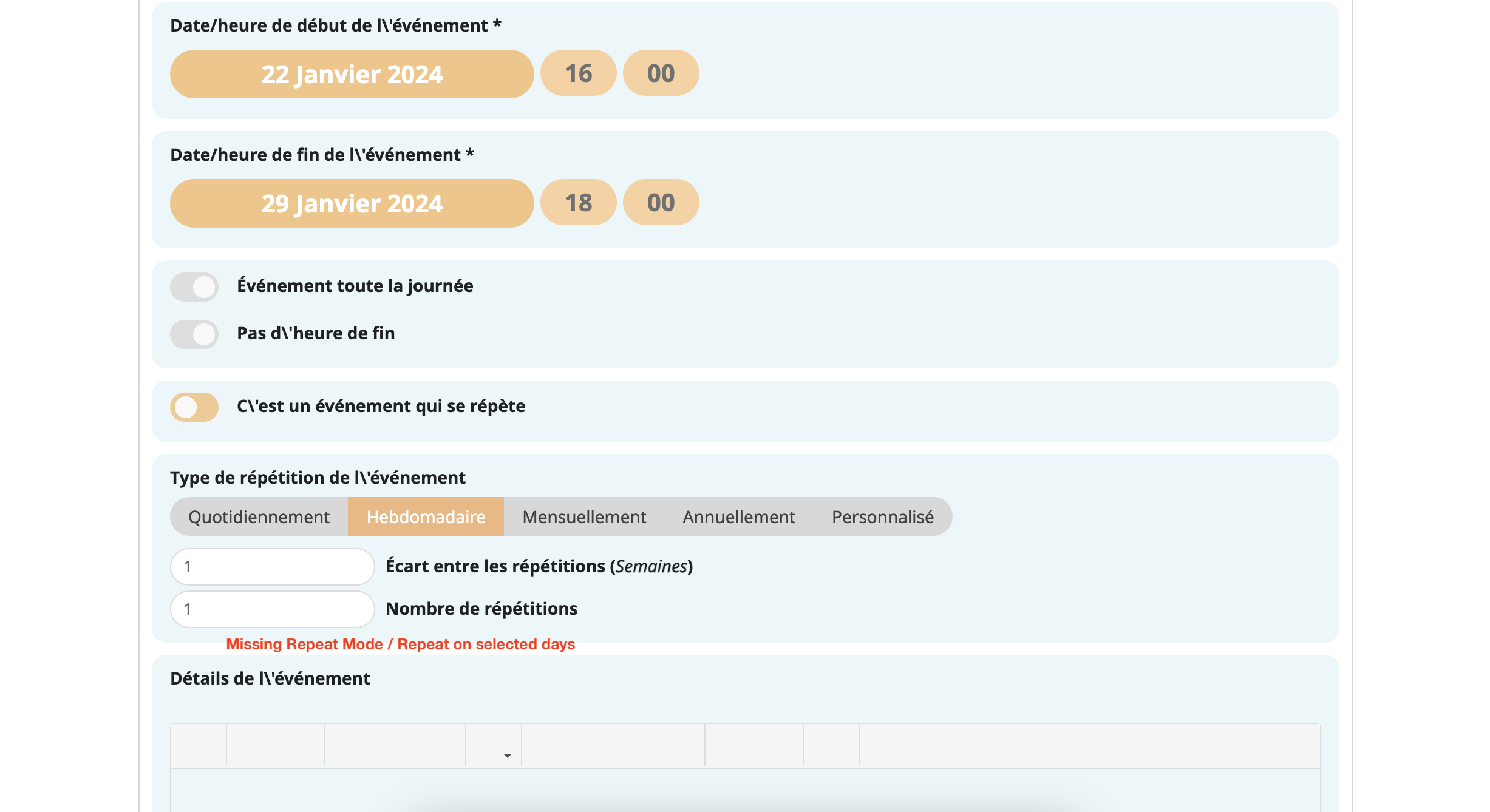
I’m coming back to you because we’ve noticed another similar problem (maybe): there’s a backslash in front of each apostrophe on this form.
I have a dev version of this site which contains exactly the same plugins /templates / site version and where I don’t have all these problems…
The only difference is that one version of the site has been installed manually (the one with the bug) and the other with the host’s wp installer.
Could this be linked to a character management problem (utf8 etc?). Or a problem with a cache plugin?
Finally, I’ve got another question more to do with functionalities, but also about this form.
Is it possible to activate the “repeat mode” and “repeat on selected days” options on the frontend form for adding events ? (see attached images)
Thank you for help, and again sorry that I didn’t answered your message sooner.
Hi.I don’t understand what I have to do.
I gave you access to a test table where the repeat columns that you told me are and the event is not repeating.
I send you the link to the document again so that you can please tell me if there is something incorrect.
I’m not a programmer.
https://docs.google.com/spreadsheets/d/1sbXr0k9kWThi3IUQg06nuQkXLaNZwF1kkD_xk6eFGic/edit?usp=sharing
I don’t know where those commas appear because they are not in the Google document.
I don’t know if the commas are added when the Google document is converted to CSV.
Could you, please, send me a template that works or try the one I have made?
As you can understand, I cannot change the templates every year with +4000 events.
I want the events in 2023 to be repeated for at least the next three years.
According to what you say in your description of the CSV importer, it could be done but I haven’t been able to do it and I don’t know if you understand what I’m asking for.
I would appreciate if the problem is resolved as soon as possible. It’s already January 18th and I still don’t have a calendar.
Thank you.
Thanks, works perfectly!
Thanks, works perfectly!