Please use this code:
.evcal_evdata_cell .eventon_desc_in p a { color: blue !important; font-weight: bold; }
Replies for tickets on suppota
Please use this code:
.evcal_evdata_cell .eventon_desc_in p a { color: blue !important; font-weight: bold; }
We are glad your issue is resolved, if you have any further questions or concerns please create a new ticket.
If you have a moment, we would greatly appreciate if you could kindly leave us a review at myeventon/my-account!. Cheers!
Hello Igor Urzelai Hernando,
Usually this is because of memory limit. Please try
https://docs.myeventon.com/documentations/increasing-wordpress-memory-limit/
OR
Please follow the instructions in this documentation to activate debug in your site to see any PHP errors recorded that can provide insight on to whats going on. Please reply with a link to debug.log file. If you are not able to do this please send us FTP access to your site so we can do this for you.
Hello,
Could you please try updating to the latest 4.5.6 version of the plugin?
To update eventon to latest version: If you are unable to do autoupdate, you can go to codecanyon your account > download and get the latest eventon version as zip file. Then you can go to your website > make sure “Delete eventon settings & data when EventON is uninstalled” is Deslected from eventon settings, delete old eventon, install new one and activate. This link will further explain the process it. Also you can follow us on twitter to get real-time announcements on updates!
It seems that because there was an issue with the memory, you need to re-save “Assign users to this event” window in each event.
For example I went to Edit Event of this event and re-saved:
https://playbook.automotivesalescoach.com/events/sales-consultants-and-managers-resell-re-ask-workshop-2nd-chance/
And it’s visible now: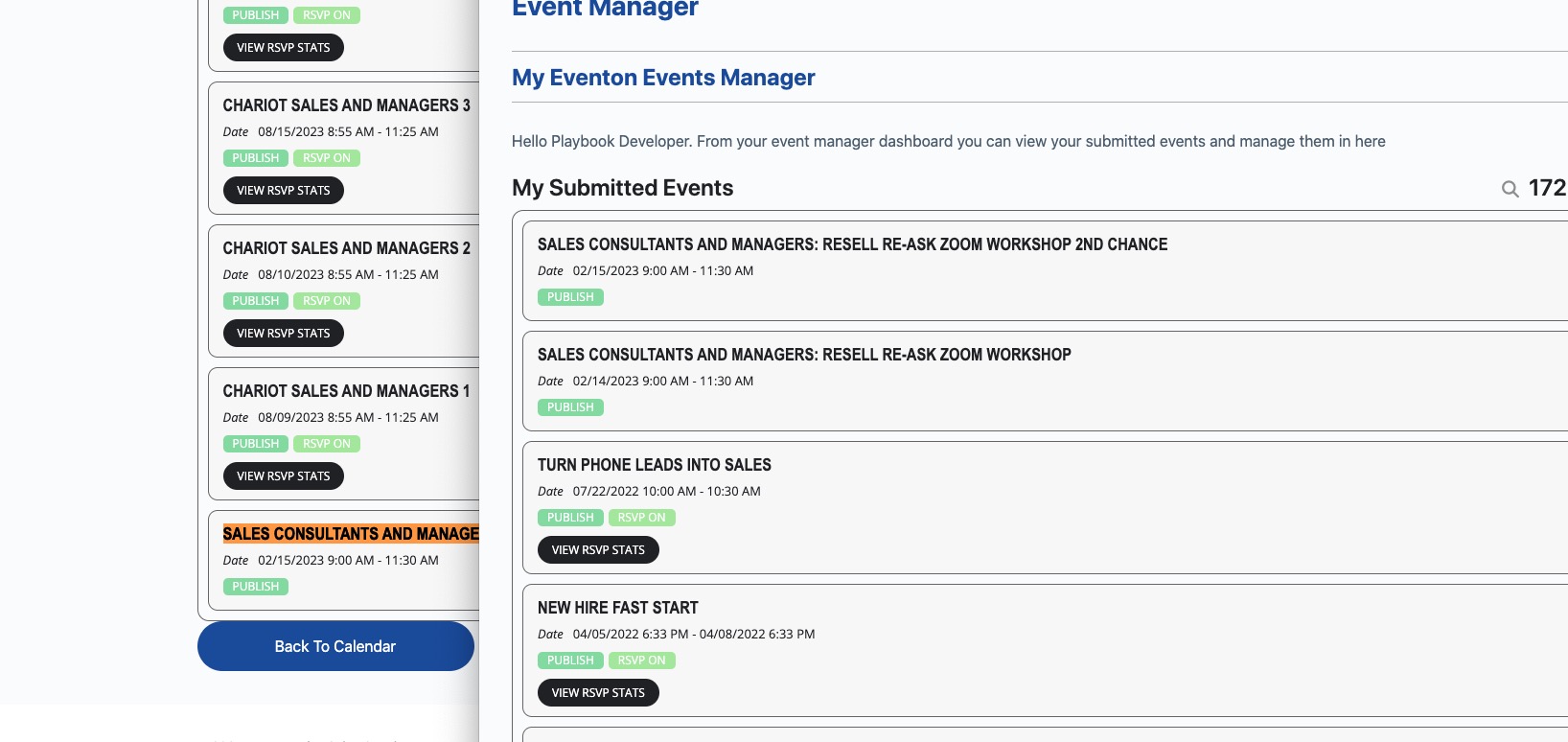
Even so it shows that users are assigned, but in DB they are not.
Are there a lot of events that should be assigned to Lexi?
Hello A G,
Could you try updating EventON to 4.5.6? Please also create a separate ticket for the issue with included login info.
Hello,
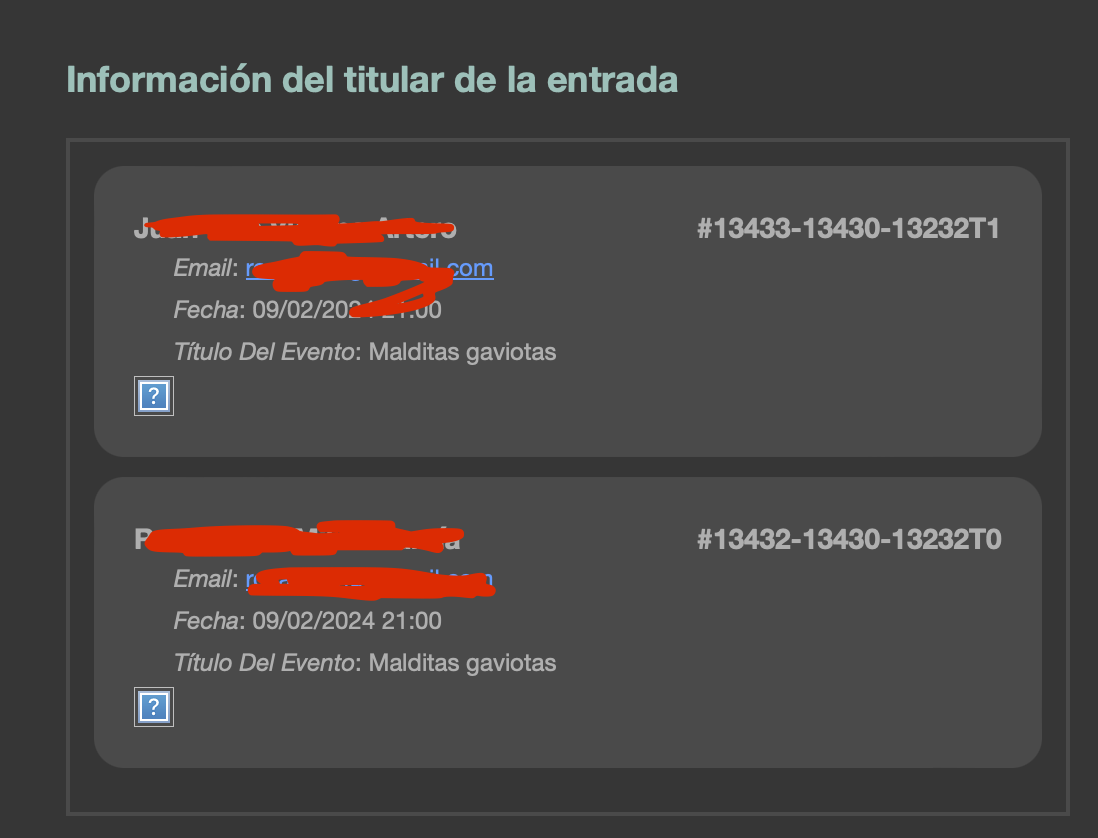
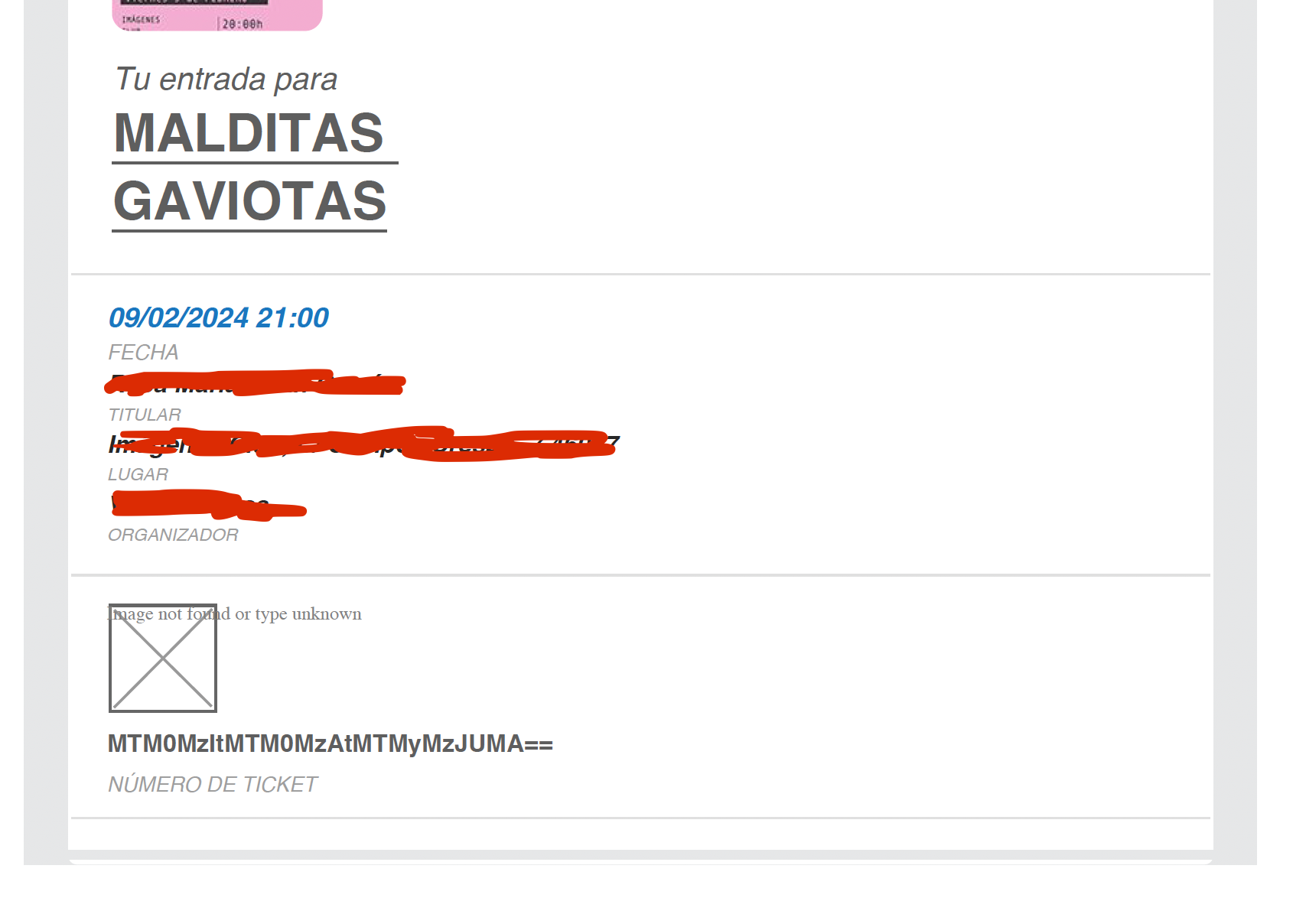
I have followed your instructions and by doing so discovered that the latest Eventon update (4.5.6) seems to be conflicting with the latest QR code plugin (2.0.1) because when both are active the QR codes displays a missing image icon. Also, the load times are significantly longer when attempting to access the attendees page and when attempting to update the ticket order from processing to complete. When activating the latest QR code plugin with the previous Eventon plugin both issues are no longer present. Lastly, I’ve noticed that certain pages such as our order success page take significantly longer to load when both plugins are active with the latest update. I hope this explanation helps. Thank you.
Would you mind sharing wp-admin access to your site?
Also in eventON settings > Time Settings have you set the correct default timezone ?