I am sorry did you revert back to an older version of ICS importer? did that work?
We just released a new version 2.0.2 if you would like to give that a try
Replies for tickets on suppota
I am sorry did you revert back to an older version of ICS importer? did that work?
We just released a new version 2.0.2 if you would like to give that a try
nevermind 🙂 figured it out 🙂
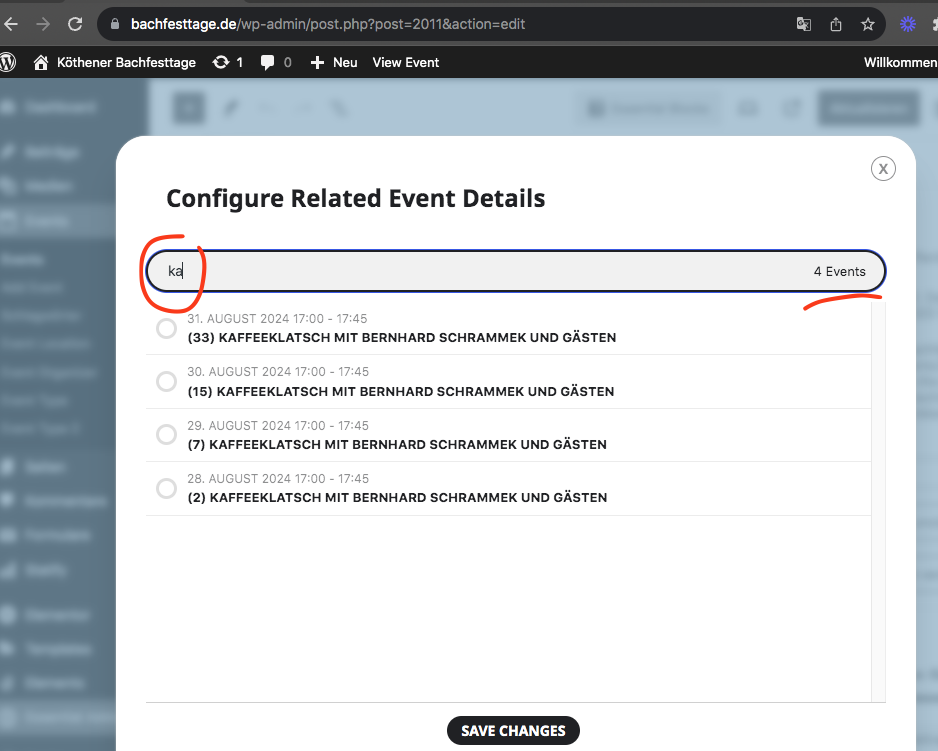
that is very strange even wordpress shows only 4 events https://www.bachfesttage.de/wp-admin/edit.php?s=Kaffeeklatsch&post_status=all&post_type=ajde_events&action=-1&event_date_type=all&ev_month=all&seo_filter&readability_filter&paged=1&action2=-1
Are those events published? we are running wp_query to get all events except the current event post that are published to load releated events list.
This will be resolved in our next update 4.5.5 which will be out this week.
If you want users to select a month you can use month jumper in normal calendar. https://demo.myeventon.com/calendar-with-month-jumper/
Thanks!
It works! 🙂
Hello Remy,
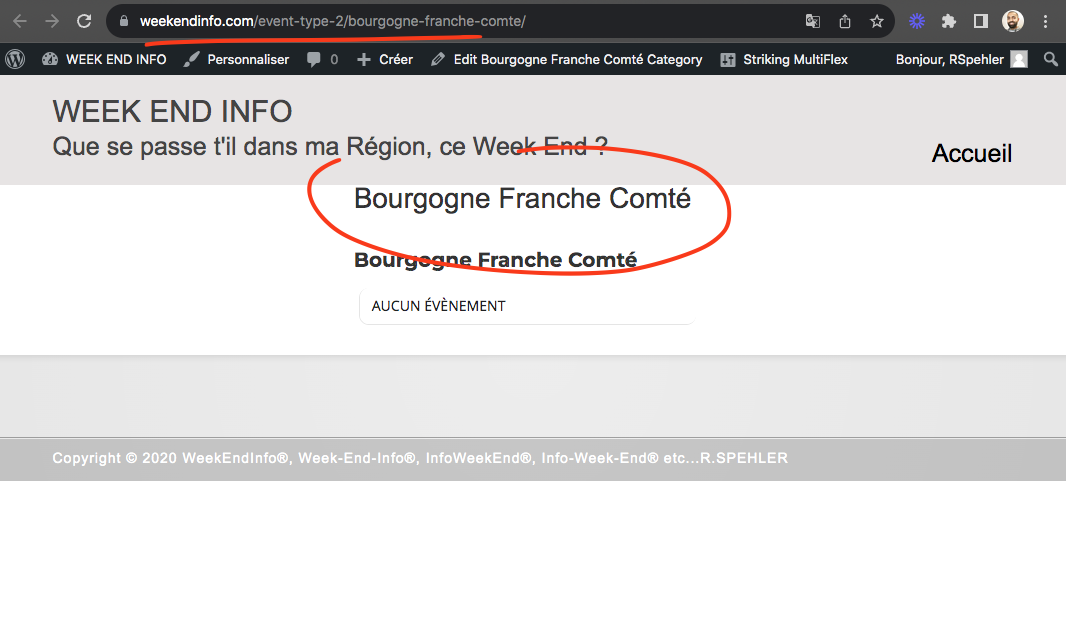
Ok so the template file inside your theme seems to work. So lets just edit that.
Direct link to edit file in file manger : https://www.weekendinfo.com/wp-admin/admin.php?page=wp_file_manager#elf_l1_d3AtY29udGVudC90aGVtZXMvc3RyaWtpbmdfcg
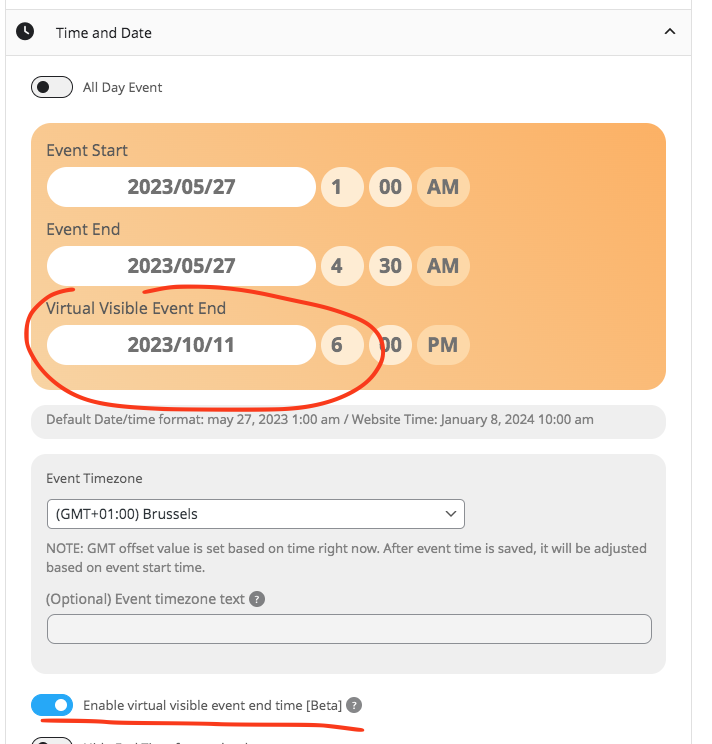
Hello Erik, so for if you use the virtual end time you can set that as february and have the actual event end time be inside january so it only shows in january.
Each month events are queried based on the date range.
This site can’t be reached
zulugames.net’s server IP address could not be found.
Could you check?
Which event are you referring to?
You need to either create a new page for each calendar by using:
Supported Additional Parameters:
event_type (int) event type category term ID(s) separated by commas
event_type_{x} (int) event type {x} category term ID(s) separated by commas
Or create one page and then somehow use js script to change the parameters above dynamically.