Ok. I’ve got an idea for a workaround. Shouldn’t be a dealbreaker.
Last but not least: In this scenario, can I access the main calendar on the mothers company website with pre set filters, depending on the link I’m accessing the site with?
for example:
Link 1 opens main calendar but filter for events of hotel 1 is already set,
Link 2 opens the same calendar but filter for events of hotel 2 is set,
and so on
Thank you for your great suggestion, at the moment it is not supported. However please create a new ticket and select Feature Request as category so others can vote on your idea and get it moved into development faster.
you may wish to mention https://www.cloudways.com/blog/sync-booking-woocommerce-to-google-calendar/ in your request just so Ashan can have a look and see that it is possible
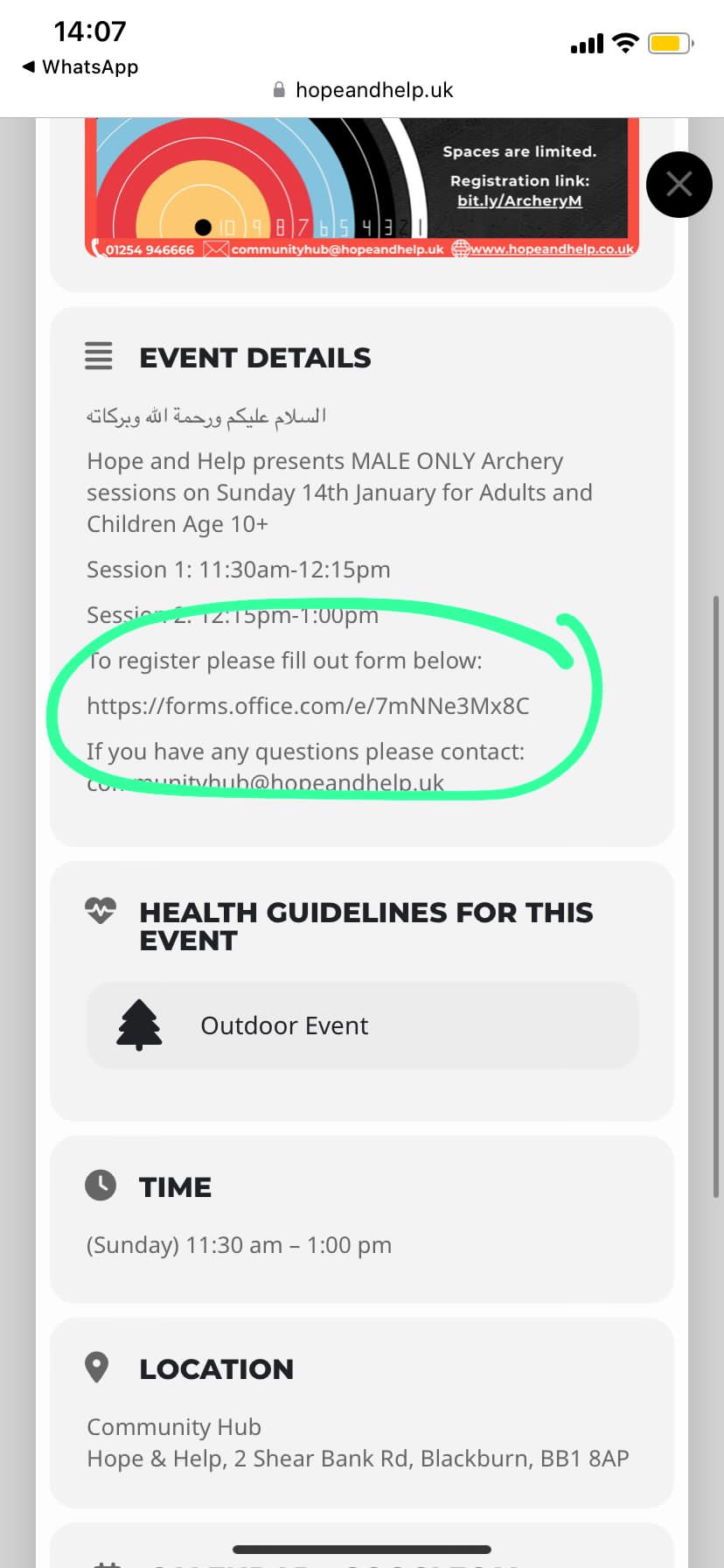
Ive attached a screenshot of the text we want toi make bold and change colour
Hello,
I want to test the website in Troubleshooting Mode /wp-admin/site-health.php?tab=troubleshoot.
But I cannot install the default theme:
Une erreur imprévue est survenue. Il pourrait y avoir un problème avec WordPress.org ou la configuration de ce serveur. Si vous continuez à rencontrer ce problème, veuillez vous rendre sur les forums de support.
Could you check?
Hello,
It seems that your theme affects EventON with these styles:
/themes/unidark/css/admin/atbs-admin.css
Could you please try the instructions mentioned in this documentation to make sure your issue is indeed coming from eventon.
Hello,
Unfortunately, it’s not possible to center the date without customizing the source code. However, in order to show that there are more events before the date (17th and so on), please remove this custom code:
.eventon_dv_outter .evodv_action {
display: none!important;
}
In order to show the year, please add show_year=”yes” to your shortcode.
Hello,
Please add this CSS code to EventON > Styles (If you don’t see any change, EventON > Scripts & Styling > turn off Write dynamic styles to header > save settings > turn on Write dynamic styles to header):
.ajde_evcal_calendar.boxy .eventon_list_event:hover, .ajde_evcal_calendar.boxy .evoShow_more_events:hover { transform: scale(1.0) !important; }
Not possible, I am afraid.
Hello,
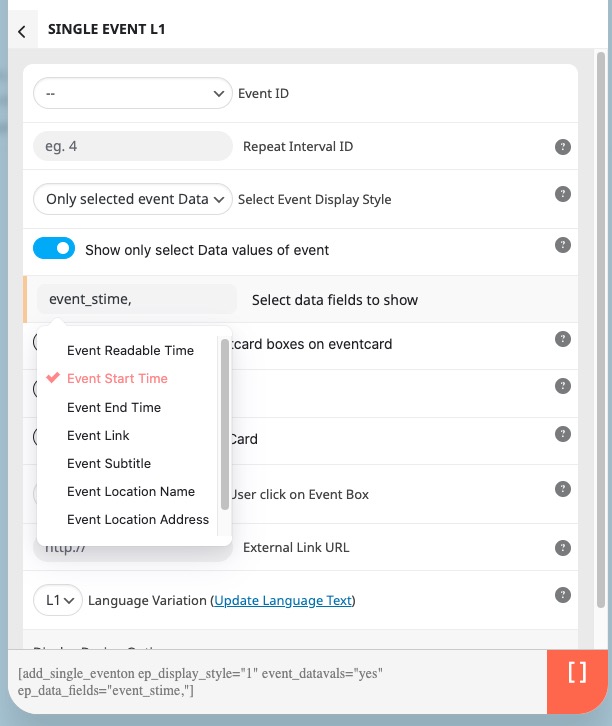
Please take a look at Single Event shortcode with selected “Only selected event Data values: Select Event Display Style” and enabled Show only select Data values of event: