Ales, you can use custom CSS and hide that information as a temp solution. We are planning a big refresh for slider addon in the coming months as soon as the new eventON and eventON lite items are cleared 🙂
Archives: Replies
Replies for tickets on suppota
Reply to: tickets(334720)
Kindly apply what artem have suggested. We will be doing a big slider addon refresh in the coming months 🙂
Reply to: tickets(334777)
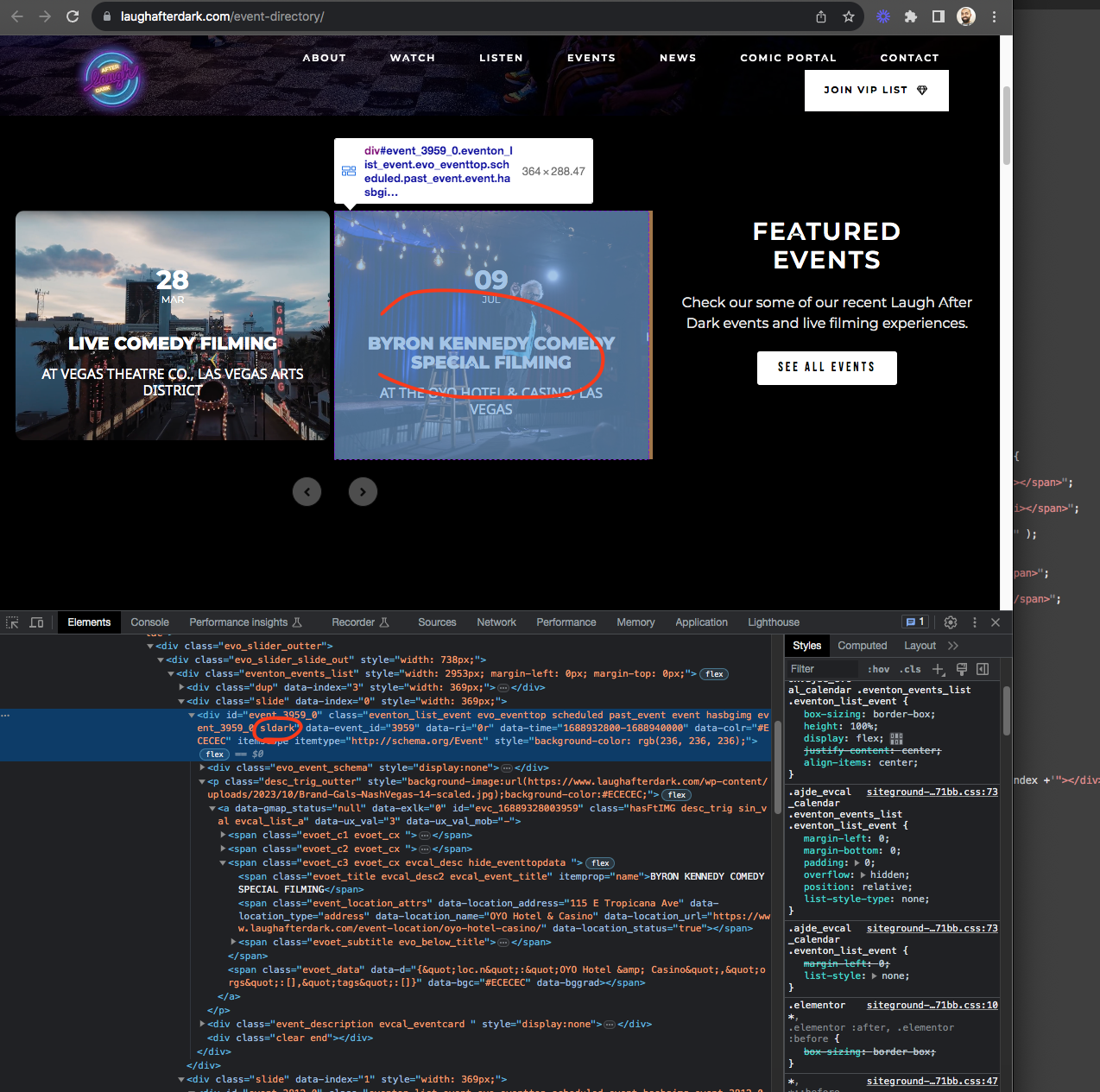
That is because the slide or event has lighter color for event color so it uses dark font color using the color calculations.
Past event has nothing to with it 🙂 If you change the event color to a darker color it will switch to white color
Reply to: tickets(335301)
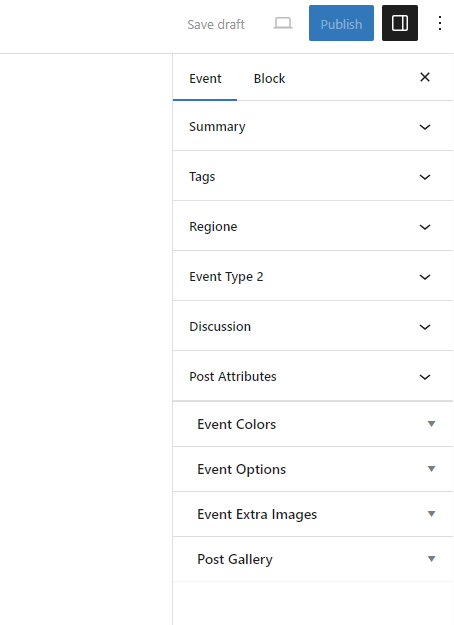
Here ais a screenshot
Reply to: tickets(335184)
@Artem thank you for the fix! I truly appreciate your help. I’ll activate all the add-ons with my boss’ login. Thanks again!
Reply to: tickets(330819)
Hi, it’s been two weeks since Ashan was going to check this out. That’s way too long. I need to get this fix or I need to refund the add-on.
Reply to: tickets(333579)
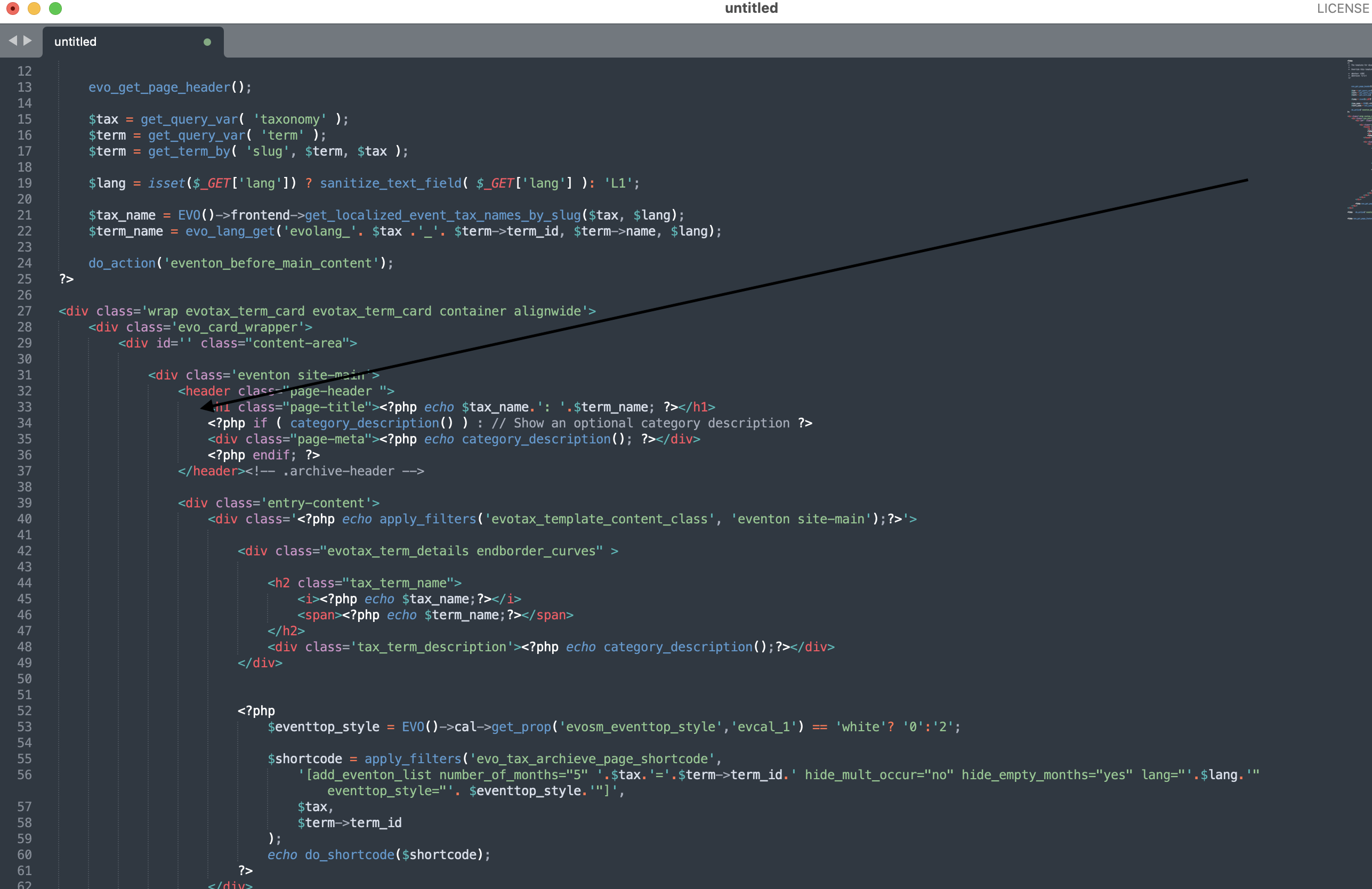
Reply to: tickets(333579)
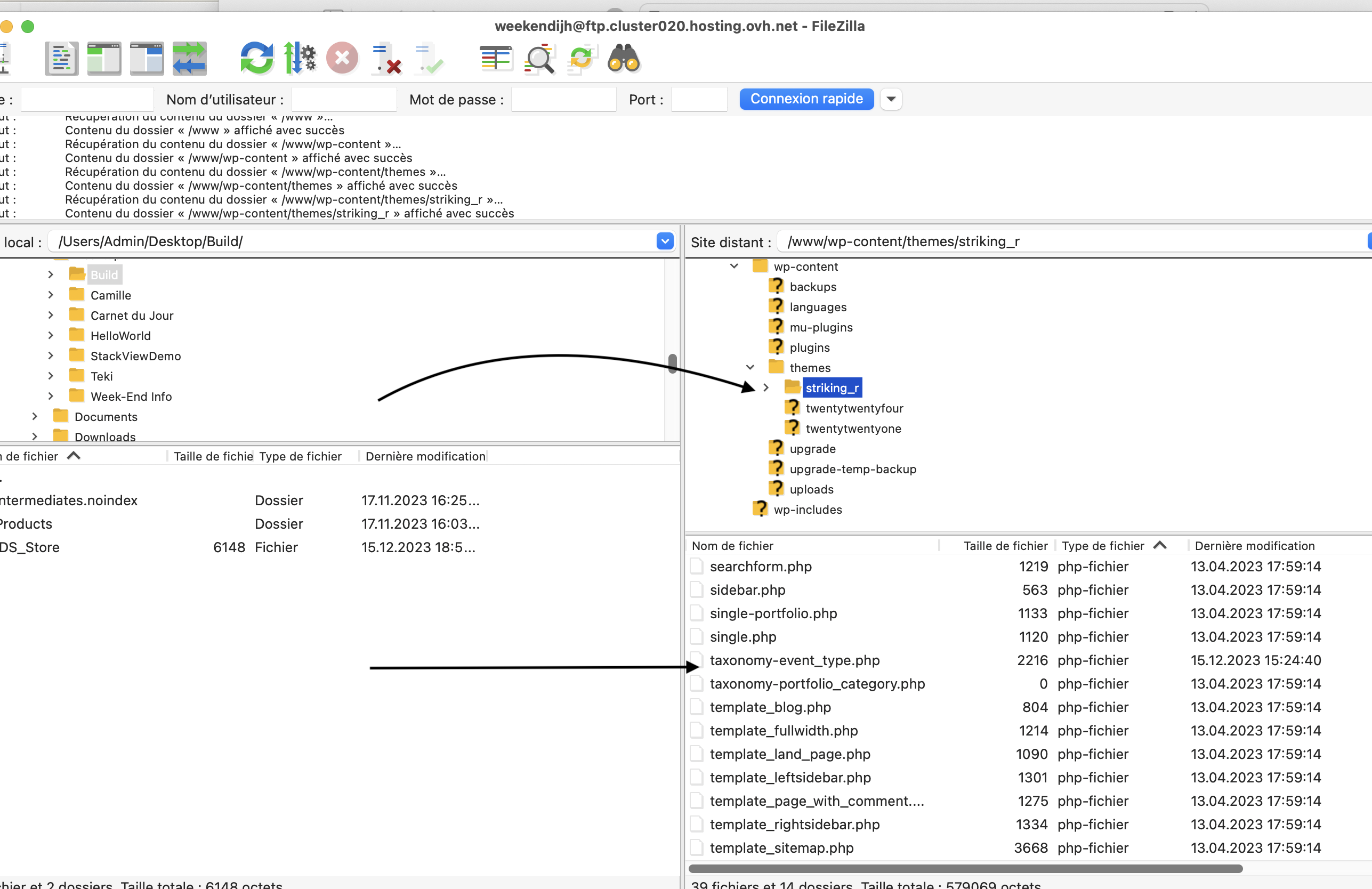
Thank you : that’s exactly what I have done, but it doesn’t work.
Gracefully
Reply to: tickets(335270)
Hello,
Unfortunately, not possible from the front-end. They can edit the info from the back-end by going to wp-admin > Edit Event > RSVP > View Attendees > click on RSVP ID > Edit Attendees Info.
Reply to: tickets(335283)
Hello,
You can only reset EventON > Appearance, I am afraid.
even after clicking on appearance “Reset to default colors” and Save button.
Please click on “Reset to default colors”, now click on Save Changes. Now refresh the page and it should reset the styles. Please try and let me know.