Are you running eventON 4.5.4? would you like us to install wp file manager plugin and see in your website if we can do something to get this working?
Archives: Replies
Replies for tickets on suppota
Reply to: tickets(333579)
interesting because on our end this works.
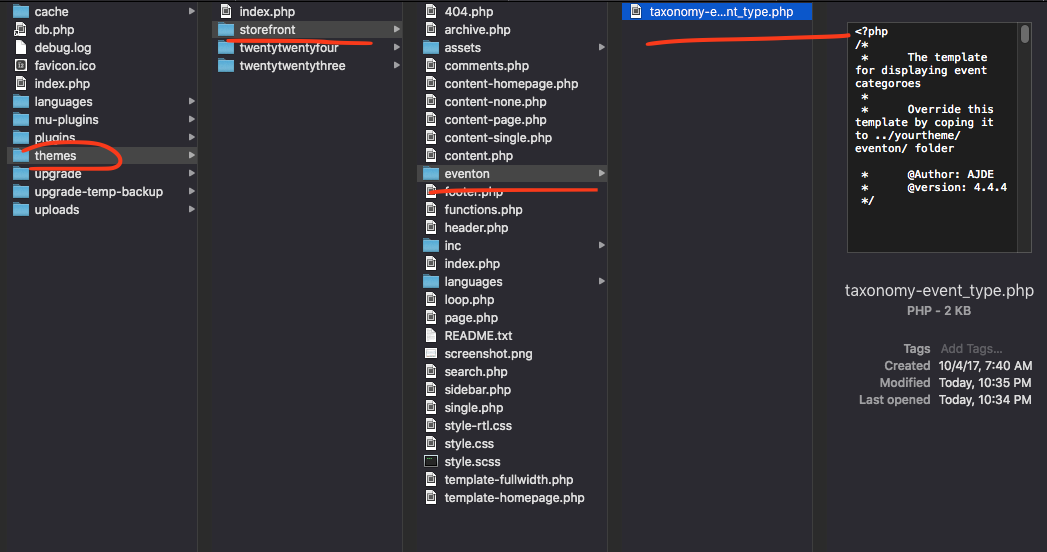
Reply to: tickets(335425)
Great, thank you. Regards.
Reply to: tickets(335443)
Hi Paulo,
Glad to hear that you managed to resolve the issue. Thanks for sharing the solution as well.
If you have any other questions, please feel free to create a new ticket.
Reply to: tickets(333894)
It is already recording the UID of each events sent from external calendar and using that value to identify already imported events. So I wonder if everytime the events are outputted from external source that UID value is different?
We just released a new version2.0.2 please give that a try and see if it makes any difference?

Reply to: tickets(335443)
I managed to solve it!
Here is the solution code:
add_filter(‘nectar_post_grid_query’,’salient_child_mod_post_grid_query’);
function salient_child_mod_post_grid_query($query) {
// Checks if the post type is ‘ajde_events’
if(isset($query[‘post_type’]) && $query[‘post_type’] === ‘ajde_events’ ) {
$query[‘meta_key’] = ‘evcal_srow’; // Metadata key for sorting
$query[‘orderby’] = ‘meta_value’; // Sort by metadata value
}
return $query;
}
Reply to: tickets(335443)
The shortcode below was created to display events on a page, and the order in which it is displayed is exactly what I need to show on the home page.
Shortcode:
[add_eventon_list number_of_months=”12″ event_count=”12″ show_limit=”yes” ux_val=”3″ event_past_future=”future” show_et_ft_img=”yes” eventtop_style=”5″ tiles=”yes” hide_mult_occur=”yes” hide_empty_months=”yes” show_year=”yes” hide_end_time=”yes” tile_count=”4″ tile_bg=”1″ tile_style=”2″]
Events Page Link: https://socialyte.com.br/agenda/
Reply to: tickets(335443)
Did not work.
I contacted the developers of the Salient theme, and they responded with the following:
“You’ll likely need to do a custom meta query instead of directly adding it into the orderly if it’s a custom key. I would reach out the EventOn developers for a snippet since the plugin in not open source, I don’t have access to the code.”
Reply to: tickets(334738)
I m soo sorry are you able to share FTP access to your website wp-content/plugins/eventON folder?
Reply to: tickets(333894)
Here is a link to the external calendar:
http://calendar.planningcenteronline.com/icals/eJxj4ajmsGLLz2TmP8FoxZVanF9QUs1pxVbsqcSfmJMTn1qWmldSzGbF5hpixVaayfzEW96KvazEU0mwoDQpJzM5viQzN7WYzZojxIqjLDnZU4kPLF6ckZoCFuQuSCxKzC2uZgAAGoEe-g==f340192ecf5037c073078c73cfbd1aeaa89c735e
The first import seemed fine, but when I imported a second time it created another 700ish events that were all duplicates.
Re: #3: Maybe a feature where the EventON fields can be mapped to the field ID set by the client using a text box?