Super cool! Thank you a lot! 🙂
Archives: Replies
Replies for tickets on suppota
Reply to: tickets(334975)
My apologies, I was unaware there was custom built checkout page, and this must have been done by another of our team members. I assumed the checkout page was the default page created by woo-commerce or the ticket plugin, and that it wasn’t custom. We hadn’t had a need for a checkout page, until we installed the ticketing… so I assumed that checkout page was created when the ticketing and woo-commerce were installed! Thats why I was so confused when you said we created a custom checkout page… I was not aware there was one before.
That solves that part. I created a page called test-checkout and saved it with the woo checkout shortcode. I changed the checkout page in the woo settings, and now I see the additional ticket holder fields, as I would expect, thank you!
Regarding the Ticket versus Non-Ticket order. I completed a test checkout of your test event. It worked. I received a processing email, then a completed email (once I changed the status) followed by an email with ticket information, and a PDF attached. THIS is what I expected, and this is great.
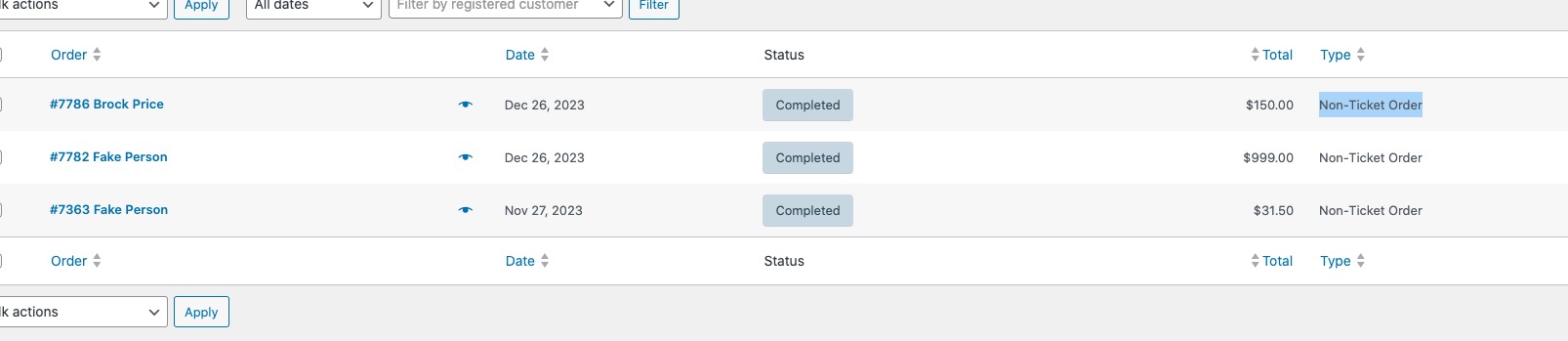
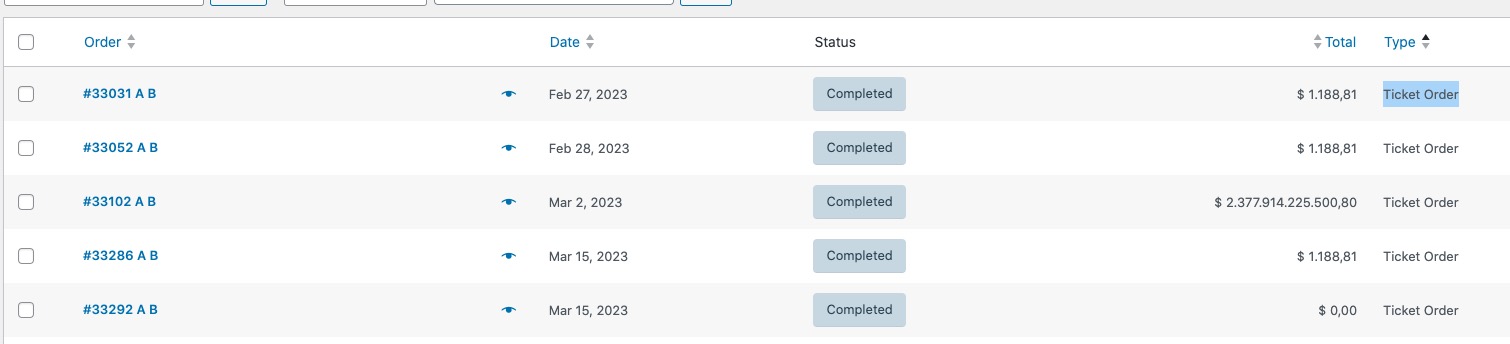
My question though is a simple one. How do I ensure this is a ‘ticket’ order? Is there a setting you used on your test event to make this a ‘ticket order’ or was it going through as a ‘Non-Ticket Order’ because of the wrong checkout page?
I just want to make sure, before I setup all my events, that they are setup correctly as ticketed orders, if there is a setting to do so. Or does the woo-commerce checkout do this automatically, with your ticketing add-on?
If you could clarify, I’d appreciate it. I think this is all fixed, I just want to make sure I am setting up everything correctly before I add all of their events.
Thanks,
Brock
Reply to: tickets(335053)
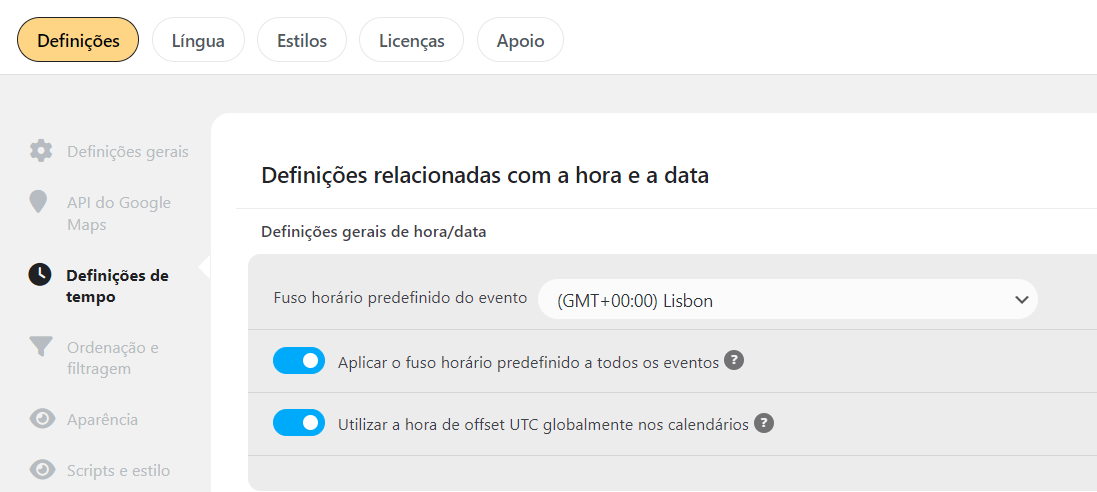
Hi, it’s already enabled (printscreen in attach).
Yes, its happen with more events.
The switch button All day event dont work for all day, i need change manually to 0:00-23:59 for show in all day selected.
Thanks
Reply to: tickets(325762)
…contains malware and is missing a bunch of important files…
This is the first time we are hearing about this. Could you please send us the report you got about what kind of malware in the archive?
No another copy of 4.2.2 at the moment, I am afraid.
Reply to: tickets(335052)
Hello,
Firefox on Mac:
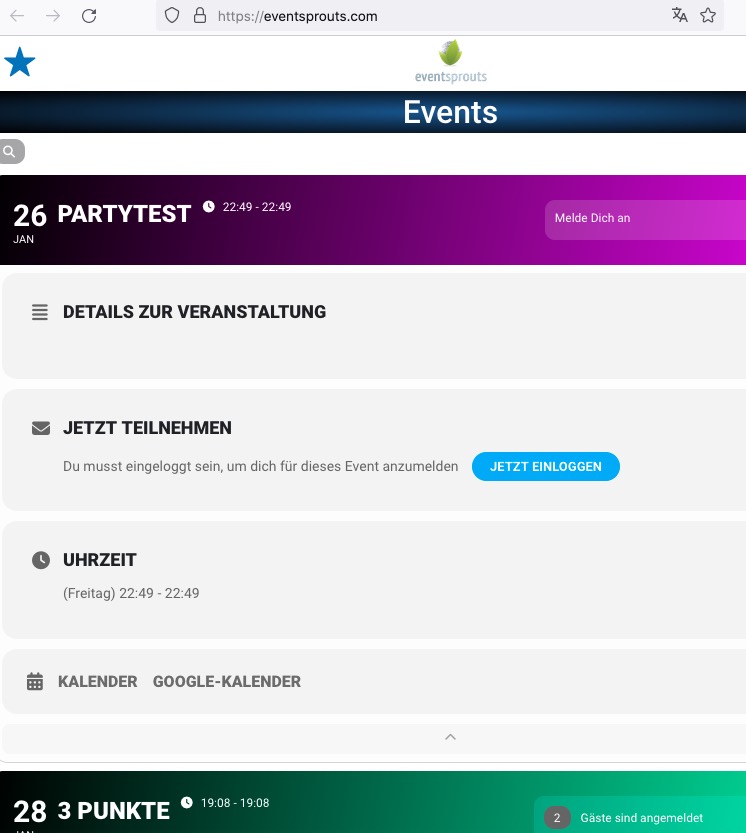
Could you send us a screenshot?
Could you please try the instructions mentioned in this documentation to make sure your issue is indeed coming from eventon. Because sometimes a theme or a third-party plugin replaces icons files with their own.
Reply to: tickets(335053)
Hello,
Could you go to EventON > Time Settings > enable Use UTC offset time globally on calendars?
Also do you have the same issue with any of your current events?
Reply to: tickets(335013)
Is it possible to have event color that i select on panel EVENT COLORS to recolor all text and not only circle?
Thank you for your great suggestion, at the moment it is not supported. However please create a new ticket and select Feature Request as category so others can vote on your idea and get it moved into development faster.
And how to do it for small layout
.evosv_event.llxvl
You can use this code to change the color:
.evosv_grid .row .evosv_items .evosv_event { color: red !important; }
Reply to: tickets(335038)
Please also add this code:
.ajde_evcal_calendar.boxy.boxstyle1 #evcal_list .eventon_list_event .desc_trig { border-radius: 0 !important; }
Reply to: tickets(334975)
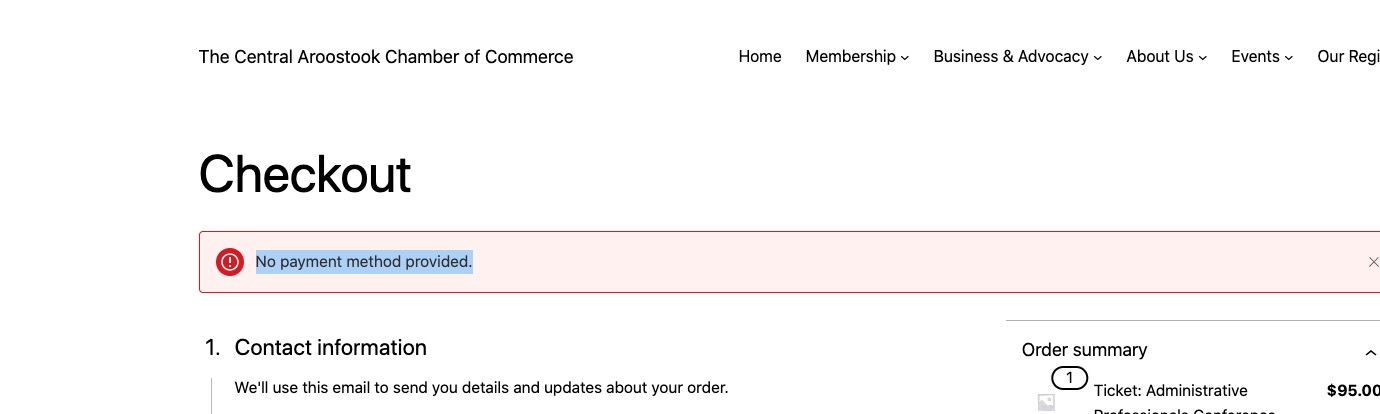
Instead of [woocommerce_checkout], you built your own custom Checkout page:
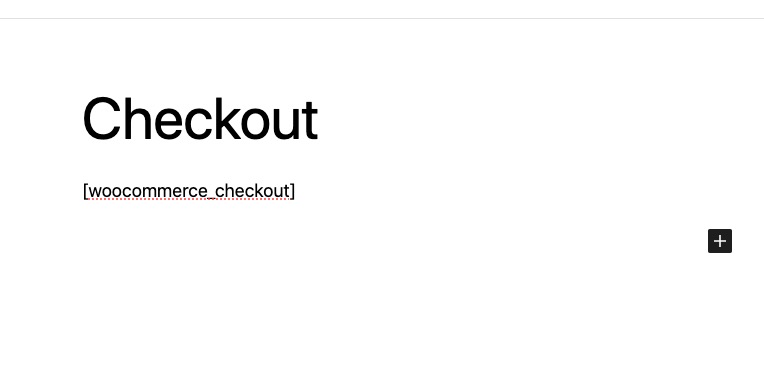
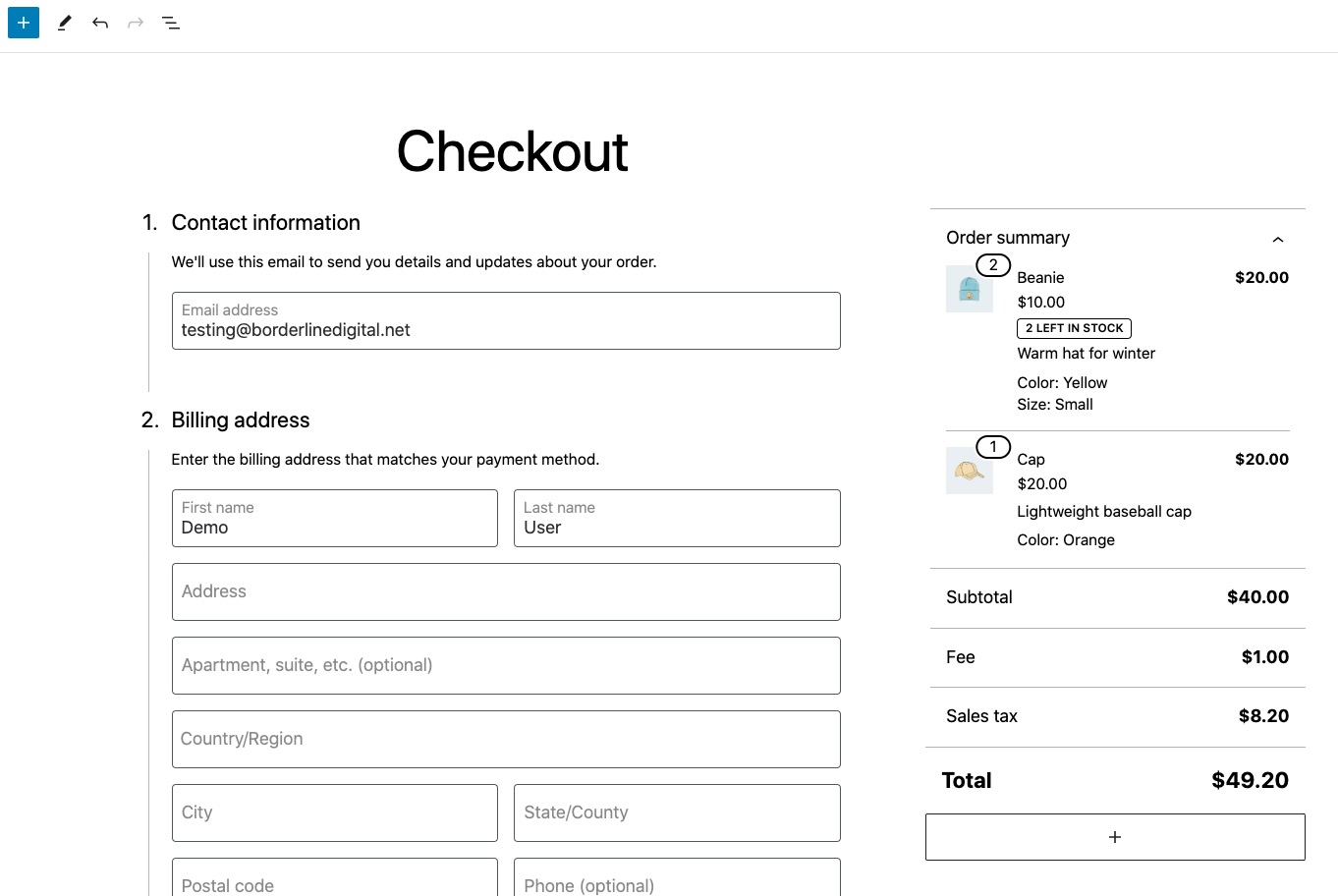
Could you either try adding Additional Fields section or use the shortcode?
I cannot make a test purchase because of
Non-Ticket orders are labled like this:
Should look like this:
Reply to: tickets(335057)
Hello,
In order to show the month header, please remove hide_month_headers=”yes” from the shortcode.
…the next 3 events reguarless of month…
You need to use Event Lists: Ext add-on for this:
https://www.myeventon.com/addons/event-lists-extended/
Try on https://dev.myeventon.com/wp-admin/ with this shortcode:
[add_eventon_el number_of_months=”12″ event_count_list=”yes” event_count=”3″ hide_empty_months=”yes”]