Ok Thanks for all your help
Archives: Replies
Replies for tickets on suppota
Reply to: tickets(334660)
If I have understood, also for ‘evcal_lmlink’ and ‘evcal_lmlink_target’ I have to create 2 additional fields in .csv and create 2 additional codes in functions.php.
So I’ll have 3 codes in functions.php and 3 additional fields in .csv, one for field ‘event review’ and 2 for LearnMore Link.
Correct? Is it possible to create a unique code?
Thanks
Reply to: tickets(334738)
Ashan,
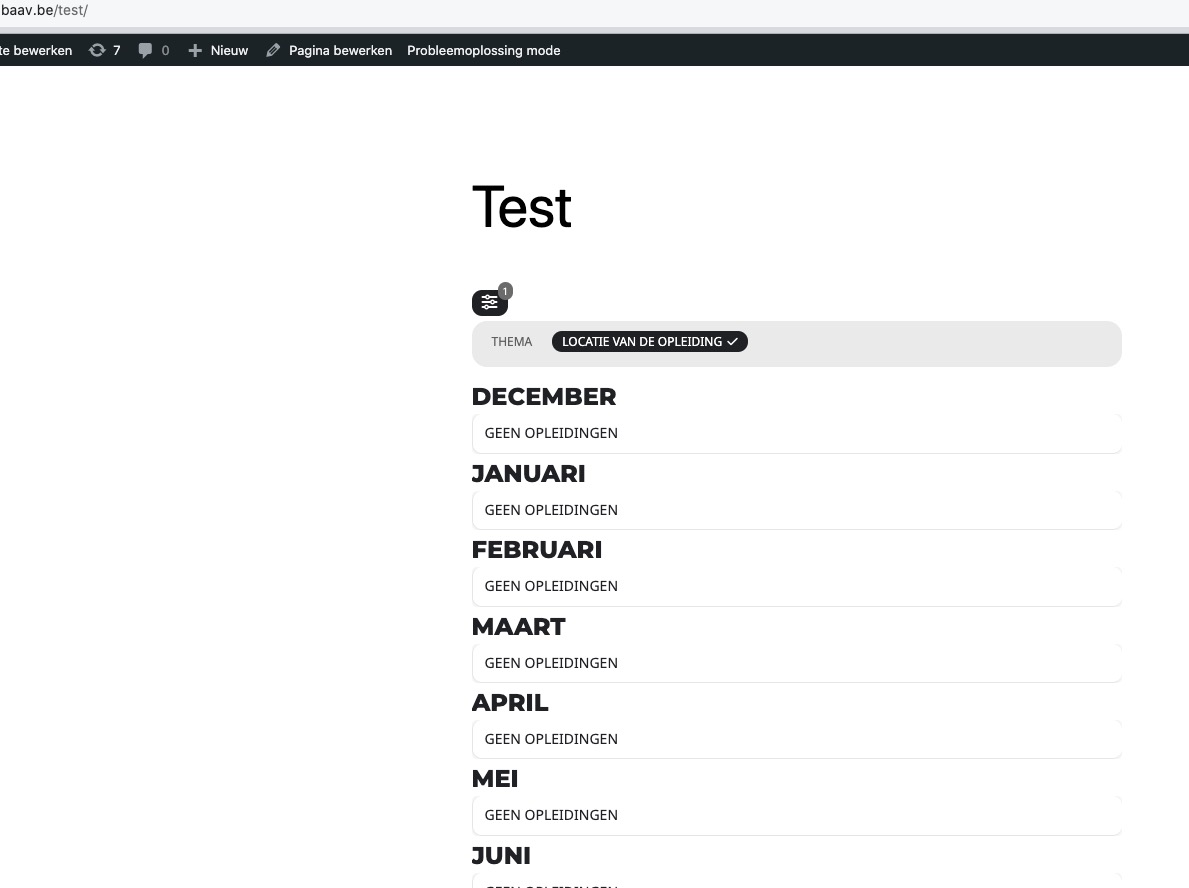
Not sure why but even in Troubleshooting Mode still doesn’t show events assigned to digitale THEORIE + PRAKTIJK:
https://www.baav.be/wp-admin/edit.php?event_location=digitale-theorie-praktijk&post_type=ajde_events
Mode:
https://www.baav.be/wp-admin/site-health.php?tab=troubleshoot
Page with the shortcode:
https://www.baav.be/test/
Reply to: tickets(334738)
Hello,
Thank you for your messages, I am going to assign this ticket to Ashan and he will be able to take it from here and find you a solution. Please allow some time for him to get back to you, we greatly appreciate your patience and thank you for being a eventon customer! Also please disable any IP blocking on your site if there are any.
Reply to: tickets(334777)
Ashan,
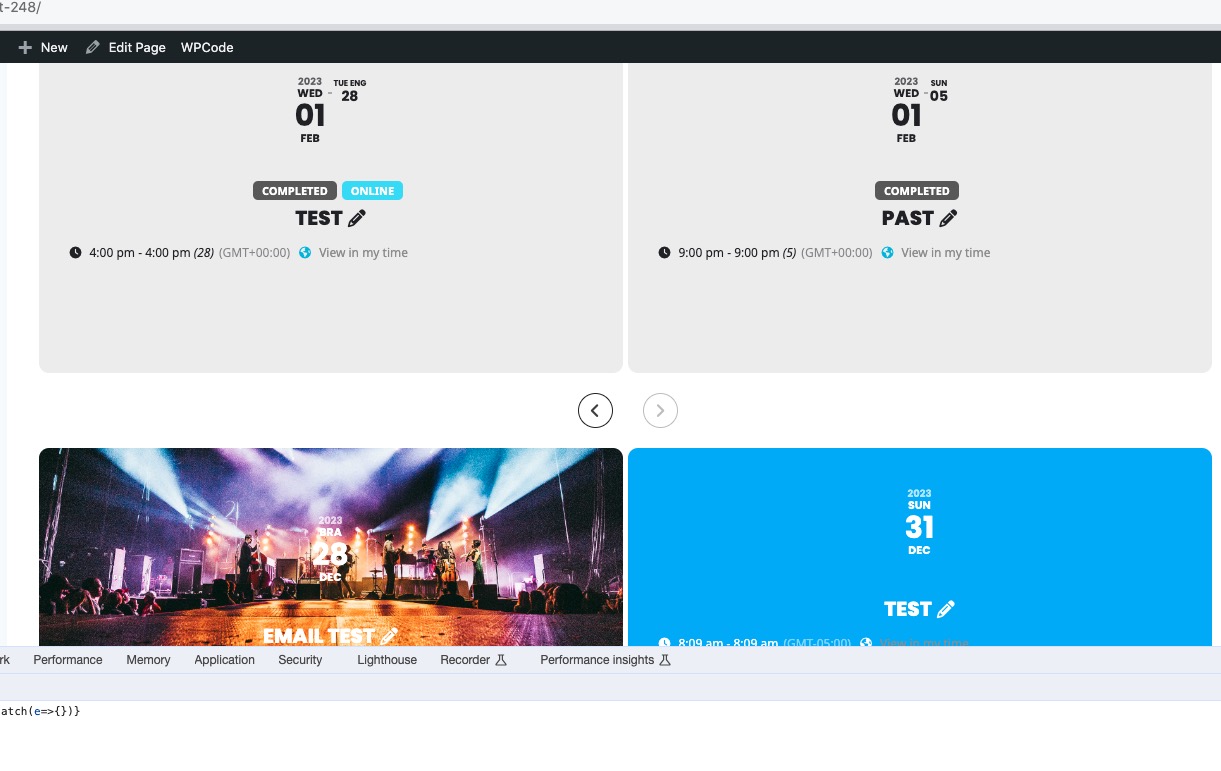
Right now past event text is dark gray and up coming events are white. I want all events to be white. Can you please help? THanks!!
The same on dev2:
https://dev2.myeventon.com/test-248/
Reply to: tickets(334777)
Hello,
Right now past event text is dark gray and up coming events are white. I want all events to be white. Can you please help? THanks!!
Thank you for your messages, I am going to assign this ticket to Ashan and he will be able to take it from here and find you a solution. Please allow some time for him to get back to you, we greatly appreciate your patience and thank you for being a eventon customer! Also please disable any IP blocking on your site if there are any.
1. Unfortunately, there is no overlay, so we cannot just change it, it needs to be developed first. Please take a look at this guide:
https://docs.myeventon.com/documentations/change-css-calendar/
2. Please try adding to the shortcode:
slide_loop=”yes”
Reply to: tickets(334667)
This one has all added events:
https://www.artistes-country.com/ajde_events-sitemap.xml
Just make sure that Google and other search engines have access to it and all events should be available.
Reply to: tickets(332709)
There was this issue:
You have included the Google Maps JavaScript API multiple times on this page. This may cause unexpected errors.
So I went to EventON > Google Maps API > enabled Disable Google Maps API: Google maps javascript file only (If the API js file is already loaded with another gmaps program). This fixed the issue.
But now a new issue appeared:
Geocoding Service: You must enable Billing on the Google Cloud Project at https://console.cloud.google.com/project/_/billing/enable Learn more at https://developers.google.com/maps/gmp-get-started
Could you fix it?
Reply to: tickets(332709)
Hello
I just found that the google map is suddenly missing on event card. I tried in different website language but it is still not shown. It did have before…..
The API is valid and is also input in Google Map API field.
Anka
Reply to: tickets(334349)
I need help to solve the problem as soon as possible!