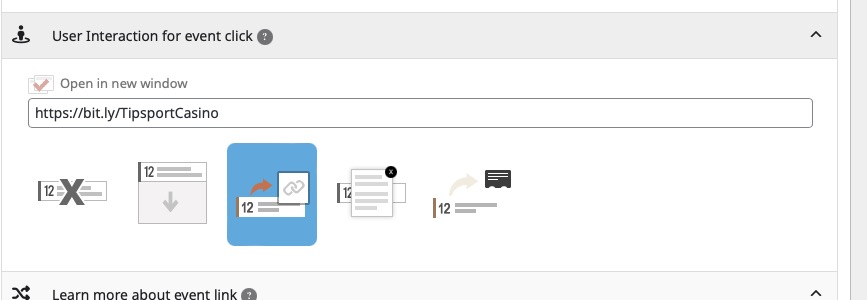
I insert the shortcode without ux_val and the link still opens in a popup. I have an external link for all events!
[add_eventon_slider control_style=”lr” slides_visible=”5″ slider_type=”multi” pec=”cd” etc_override=”yes”]
Replies for tickets on suppota
I insert the shortcode without ux_val and the link still opens in a popup. I have an external link for all events!
[add_eventon_slider control_style=”lr” slides_visible=”5″ slider_type=”multi” pec=”cd” etc_override=”yes”]
Hello,
Event Lists & Items can only show one Type, Location or Organizer. It seems that you can just use Main Calendar or Event Lists shortcodes. They show events from different types and allow users filter between them.
The issue is in event_id field. It seems that values in the file already exist, so it cannot import events.
Please change them to any number you like and then try to import again. I already imported the file, so you can try with a new set of events:
https://www.staging2.runningmode.it/wp-admin/edit.php?post_type=ajde_events
Please keep us updated.
The issue is with your custom Single Event Page template:
https://dreamweek.org/wp-admin/admin.php?page=wp_file_manager#elf_l1_d3AtY29udGVudC90aGVtZXMvc2FsaWVudC9ldmVudG9u
Please update it with the new version:
https://dreamweek.org/wp-admin/admin.php?page=wp_file_manager#elf_l1_d3AtY29udGVudC9wbHVnaW5zL2V2ZW50T04vdGVtcGxhdGVz
Ashan,
Two events (AllDay) that last 12am-12am, so they both show two days instead of one:
https://dev2.myeventon.com/events/sta-students-early-dismissal-2/
https://dev2.myeventon.com/events/sta-students-early-dismissal/
Customer’s calendar:
https://calendar.google.com/calendar/ical/c_oi7696prlugij935tt9e40adck%40group.calendar.google.com/public/basic.ics
Tried enabling/disabling “Disable auto detect all day events based on ICS event time”.
Thank you for your messages, I am going to assign this ticket to Ashan and he will be able to take it from here and find you a solution. Please allow some time for him to get back to you, we greatly appreciate your patience and thank you for being a eventon customer! Also please disable any IP blocking on your site if there are any.
Unfortunately, it says:
Error: The username ******* is not registered on this site. If you are unsure of your username, try your email address instead.
Could you check?
… it adds a “no events” section under each months events…
This is how Event Lists works. In order to show one Load More under a single list of events from multiple months you need to use Event Lists: Ext:
https://www.myeventon.com/addons/event-lists-extended/
Try on
https://dev.myeventon.com/wp-admin/
Hello,
Thank you for your great suggestion, at the moment it is not supported. However please create a new ticket and select Feature Request as category so others can vote on your idea and get it moved into development faster.