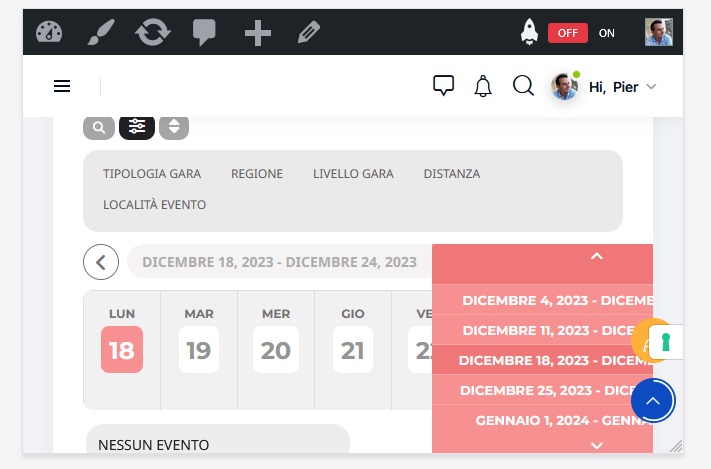
This is a screenshot if I put the mobile phone in a horizontal view.
Replies for tickets on suppota
This is a screenshot if I put the mobile phone in a horizontal view.
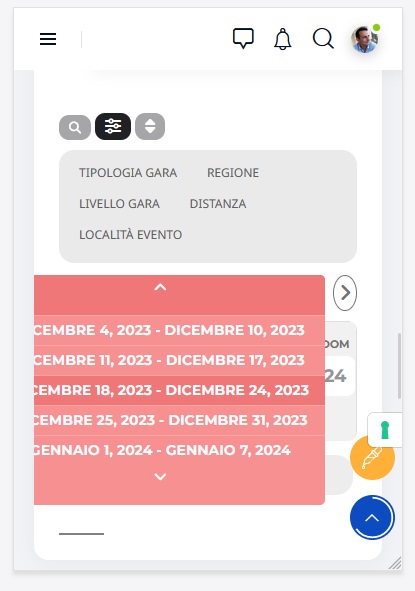
Screenshot
Hi Artem,
Thank you for the reply. I have tried the setting, but it only disabled the template, but didn’t disable the page.
A user can still get to the page by client the product name in the cart.
https://djraprd.wpengine.com/events/gold-coast-breakfast-seminar/
Thank you,
Right, but I have more than just one Event Type — I have 5 in fact. Even though I create an Event List & Item, I’d still like that to display the filter bar.
More clarity; I have 5 Event Types:
I used Event Lists & Items to display all the events with “State”, but my visitors still need to be able to filter by City/Category/Senior/Military otherwise it’s just a giant list of events with no ability to sort through them.
It is ok on desktop, but in mobile devices, the pop-up it’s all on the left or all on the right (depending on the screen size) and it’s not readable.
Is possible to center it?
Thanks.
You select them where exactly? Here?
https://www.weekendinfo.com/wp-admin/edit-tags.php?taxonomy=event_type_13&post_type=ajde_events
Could you let us know?
Also Please tell me how to change the Title color on the Lightbox pop up event to white???
same link I gave you
Thanks
Hello,
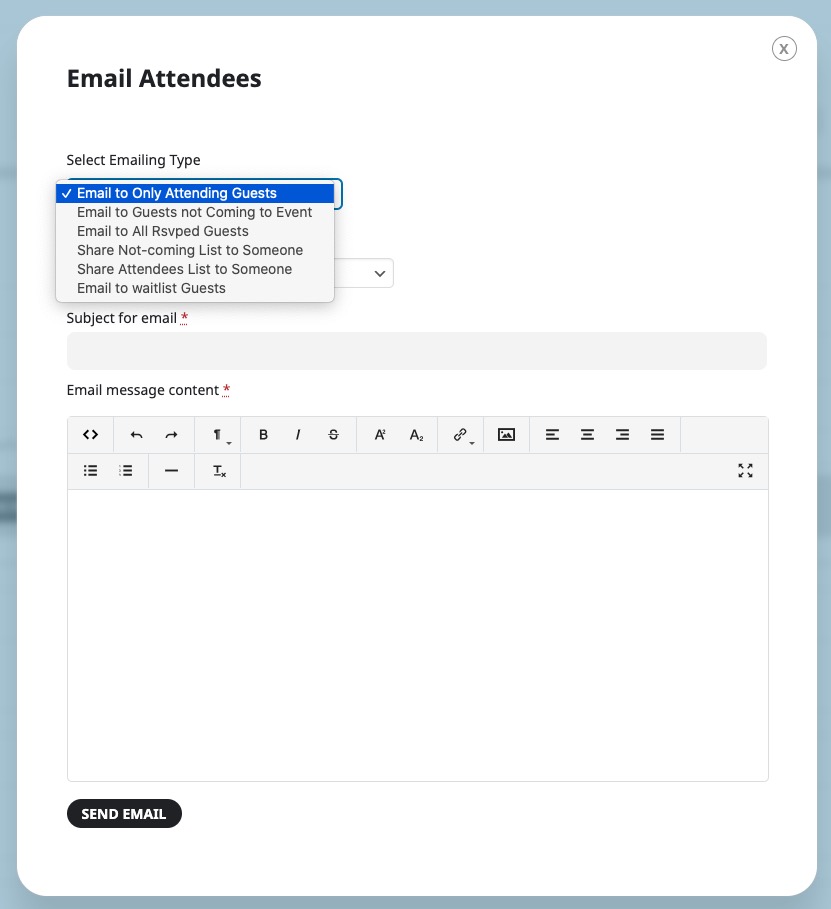
Unfortunately, the only way is to go to Edit Event > RSVP > manually email them with
The format is .xlsx. Could you convert it to .csv?
Hello,
Please go to EventON > Scripts & Styling > disable Write dynamic styles to header.
The colors can be changed by going to EventON > Appearance > EventTop Styles. If you don’t see any change, EventON > Scripts & Styling > turn off Write dynamic styles to header > save settings > turn on Write dynamic styles to header.
I am sorry, the access information you have provided did not work for us. Please check them and post the correct login information as a private message, thank you!